Extract a Colour Palette From Any Image
Upload a screenshot, a photo or a painting and get the colours that define it. Click a swatch to copy its hex code.
Picks the most common colours that look different from each other. Everything runs in your browser.
Upload an image to extract its palette.
When to use it
Matching a mood board
Pull the colours out of a film still or a painting and use them as the palette for your level.
Studying games you like
Upload a screenshot of a game whose look you admire and see how few colours it really uses.
Keeping new art on palette
Extract the palette from your existing art so new sprites and textures use the same colours.
Go further
 FREE EDITION
Game Dev Guides Bundle: 6 PDF Books for Indie Devs
PDF field guide · 12 pages
 FREE EDITION
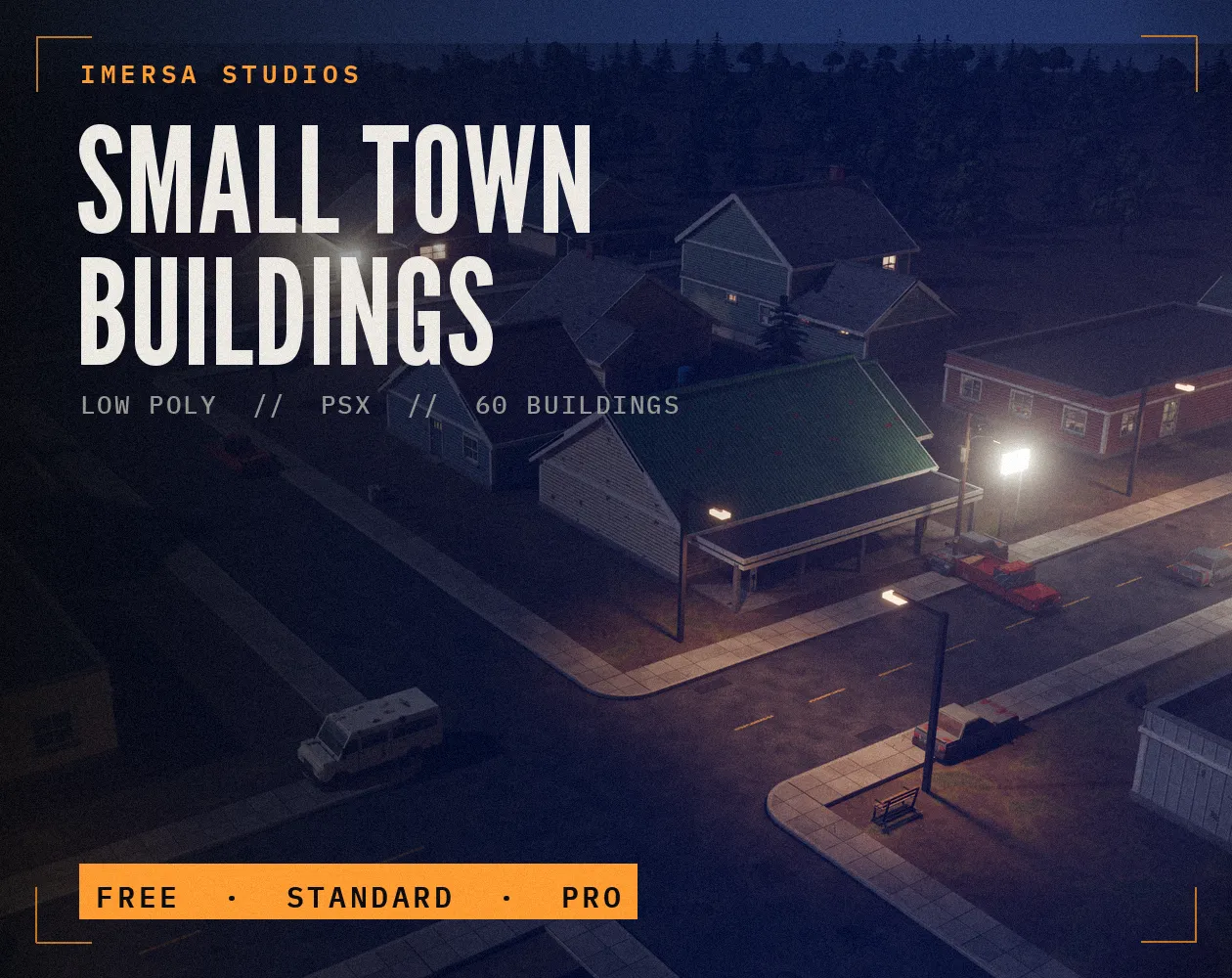
Small Town Buildings: Low Poly PSX Town Kit
Free / Standard / Pro
 FREE EDITION
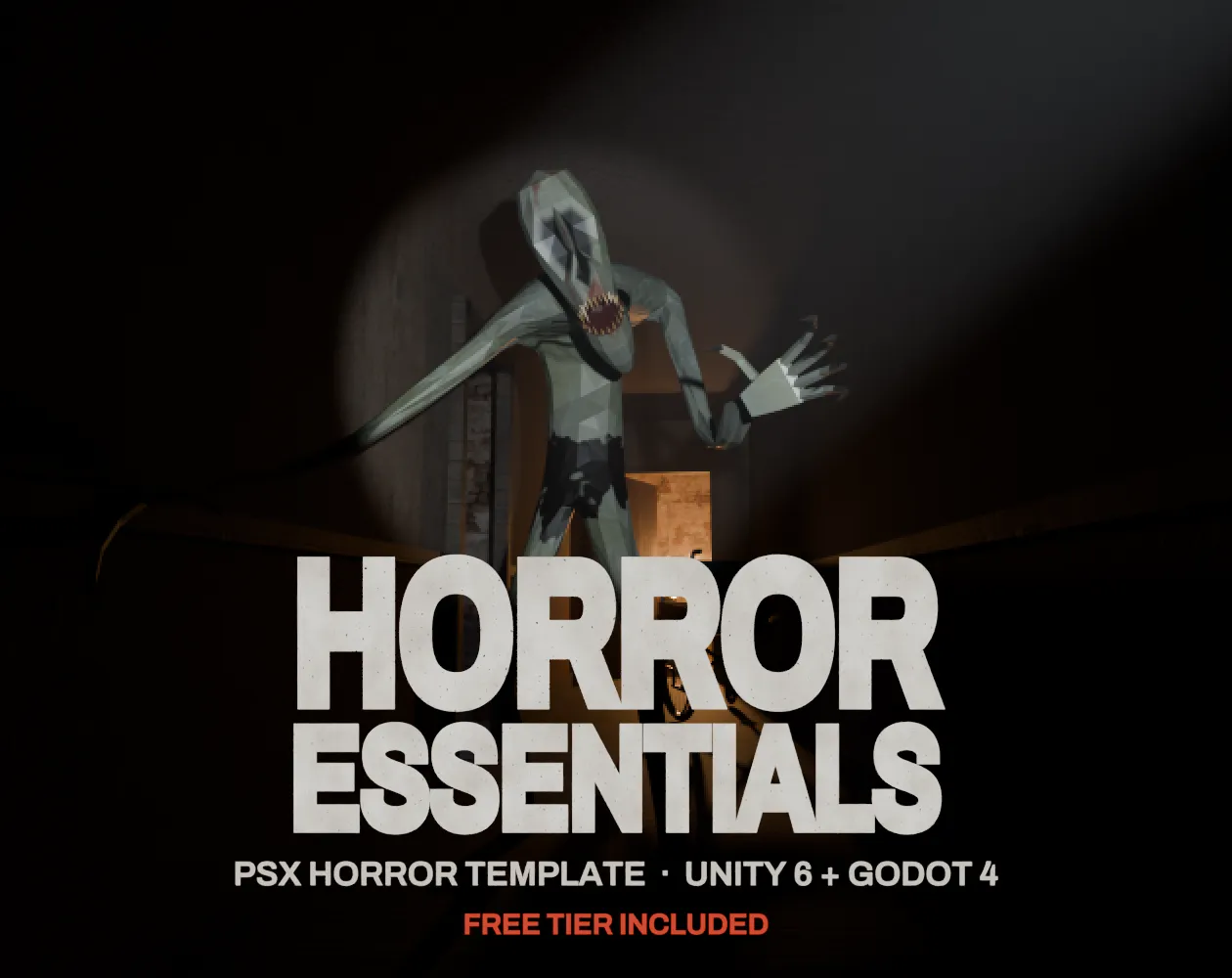
Horror Essentials: PSX Horror Template for Unity 6 & Godot 4
Unity 6 · URP · C# source + demo
Questions
The image is shrunk, colours are grouped into buckets and the most common visibly different ones are returned.
No. It is processed in your browser.
Five to eight is enough for a mood; 16 to 32 suits a pixel art palette. More than that usually repeats shades of the same colour.
The swatches are averages of groups of pixels, so small bright details blend into larger areas. Increase the number of colours to keep accents.