Image to Pixel Art Converter (Free, Runs in Your Browser)
Drop in a photo, a render or a concept sketch and get a pixelated version at the size you choose. Use it for texture references, prototypes and PSX-style textures.
Your image is processed in this browser tab and never uploaded.
Choose an image to see the result here.
Making it look good
Lower the colour steps for a harder retro look, and turn on dithering to fake gradients with patterns. Widths of 32 to 128 pixels suit PSX-style textures.
An automatic conversion is a starting point. Clean up stray pixels by hand in a sprite editor for results you would ship.
When to use it
Pixel art reference
Convert a photo of a pose or a place at your sprite size to see which shapes survive, then redraw it by hand.
Retro textures for 3D
Shrink a photo texture to 64 or 128 pixels and set nearest filtering in the engine for an instant PS1-style material.
Prototype backgrounds
Pixelate concept art or a render to fill a 2D level while the final backgrounds are drawn.
Go further
 FREE EDITION
Game Dev Guides Bundle: 6 PDF Books for Indie Devs
PDF field guide · 12 pages
 FREE EDITION
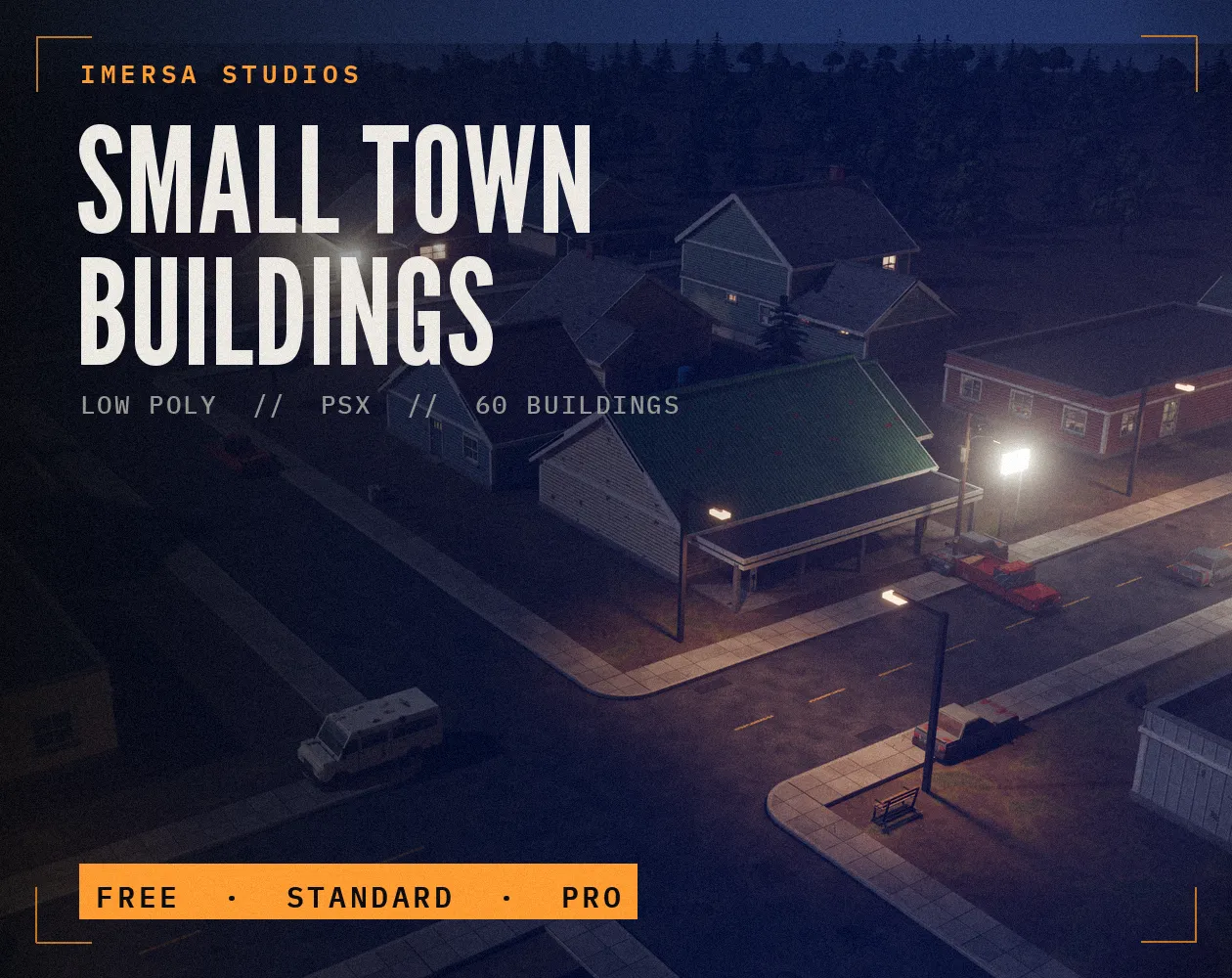
Small Town Buildings: Low Poly PSX Town Kit
Free / Standard / Pro
 FREE EDITION
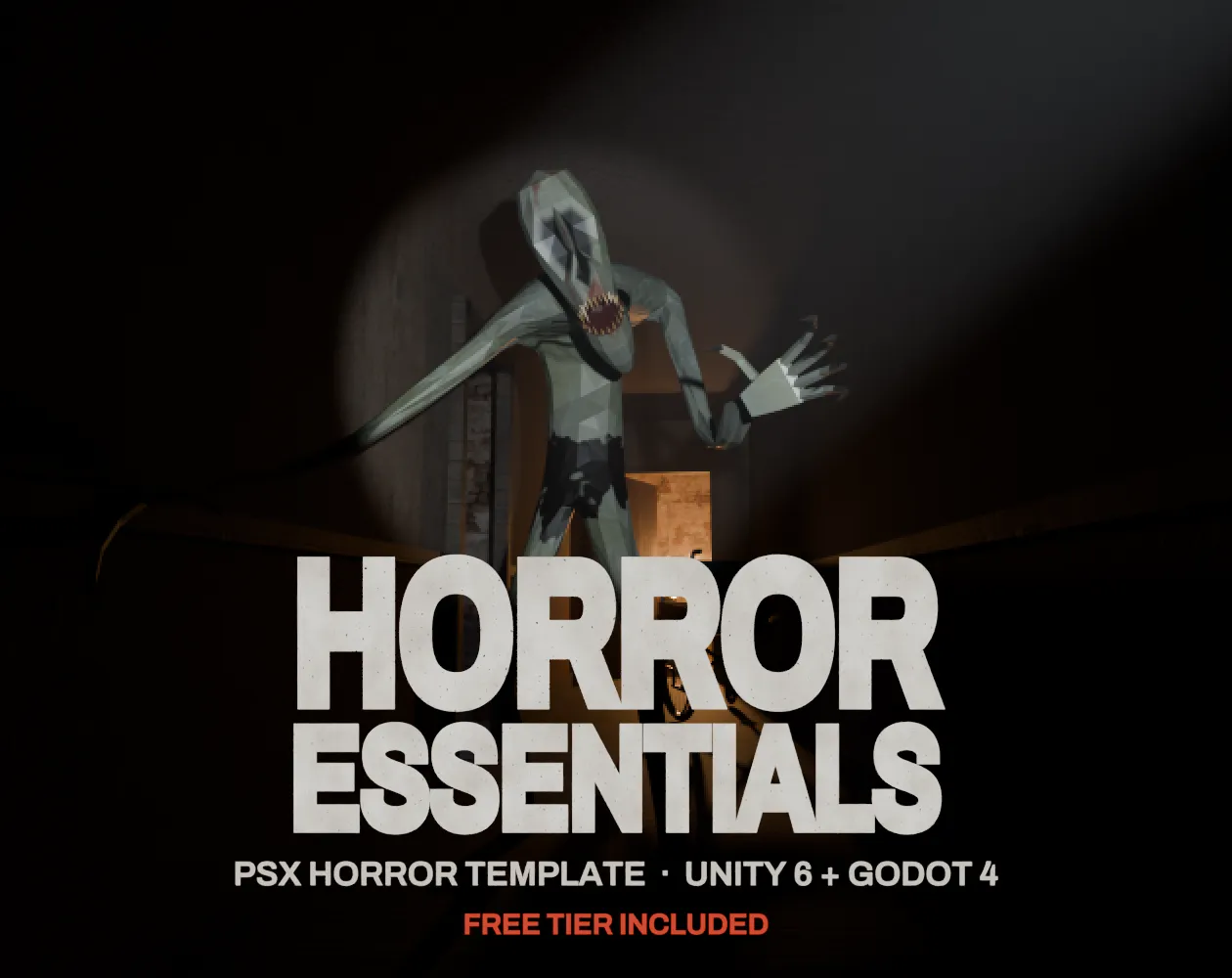
Horror Essentials: PSX Horror Template for Unity 6 & Godot 4
Unity 6 · URP · C# source + demo
Questions
No. Processing happens in your browser tab.
Any format your browser can open, such as PNG, JPEG and WebP.
The engine is filtering the texture. Set it to point or nearest-neighbour filtering.
Not quite: automatic conversion keeps noise and stray pixels that an artist would remove. It is a strong starting point to clean up by hand.
Pick the size the image will have on screen in your game. Converting large and scaling down later loses the pixel grid.