Pixel Art Resolution and Integer Scale Calculator
Enter your base resolution, such as 320 by 180, and see the clean integer scales for common screens and how much space is left over.
16:9 aspect ratio (1.778)
For pixel art, render at a low base resolution and scale by whole numbers so pixels stay square. Leftover space becomes black bars.
| Screen | Integer scale | Game area | Bars (px) |
|---|---|---|---|
| 1280 × 720 (HD) | 4× | 1280 × 720 | 0 × 0 |
| 1920 × 1080 (Full HD) | 6× | 1920 × 1080 | 0 × 0 |
| 2560 × 1440 (QHD) | 8× | 2560 × 1440 | 0 × 0 |
| 3840 × 2160 (4K) | 12× | 3840 × 2160 | 0 × 0 |
| 1920 × 1200 (16:10) | 6× | 1920 × 1080 | 0 × 120 |
| 2560 × 1080 (21:9) | 6× | 1920 × 1080 | 640 × 0 |
When to use it
Starting a pixel art game
Pick a base resolution that scales cleanly to 1080p, 1440p and 4K before you draw a single tile.
Supporting the Steam Deck
The Deck is 1280x800 (16:10). See how your 16:9 base fits and how big the black bars are.
Choosing a tile size
Divide the base resolution by the tile size to see how many tiles fit on screen at once.
Go further
 FREE EDITION
Game Dev Guides Bundle: 6 PDF Books for Indie Devs
PDF field guide · 12 pages
 FREE EDITION
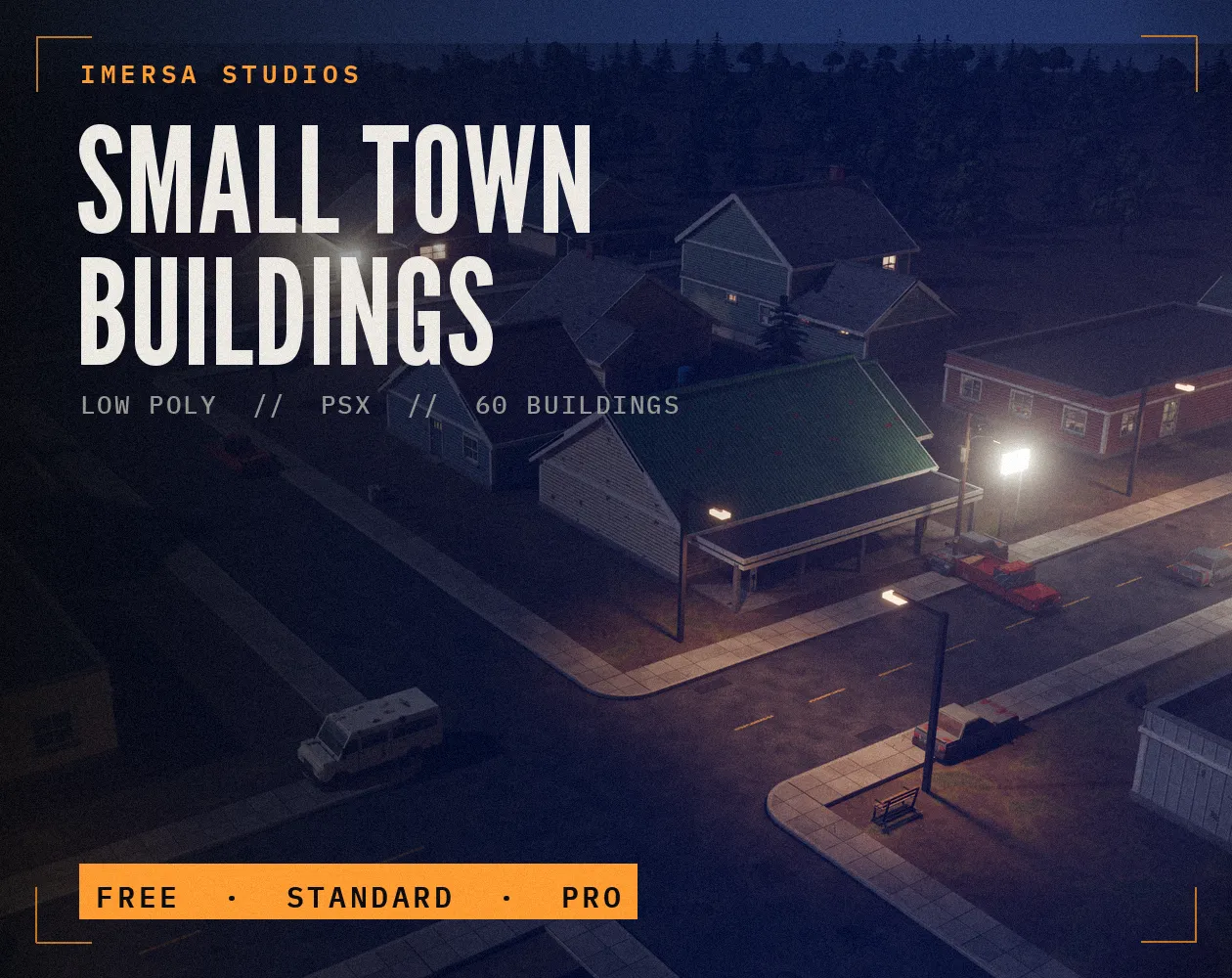
Small Town Buildings: Low Poly PSX Town Kit
Free / Standard / Pro
 FREE EDITION
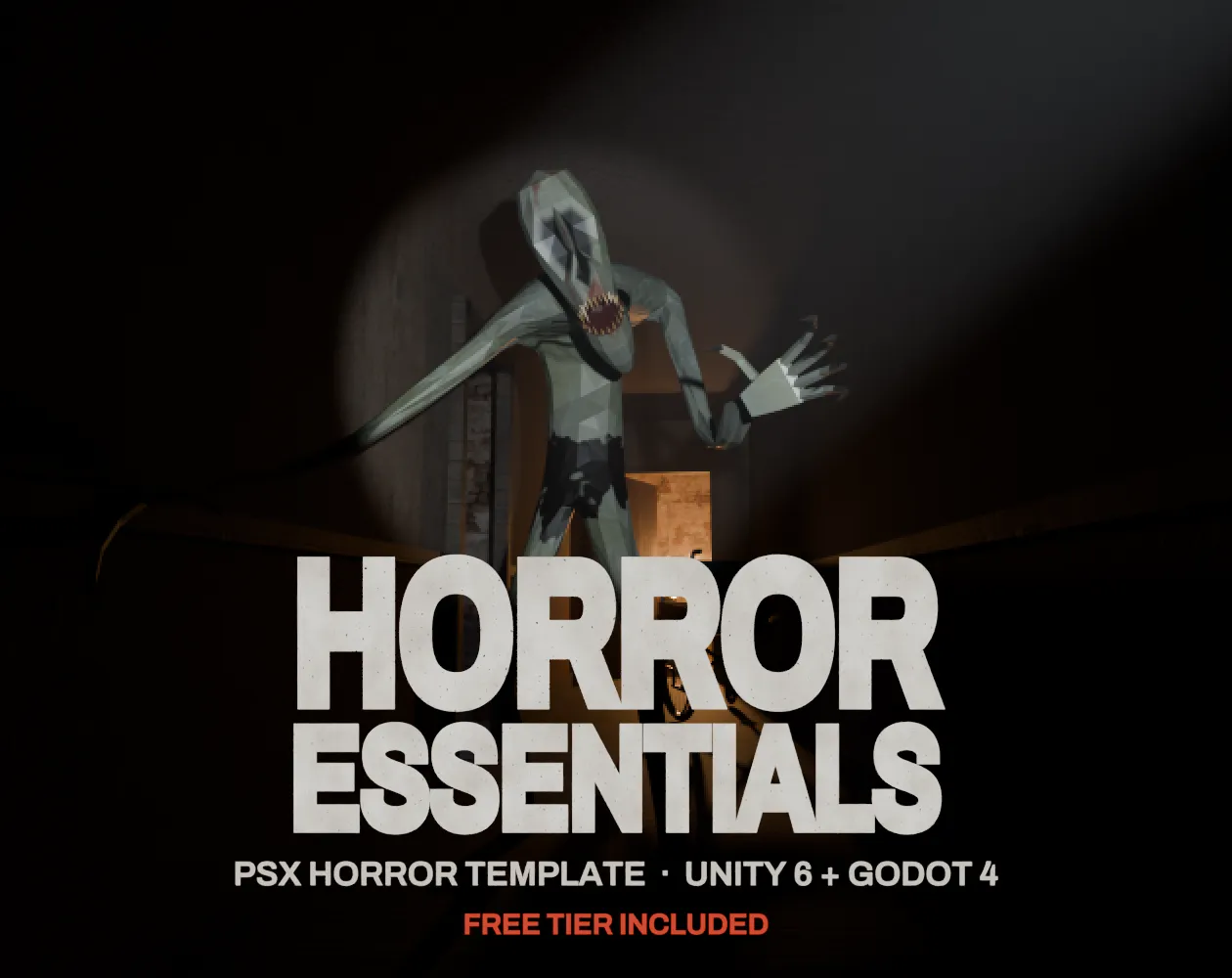
Horror Essentials: PSX Horror Template for Unity 6 & Godot 4
Unity 6 · URP · C# source + demo
Questions
Non-integer scaling makes some pixels wider than others, which looks uneven and shimmers when things move.
320 by 180 scales cleanly to 720p, 1080p, 1440p and 4K because it divides evenly into 16:9 screens.
320x180 scales by 6 to 1080p and gives a chunky retro look; 640x360 scales by 3 and fits more detail. Both scale cleanly to 1080p, 1440p (as 8x and 4x) and 4K.
Fill it with black bars, a frame or extra view of the level. Stretching to fill the screen makes pixels uneven.