Free Online Pixel Art Sprite Editor (16×16 and 32×32)
A small, fast pixel editor for icons, items and sprites. Draw, mirror, fill and export a transparent PNG. For palettes that look good together, pair it with the palette generator.
Tips for readable sprites
Start with a silhouette in one colour and check that it reads at actual size, then add two or three shades. Keep one light direction.
Use the mirror option for symmetrical characters and items, then break the symmetry with a few asymmetric pixels so it does not look stamped.
When to use it
Inventory icons and pickups
Draw a 16x16 or 32x32 icon for a key, a battery or a note in a few minutes, without installing anything.
Placeholder sprites
Block in characters and enemies with flat colours so you can test gameplay before the final art exists.
Quick fixes to existing sprites
Open a PNG, fix a stray pixel or recolour a detail and export it again with transparency.
Go further
 FREE EDITION
Game Dev Guides Bundle: 6 PDF Books for Indie Devs
PDF field guide · 12 pages
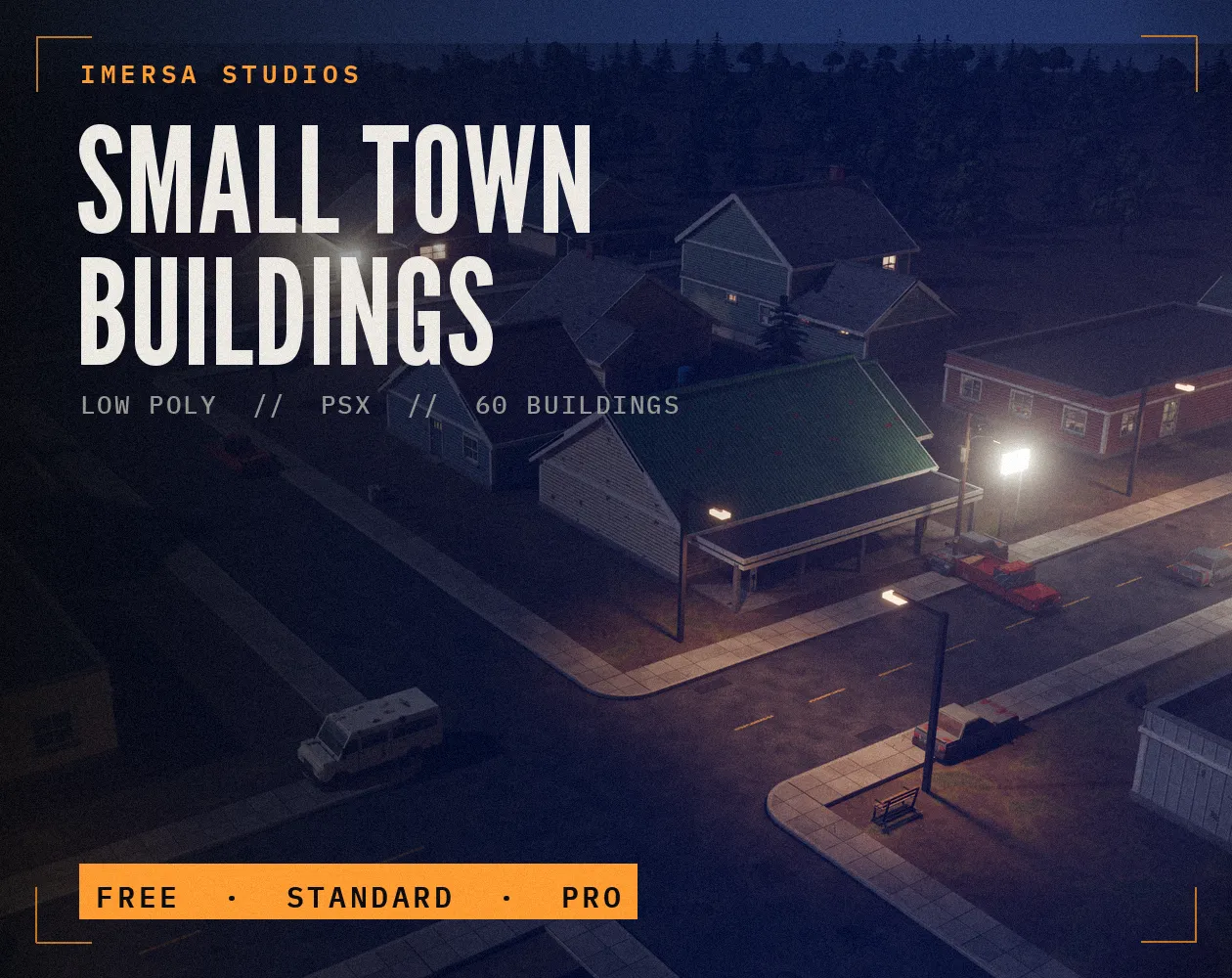 FREE EDITION
Small Town Buildings: Low Poly PSX Town Kit
Free / Standard / Pro
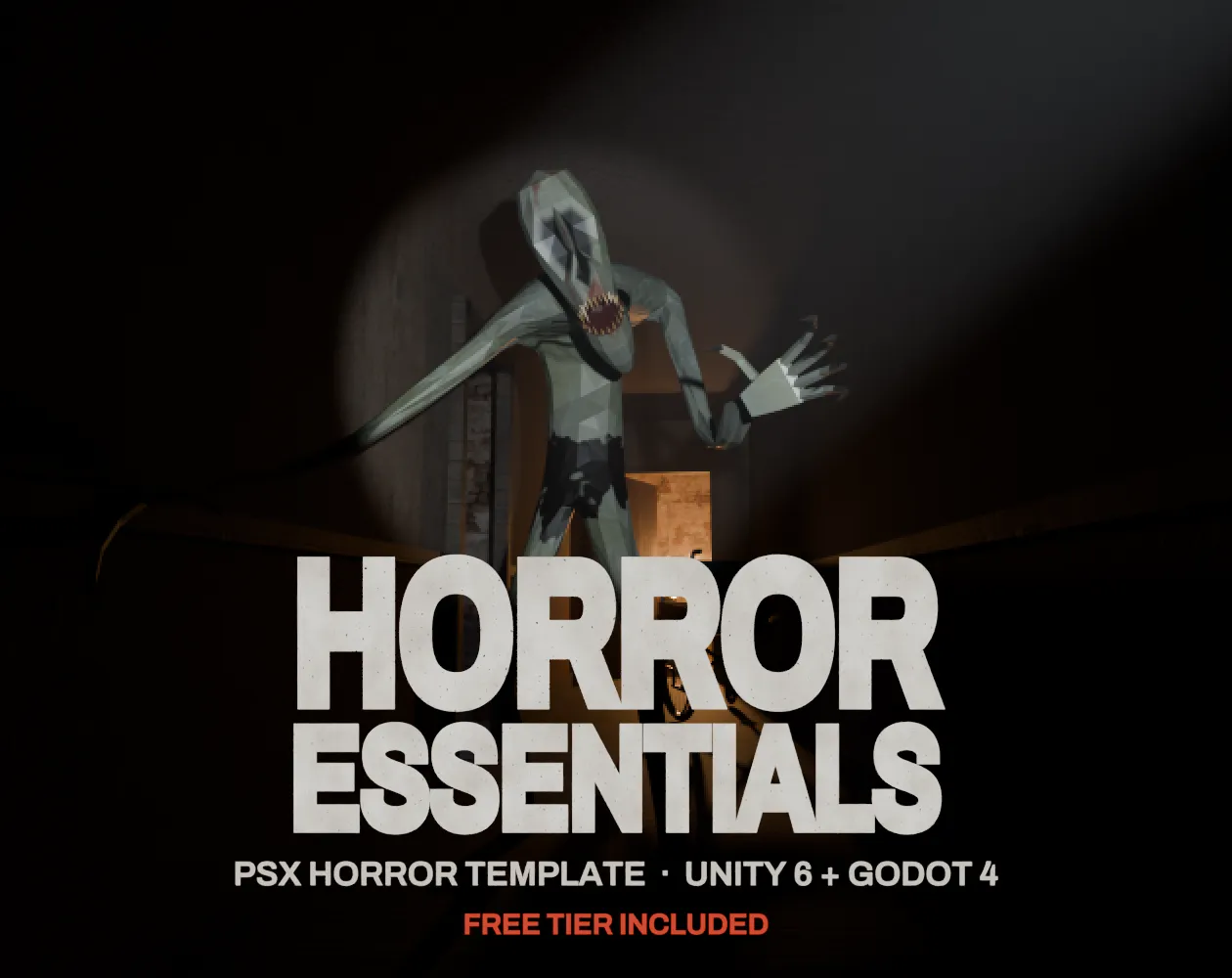 FREE EDITION
Horror Essentials: PSX Horror Template for Unity 6 & Godot 4
Unity 6 · URP · C# source + demo
Questions
Yes. It runs in your browser and your drawing never leaves your device.
Yes. Empty cells export as transparent pixels.
No. It has no animation or layers. It is for quick sprites and icons; use a full editor for animation.
16x16 for items and small tiles, 32x32 for characters in most top-down games. Small canvases force readable shapes and are faster to finish.
Set the texture filter to point or nearest, turn off compression and mipmaps, and scale the camera by whole numbers.