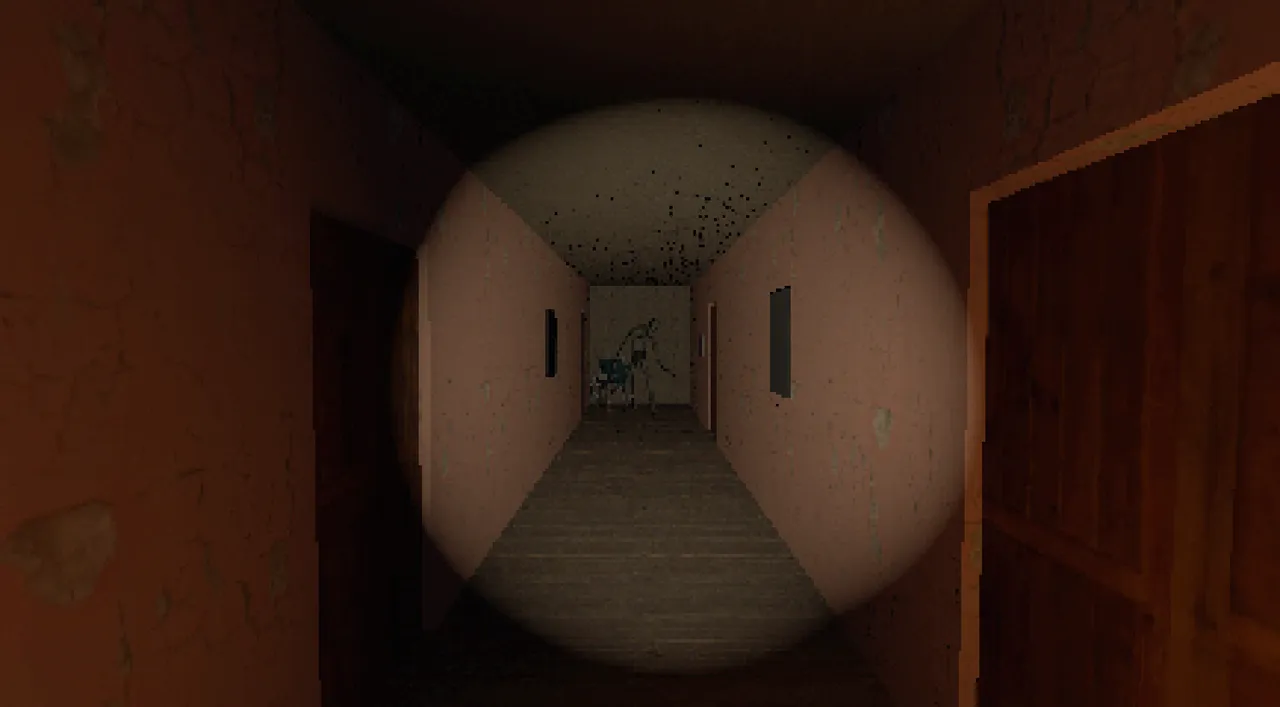
1. Render at PS1 resolution
In Project Settings, set Display > Window > Size > Viewport Width and Height to 320 x 240, then set Stretch > Mode to viewport. Godot renders the whole game at that size and scales it up, so every pixel stays sharp and chunky.
Set Rendering > Textures > Canvas Textures > Default Texture Filter to Nearest, and on each 3D material set Texture Filter to Nearest too. Keep textures small: 64 or 128 px is enough, and our PSX palette generator helps keep the colours limited. For the engine-agnostic version of the look and the design side, see how to make a PSX horror game.
2. Add vertex wobble with a spatial shader
The PS1 had no sub-pixel precision, so vertices jumped between screen positions. Snap the clip-space position in vertex() to get the same wobble:
shader_type spatial;
render_mode diffuse_lambert, specular_disabled;

uniform sampler2D albedo_tex : source_color, filter_nearest;
uniform float snap = 120.0; // lower = more wobble

void vertex() {
    vec4 clip = PROJECTION_MATRIX * MODELVIEW_MATRIX * vec4(VERTEX, 1.0);
    clip.xy = round(clip.xy / clip.w * snap) / snap * clip.w;
    POSITION = clip;
}

void fragment() {
    ALBEDO = texture(albedo_tex, UV).rgb;
}3. Fog and a flashlight that runs out
Add a WorldEnvironment, turn on Fog and pick a dark, slightly coloured fog. Fog hides the end of corridors and keeps the triangle count low, the same reason PS1 games used it.
Make the flashlight a SpotLight3D child of the camera. Drain a battery value every frame and flicker when it is low:
extends SpotLight3D

@export var drain_per_second := 1.5
var battery := 100.0

func _process(delta: float) -> void:
    if not visible:
        return
    battery = max(battery - drain_per_second * delta, 0.0)
    light_energy = 0.0 if battery == 0.0 else (randf_range(0.2, 1.0) if battery < 15.0 else 1.0)

func recharge(amount: float) -> void:
    battery = min(battery + amount, 100.0)
4. One threat that hunts you
Bake a NavigationRegion3D over the level, give the monster a NavigationAgent3D and move it towards the player while it can see or hear them:
extends CharacterBody3D

@export var speed := 2.5
@export var player: Node3D
@onready var agent: NavigationAgent3D = $NavigationAgent3D

func _physics_process(_delta: float) -> void:
    agent.target_position = player.global_position
    var next := agent.get_next_path_position()
    velocity = (next - global_position).normalized() * speed
    move_and_slide()
Add hiding spots, a patrol route and a search state when it loses the player, and the chase starts to feel fair. Our jump scare guide covers pacing.
5. Skip the plumbing
Horror Essentials has all of the above already working in both Godot 4 and Unity 6: the free edition includes movement, doors and keys, the flashlight with batteries, notes and the PSX filter; the Complete edition adds two chaser AIs, hiding spots and a no-code story system. Build the level with the free editions of our PSX kits.
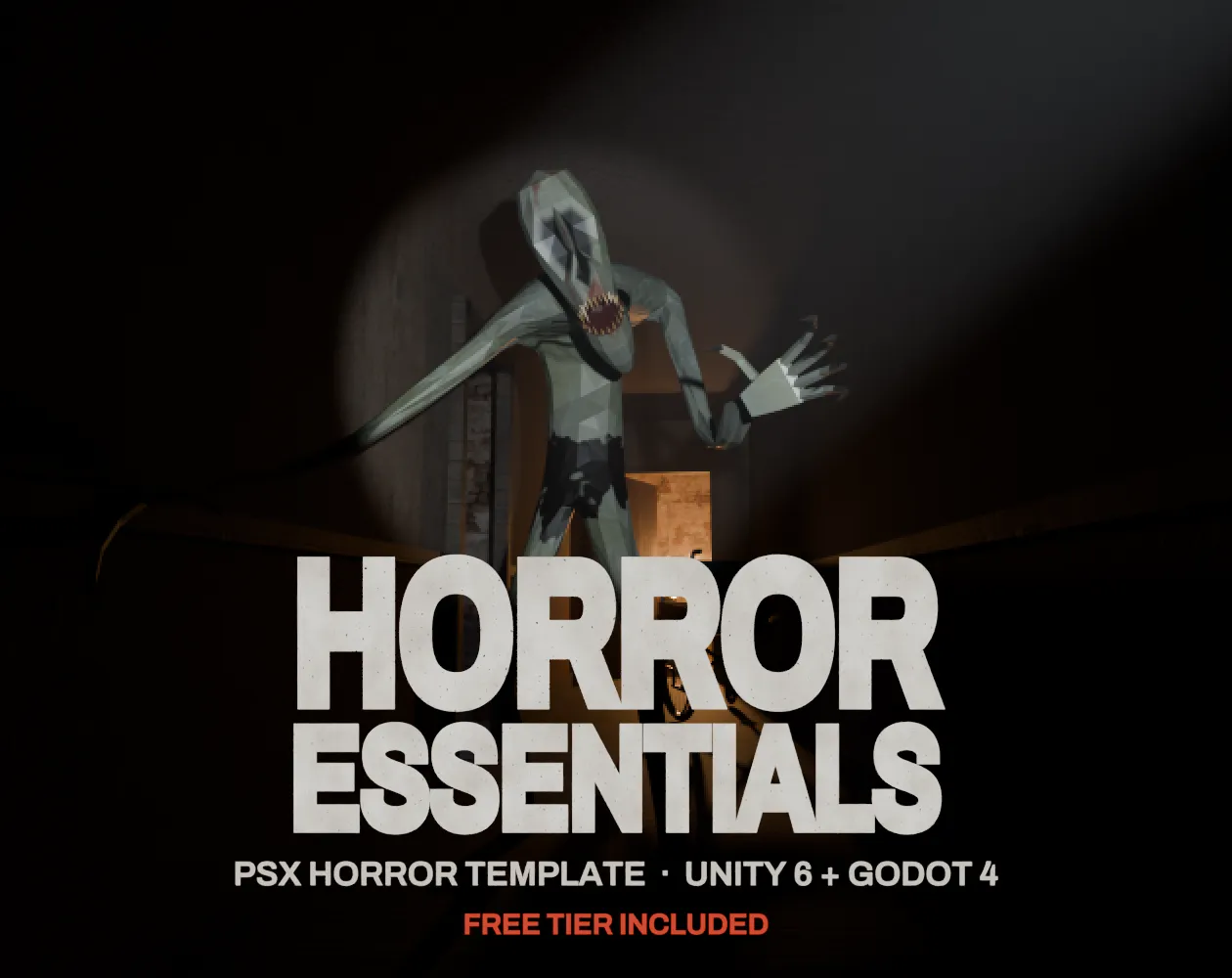 FREE EDITION
Horror Essentials: PSX Horror Template for Unity 6 & Godot 4
Unity 6 · URP · C# source + demo
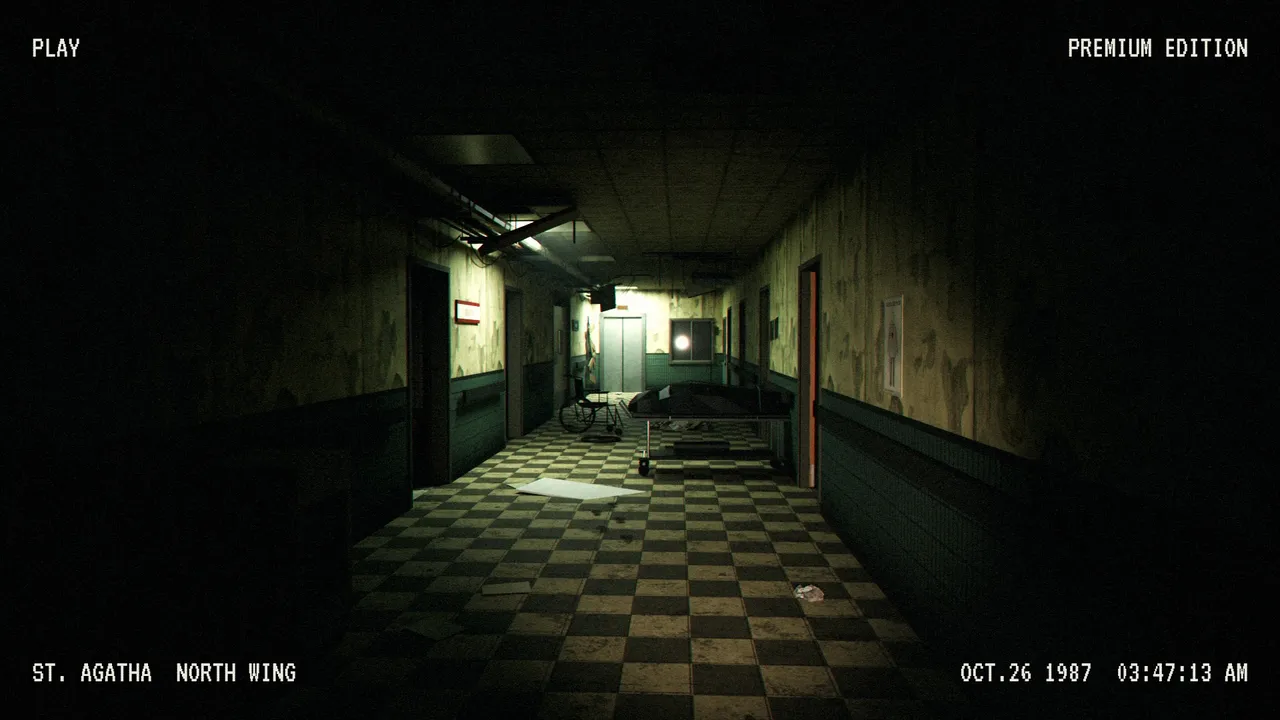 FREE EDITION
PSX Abandoned Hospital: Modular Low Poly Horror Pack
286 models · Free / Standard / Pro
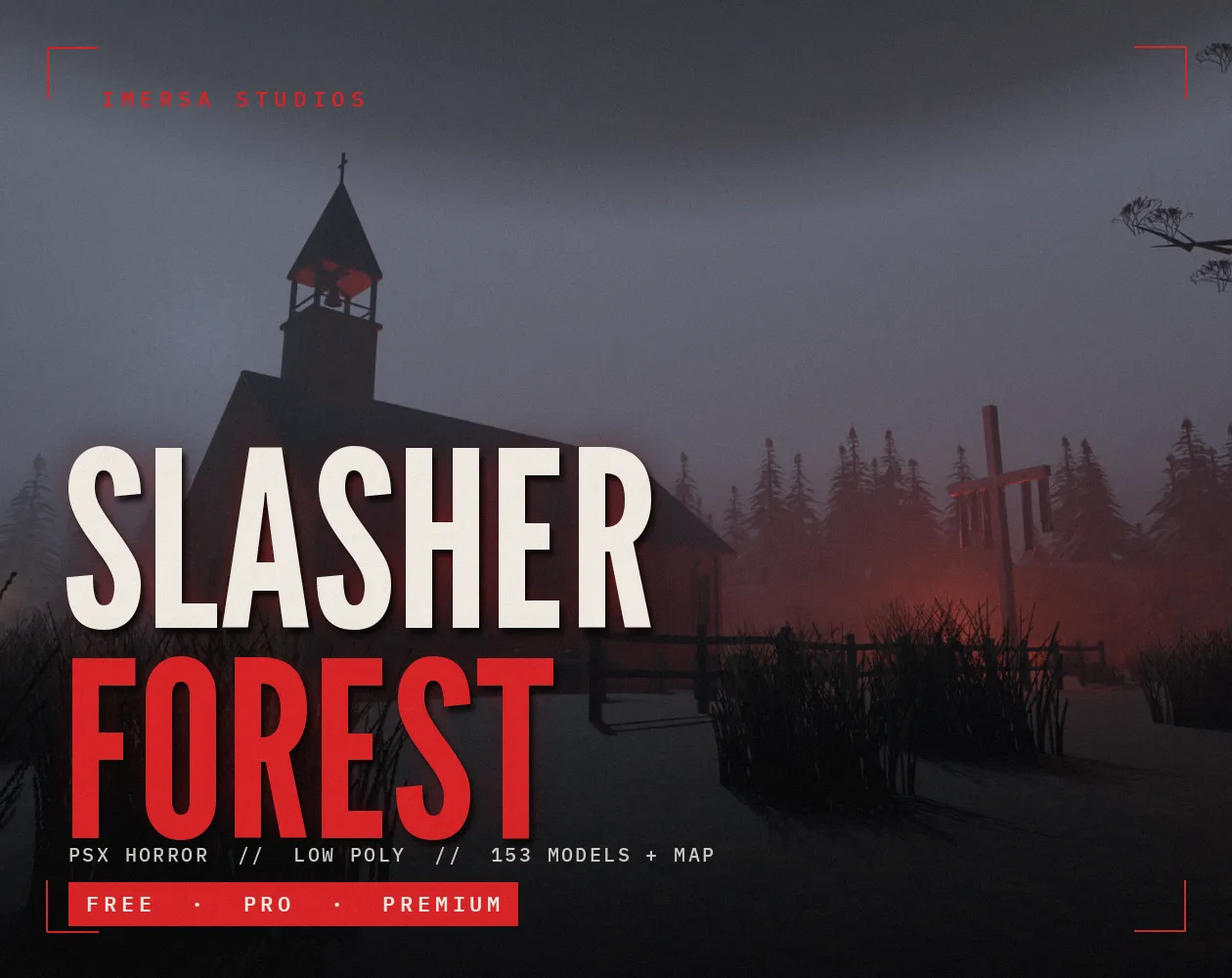 FREE EDITION
PSX Forest Horror: Low Poly Slasher Camp Kit
Free / Standard / Pro
Questions
Yes. Godot 4 has volumetric fog, good lighting and navigation built in, and its low-resolution viewport setting makes the PS1 look easy. It is free and open source.
Render at 320x240 with the viewport stretch mode, use nearest filtering, snap vertices in a spatial shader and add fog.
Some GDScript, but the scripts are short. Horror Essentials includes a story system that builds dialogue and tasks without code.
Who wrote this
Imersa Studios builds the Unity systems, low poly packs and field guides sold on itch.io. The code and techniques here come from shipping those products. More about the studio.