PSX & Pixel Art Palette Generator
Pick base hues and the generator builds hue-shifted ramps (shadows lean cool, highlights lean warm) and snaps every colour to the PS1's 15-bit colour depth. Click a swatch to copy its hex code.
When to use it
Starting a PS1-style game
Build the 3 to 5 base ramps of your world before you texture anything, so every asset shares the same colours.
Fixing textures that look too modern
Snap a texture's colours to 15-bit and the smooth gradients turn into the stepped look of the original hardware.
Matching assets from different packs
Recolour packs from different creators with one palette so they read as one game.
Go further
 FREE EDITION
Game Dev Guides Bundle: 6 PDF Books for Indie Devs
PDF field guide · 12 pages
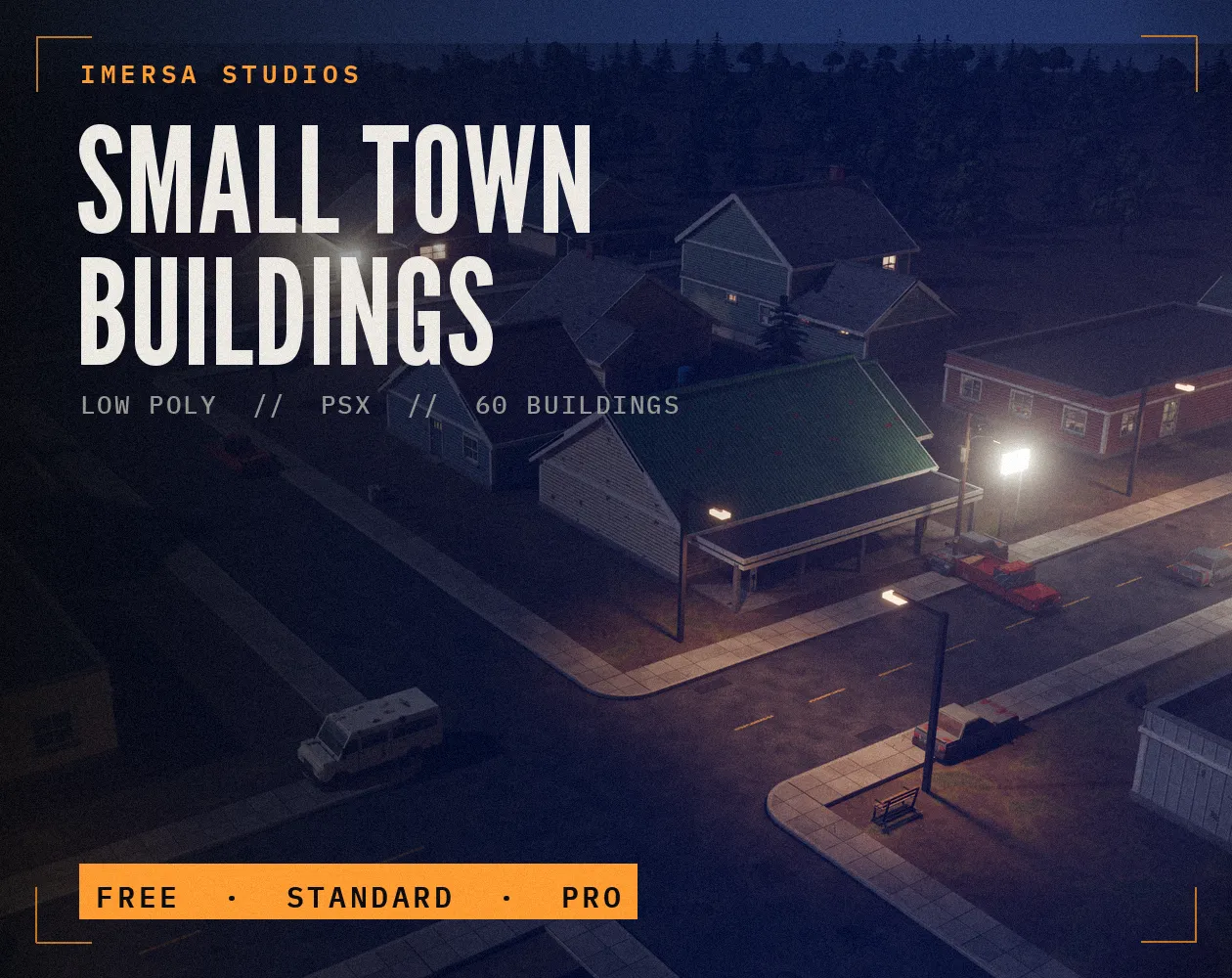 FREE EDITION
Small Town Buildings: Low Poly PSX Town Kit
Free / Standard / Pro
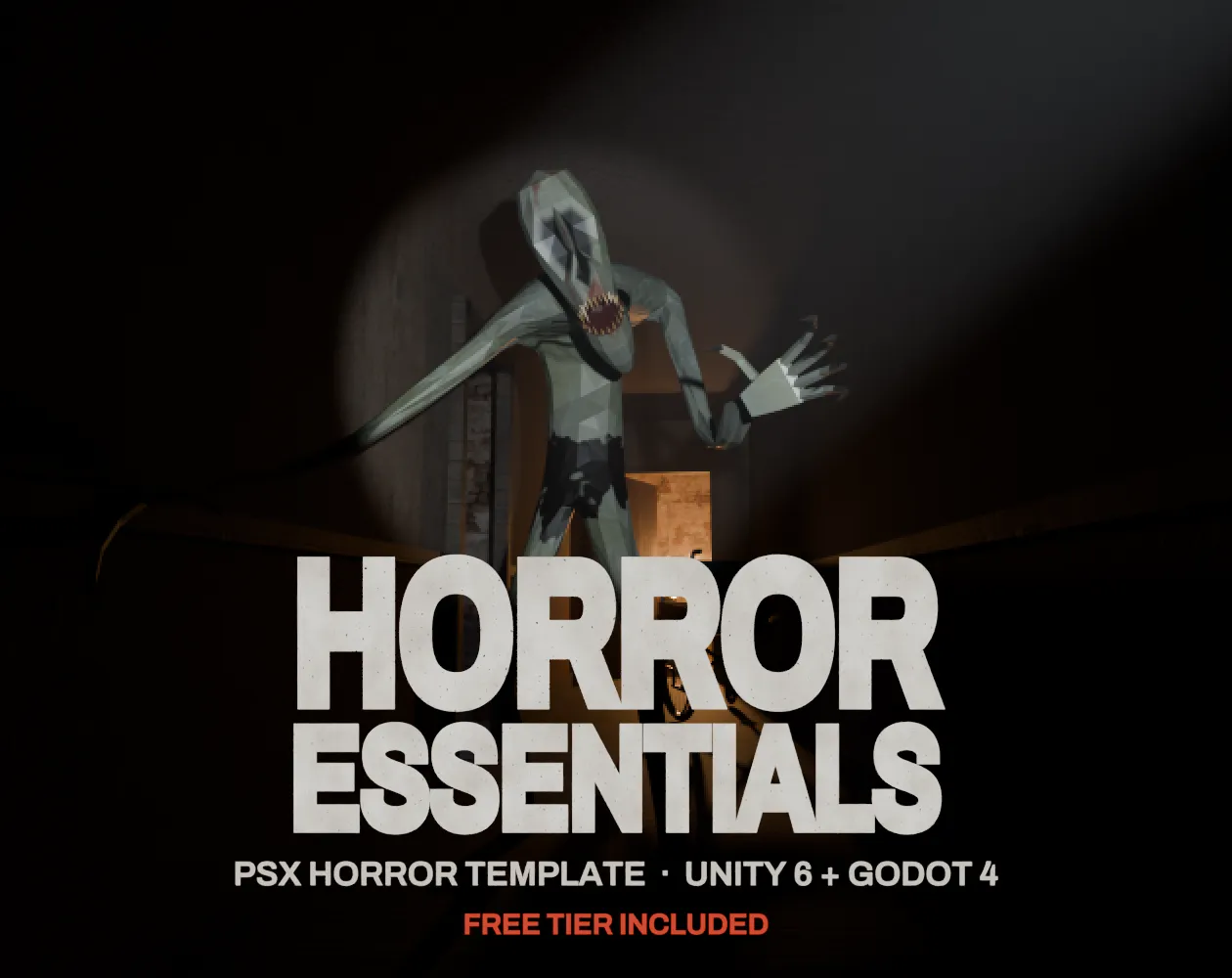 FREE EDITION
Horror Essentials: PSX Horror Template for Unity 6 & Godot 4
Unity 6 · URP · C# source + demo
Questions
The PlayStation stored colour with 5 bits per channel: 32 levels of red, green and blue, 32,768 colours in total. Snapping to it gives the slightly banded PS1 look.
Instead of only darkening a colour for shadows, you also rotate its hue (usually toward blue or purple) and lighten highlights toward yellow. Ramps look richer and more natural.
The PS1 framebuffer was usually 15-bit, and many textures used 4-bit or 8-bit palettes on top of that, which is where the limited, banded look comes from.
16 or 256 colours per texture match how many PS1 textures were stored. Fewer colours also make dithering and banding more visible.