1. The structure
- Setup: a quiet space, a small tension build (a sound, a light).
- Release: cut the bed for a second.
- Hit: show or sound the threat once.
- Aftermath: let the player breathe, then raise tension again.
2. A trigger script
This one-shot trigger waits a moment after the player enters, then activates an object and plays a sound.
using System.Collections;
using UnityEngine;

// Trigger zone: waits for the player to look away, then plays one sound and one event.
[RequireComponent(typeof(Collider))]
public class JumpScareTrigger : MonoBehaviour
{
    public AudioSource sting;
    public GameObject scareObject;
    public float delay = 0.6f;
    bool used;

    void Reset() { GetComponent<Collider>().isTrigger = true; }

    void OnTriggerEnter(Collider other)
    {
        if (used || !other.CompareTag("Player")) return;
        used = true; // one-shot: a repeated scare stops working
        StartCoroutine(Play());
    }

    IEnumerator Play()
    {
        yield return new WaitForSeconds(delay);
        scareObject.SetActive(true);
        sting.Play();
    }
}3. Avoid cheap scares
- Do not use loud sound only. A hit with no build-up feels like a trick, not horror.
- Do not repeat the same scare. The second time it is a joke.
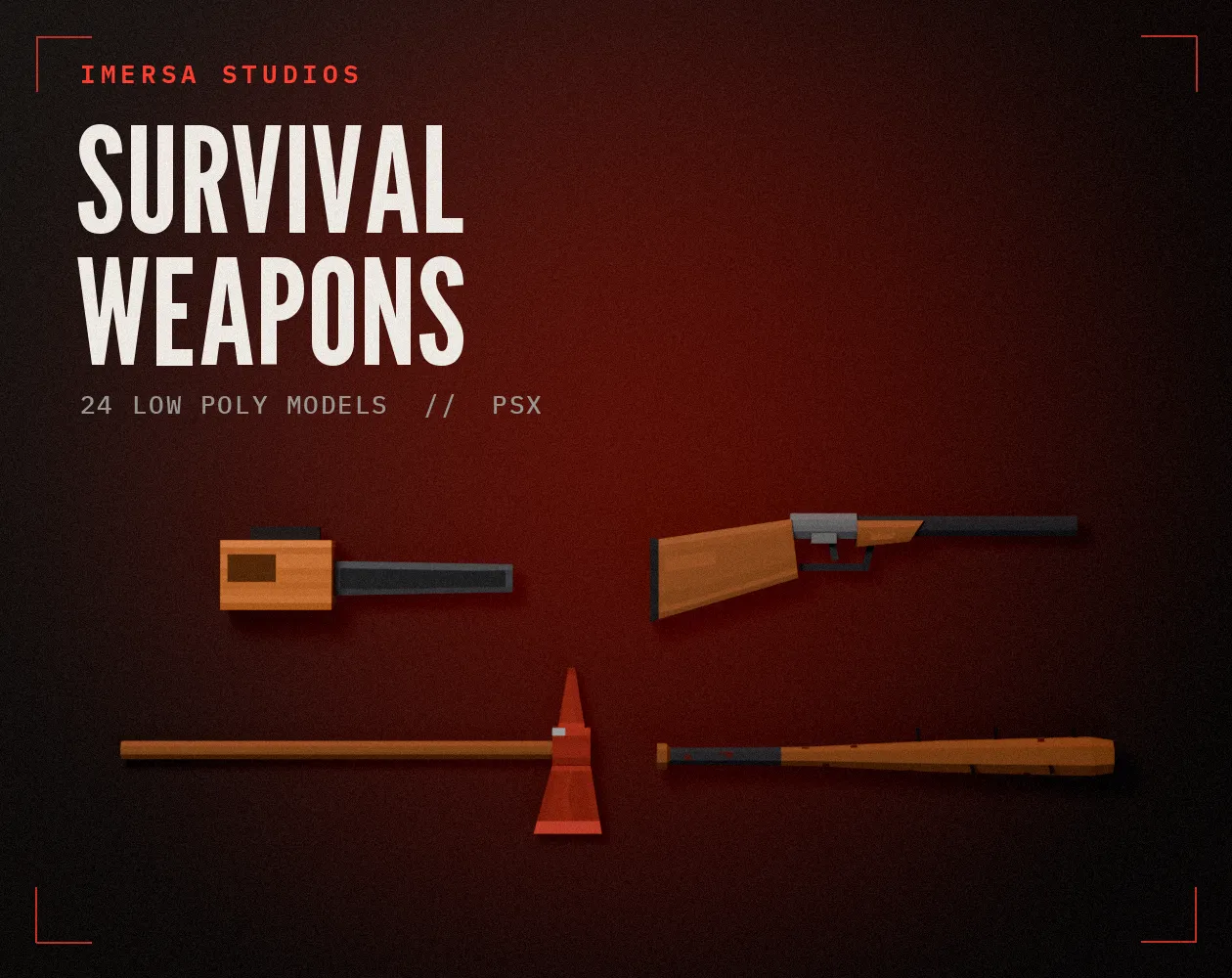
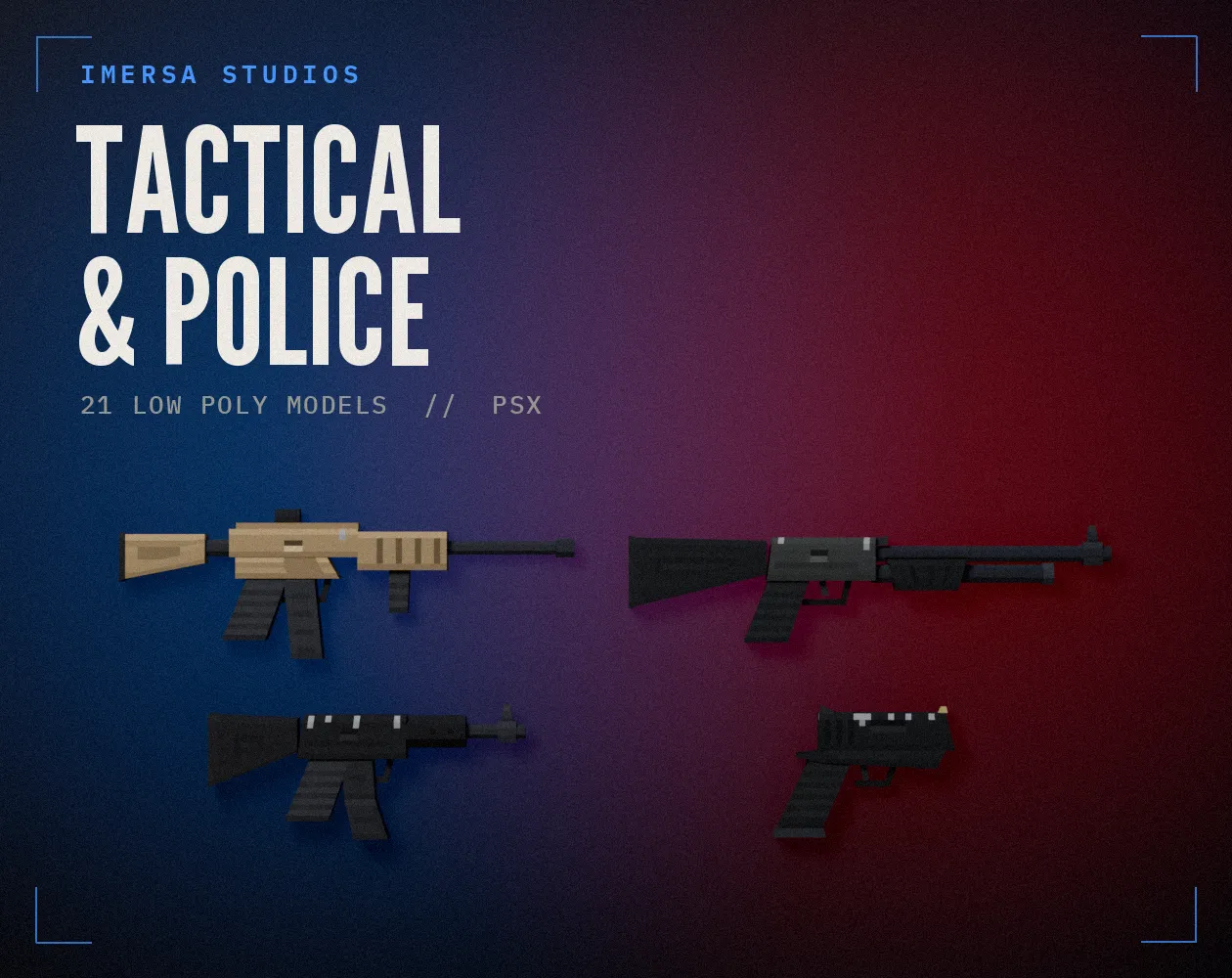
- Give the player a weapon or a way to cope, so they feel dread instead of just surprise. See our PSX survival weapons.
Questions
Fewer than you think. A handful in a short game, placed after long quiet stretches.
Who wrote this
Imersa Studios builds the Unity systems, low poly packs and field guides sold on itch.io. The code and techniques here come from shipping those products. More about the studio.