Colour Converter and Contrast Checker for Game UI (HEX, RGB, HSL, Unity, Godot)
Paste a colour, copy it in the format your engine wants, and check whether your HUD or menu text is readable on its background.
- HEX
#e5530a - RGB
229, 83, 10 - HSL
20, 92%, 47% - Unity Color
new Color(0.898f, 0.325f, 0.039f) - Godot Color
Color(0.898, 0.325, 0.039)
Contrast check
3.34 : 1
- Normal text (4.5): fail
- Large text (3): pass
- UI elements (3): pass
Contrast ratio follows the WCAG formula. Use it for menus, subtitles and HUD text.
When to use it
HUD and subtitles
Check that health numbers, prompts and subtitles stay readable over bright skies and dark corridors.
Moving colours between tools
Copy a colour from Figma or Aseprite as hex and paste it in Unity (0 to 1) or Godot without guessing.
Accessible menus
Make sure the selected button stands out from the others, not only by colour but by contrast too.
Go further
 FREE EDITION
Game Dev Guides Bundle: 6 PDF Books for Indie Devs
PDF field guide · 12 pages
 FREE EDITION
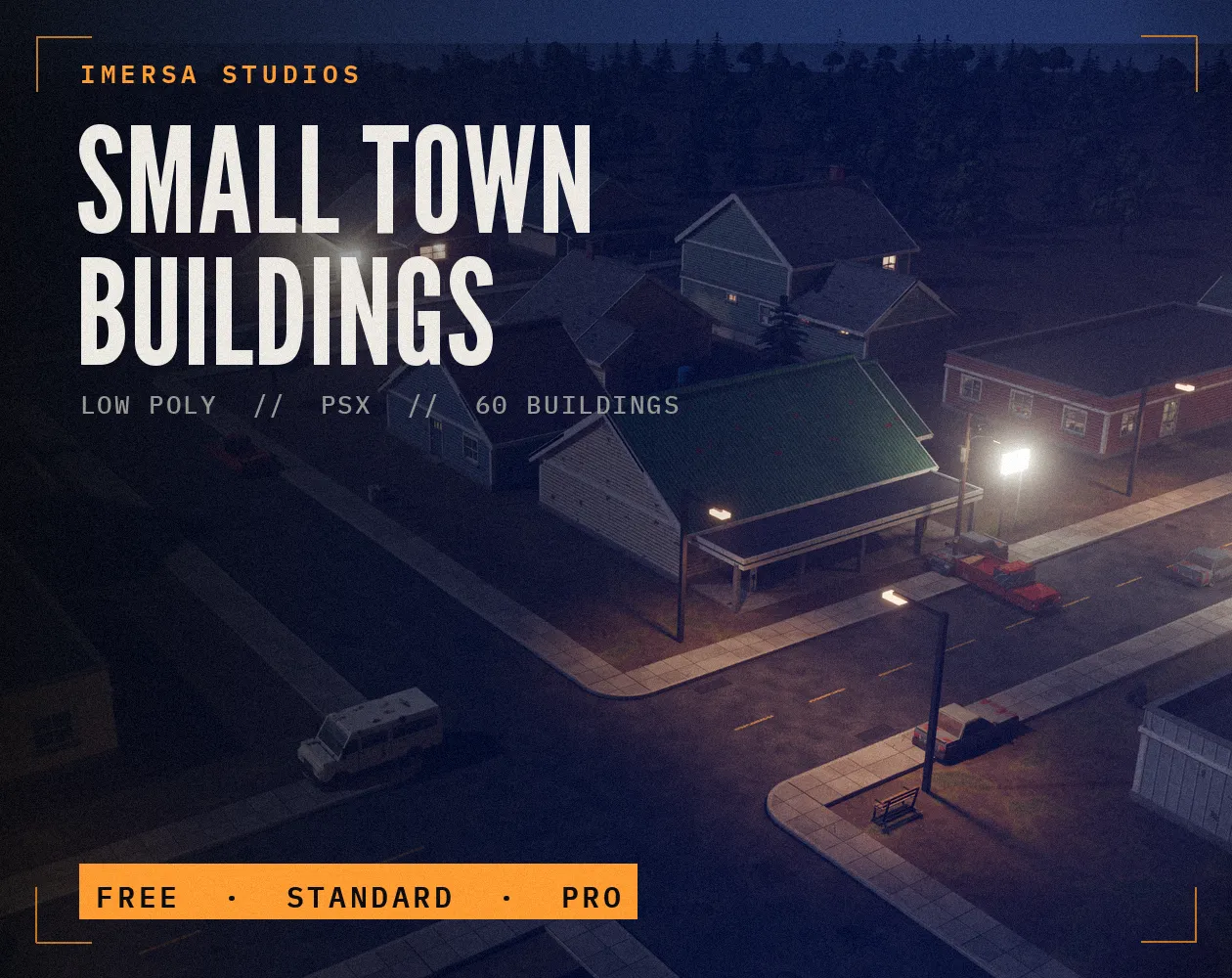
Small Town Buildings: Low Poly PSX Town Kit
Free / Standard / Pro
 FREE EDITION
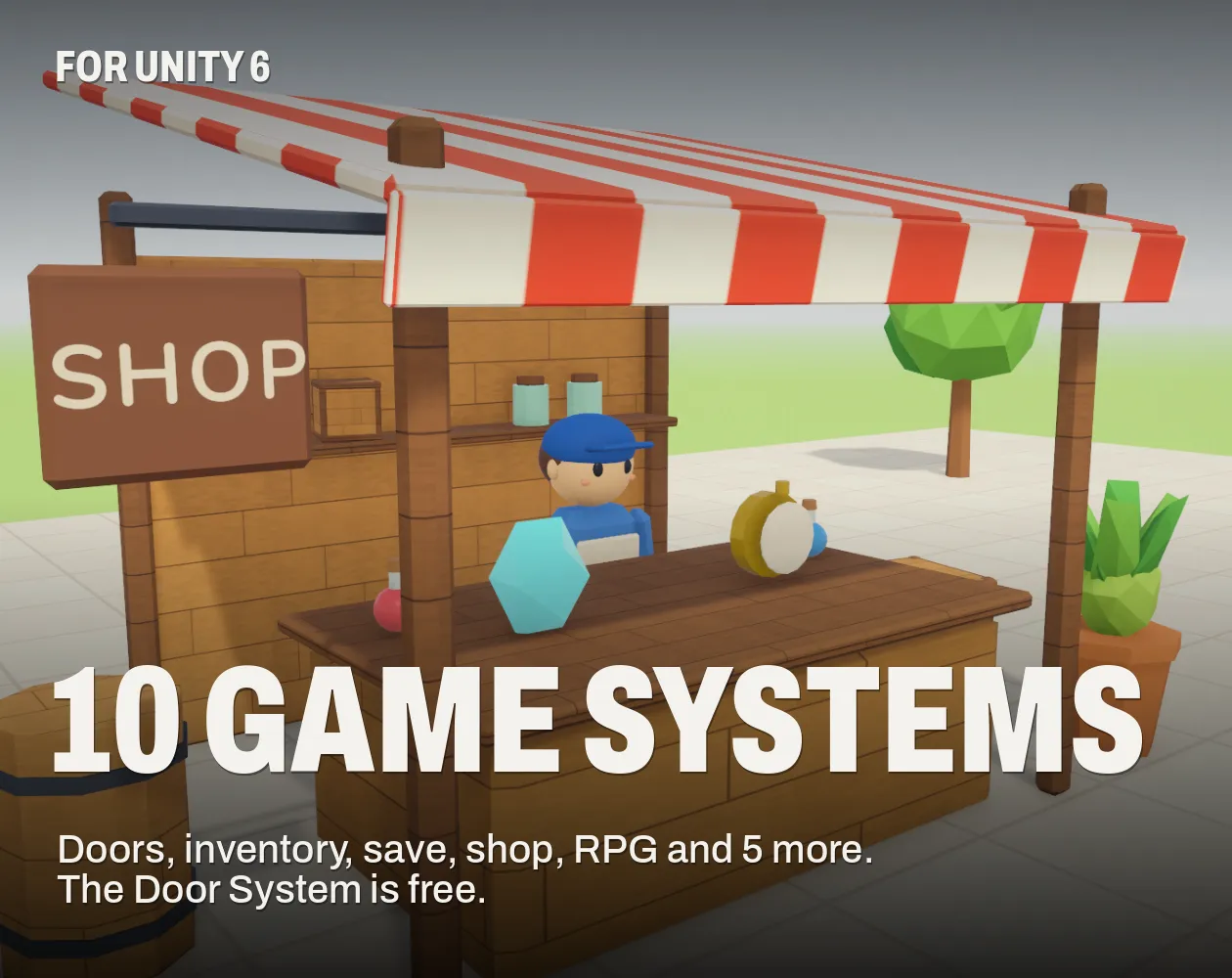
10 Game Systems for Unity: Doors, Inventory, Save, Shop & RPG
Unity 6 · URP · C# source + demo
Questions
WCAG asks for 4.5 to 1 for normal text and 3 to 1 for large text and UI elements. Games are not bound by it, but players with low vision benefit.
Unity colours use floating-point channels from 0 to 1, so 255 becomes 1.0.
Add an outline, a drop shadow or a dark semi-transparent box behind it. Subtitles in many games use a box for exactly this reason.
Avoid using only red versus green to tell things apart, since red-green colour blindness is the most common type. Add a shape, icon or brightness difference.