Easing Function Visualizer for Game Animation and UI
Pick an easing curve and watch a ball move with it. Use the table of values to match the curve to your engine's tween or animation curve.
| t | Value |
|---|---|
| 0.25 | 0.578 |
| 0.5 | 0.875 |
| 0.75 | 0.984 |
Values go below 0 or above 1 for Back and Elastic on purpose: that overshoot is the effect.
Which easing should I use?
Ease out feels responsive for things that appear or react to input, because they start fast and settle. Ease in suits things that leave. In-out suits movement between two resting points, such as a sliding door.
Back and Elastic overshoot the target. Use them sparingly on UI and pickups, and avoid them on anything the player must line up precisely.
When to use it
Menus and UI
Ease-out curves make panels feel fast: they start quickly and settle gently. Compare them before you pick one.
Camera moves and doors
A slow start and end (ease-in-out) keeps a camera or a sliding door from jerking at the edges.
Game feel on hits and pickups
Back and elastic curves overshoot a little, which gives coins, damage numbers and buttons a springy pop.
Go further
 FREE EDITION
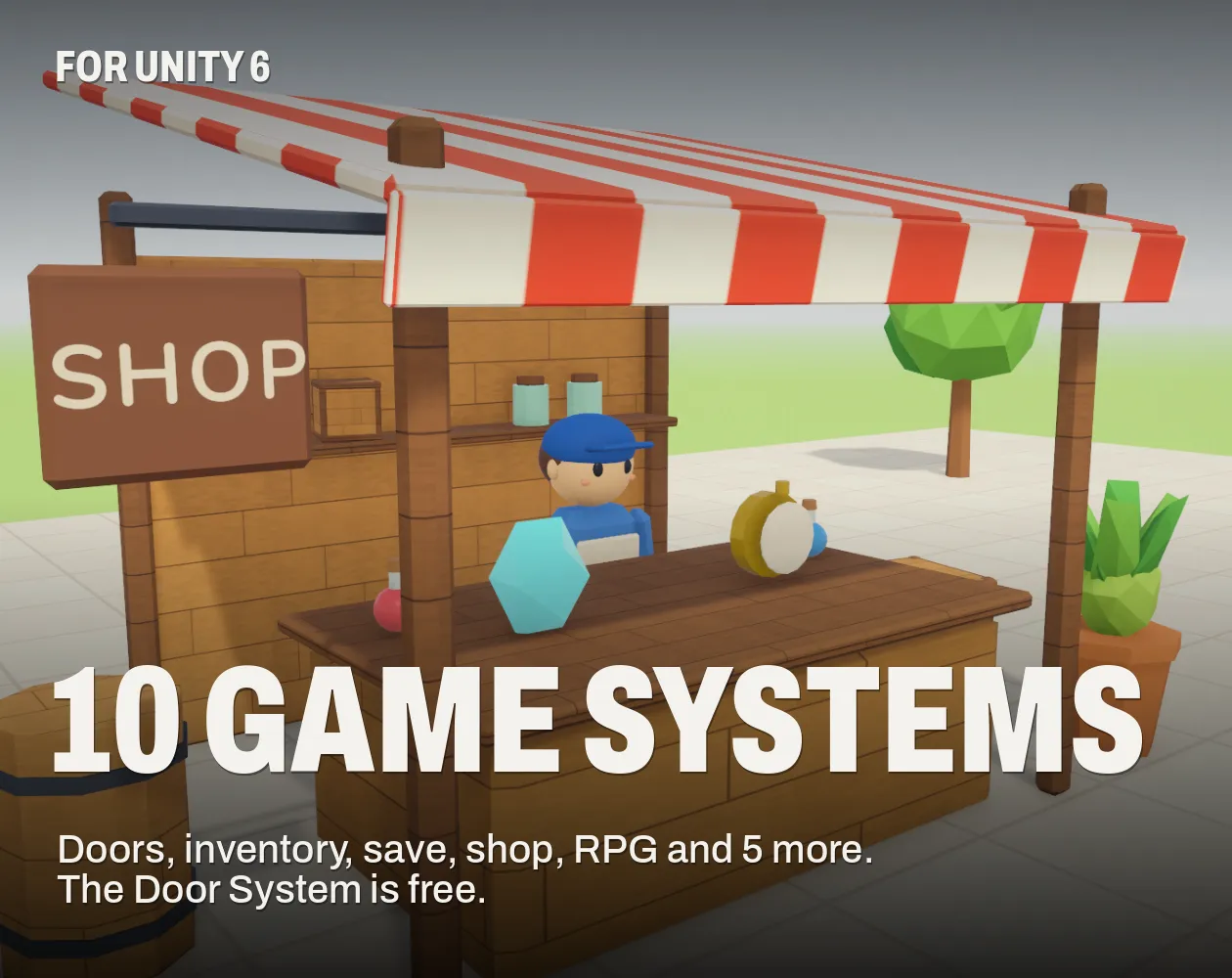
10 Game Systems for Unity: Doors, Inventory, Save, Shop & RPG
Unity 6 · URP · C# source + demo
 FREE EDITION
Game Dev Guides Bundle: 6 PDF Books for Indie Devs
PDF field guide · 12 pages
 FREE EDITION
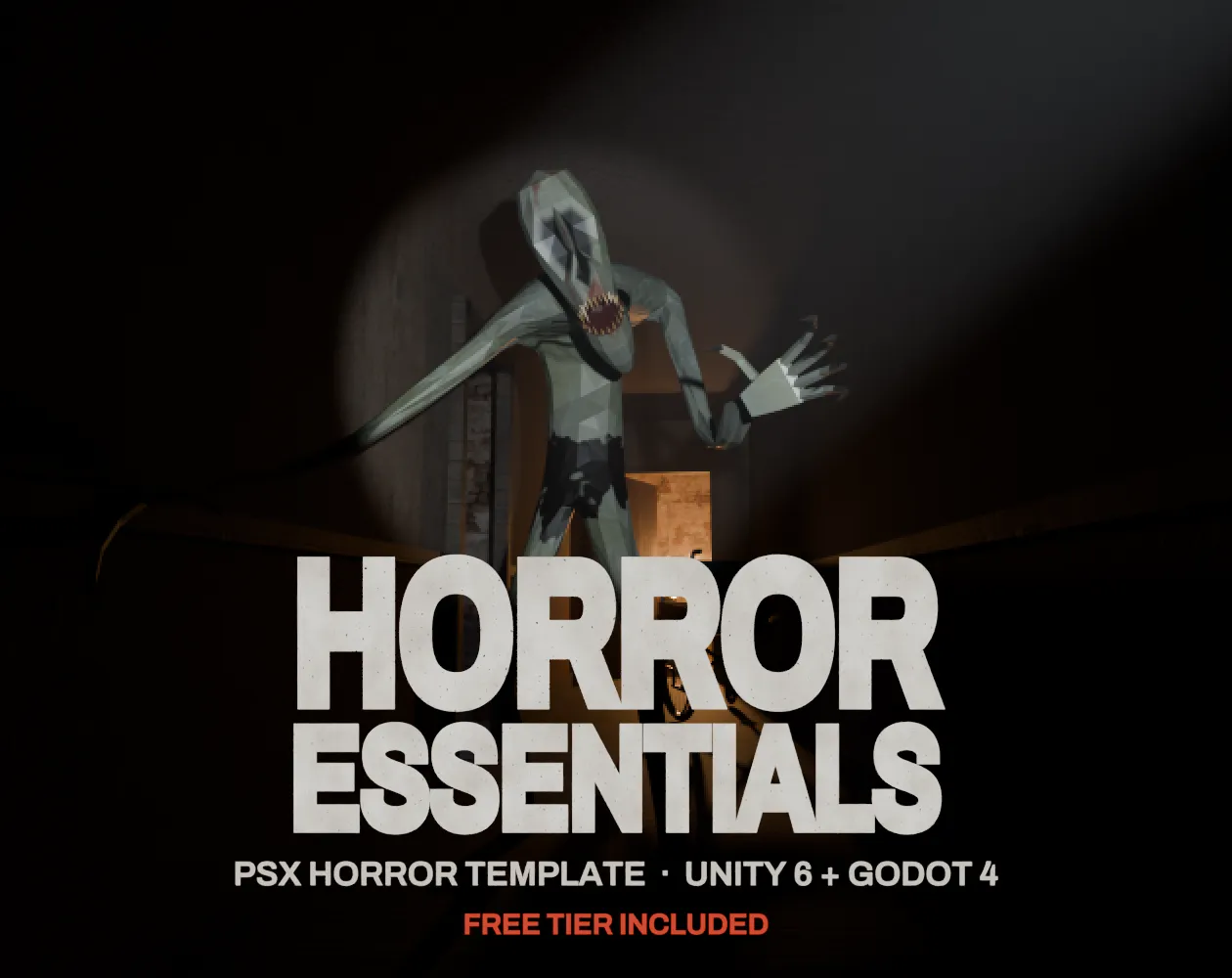
Horror Essentials: PSX Horror Template for Unity 6 & Godot 4
Unity 6 · URP · C# source + demo
Questions
A function that maps time from 0 to 1 onto progress from 0 to 1, so motion speeds up or slows down instead of staying constant.
Godot has tween transitions and easing built in. Unity and Unreal expose animation curves and tween libraries, and the maths on this page is the same family of curves.
It overshoots on purpose to give a wind-up or a bounce past the target.
Ease-out cubic or quad works for most UI and objects entering the screen. Use ease-in for things leaving, and linear only for constant motion such as conveyor belts.
UI transitions usually feel right between 150 and 300 milliseconds. Longer than about half a second starts to feel slow when players repeat it.