Free Kanban Board for Game Dev Projects (Saved in Your Browser)
Keep your game on track with a board that lives in your browser. Add tasks, tag them, drag them across columns and export a backup. No account, nothing uploaded.
Backlog0
Doing0
Testing0
Done0
Saved in this browser only (localStorage). Clearing site data or switching browsers removes it, so export a backup now and then. Drag cards between columns or use the arrows.
Make the board work for you
Keep Doing to two or three cards. Finishing beats starting, and a long Doing column is how projects stall. Break any task bigger than a few hours into smaller ones.
A weekly review helps: move what is done, cut what is stale and pick next week's three cards. Our ebook Save Points turns this into a full system.
When to use it
Solo projects
Keep the next three tasks visible so each session starts with work instead of deciding what to do.
Game jams
Put the must-have features in one column and the nice-to-haves in another, and only touch the second when the first is empty.
Getting to a demo
Tag tasks with the milestone (prototype, demo, launch) and move only the current milestone's cards.
Go further
 FREE EDITION
Game Dev Guides Bundle: 6 PDF Books for Indie Devs
PDF field guide · 12 pages
 FREE EDITION
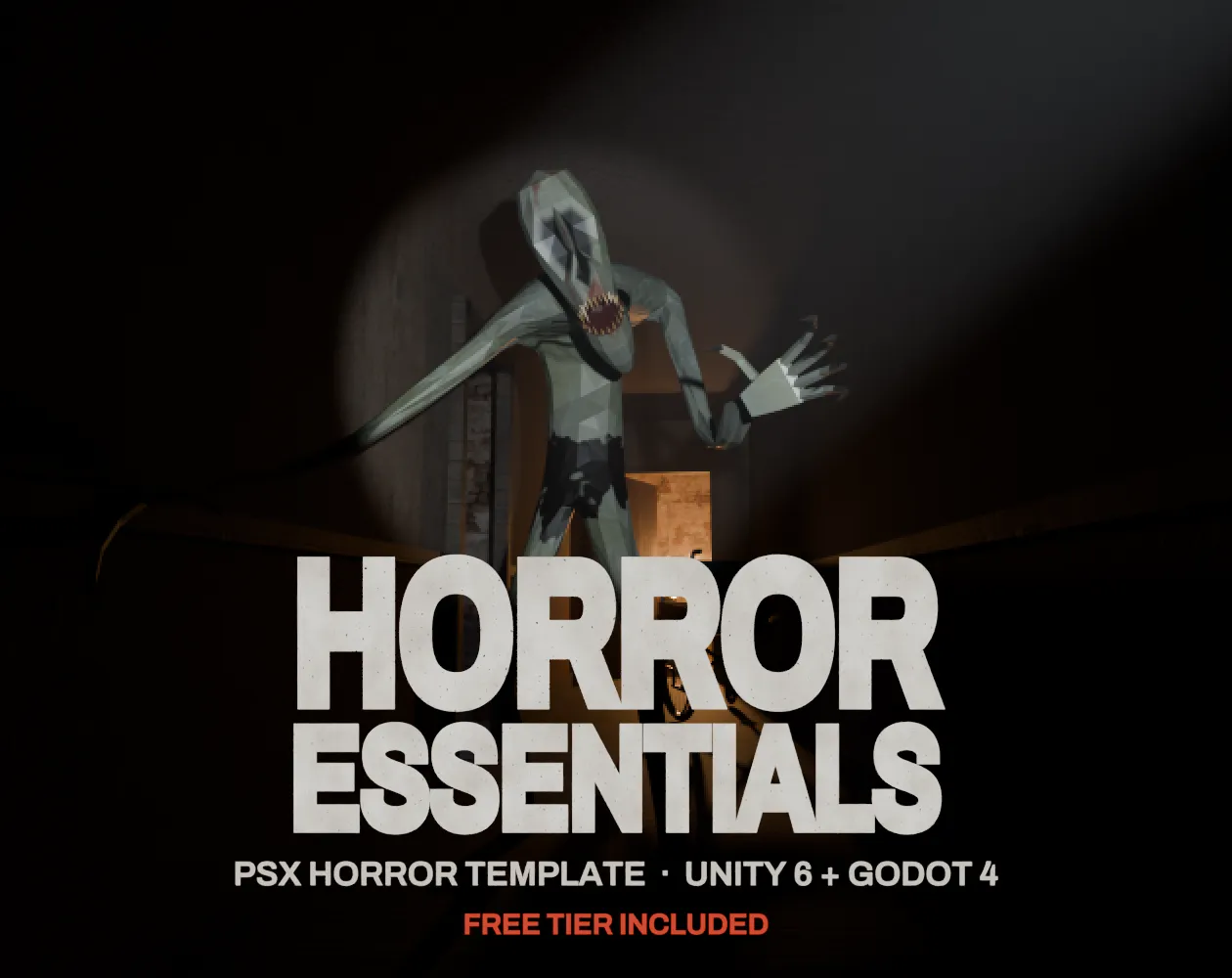
Horror Essentials: PSX Horror Template for Unity 6 & Godot 4
Unity 6 · URP · C# source + demo
 FREE EDITION
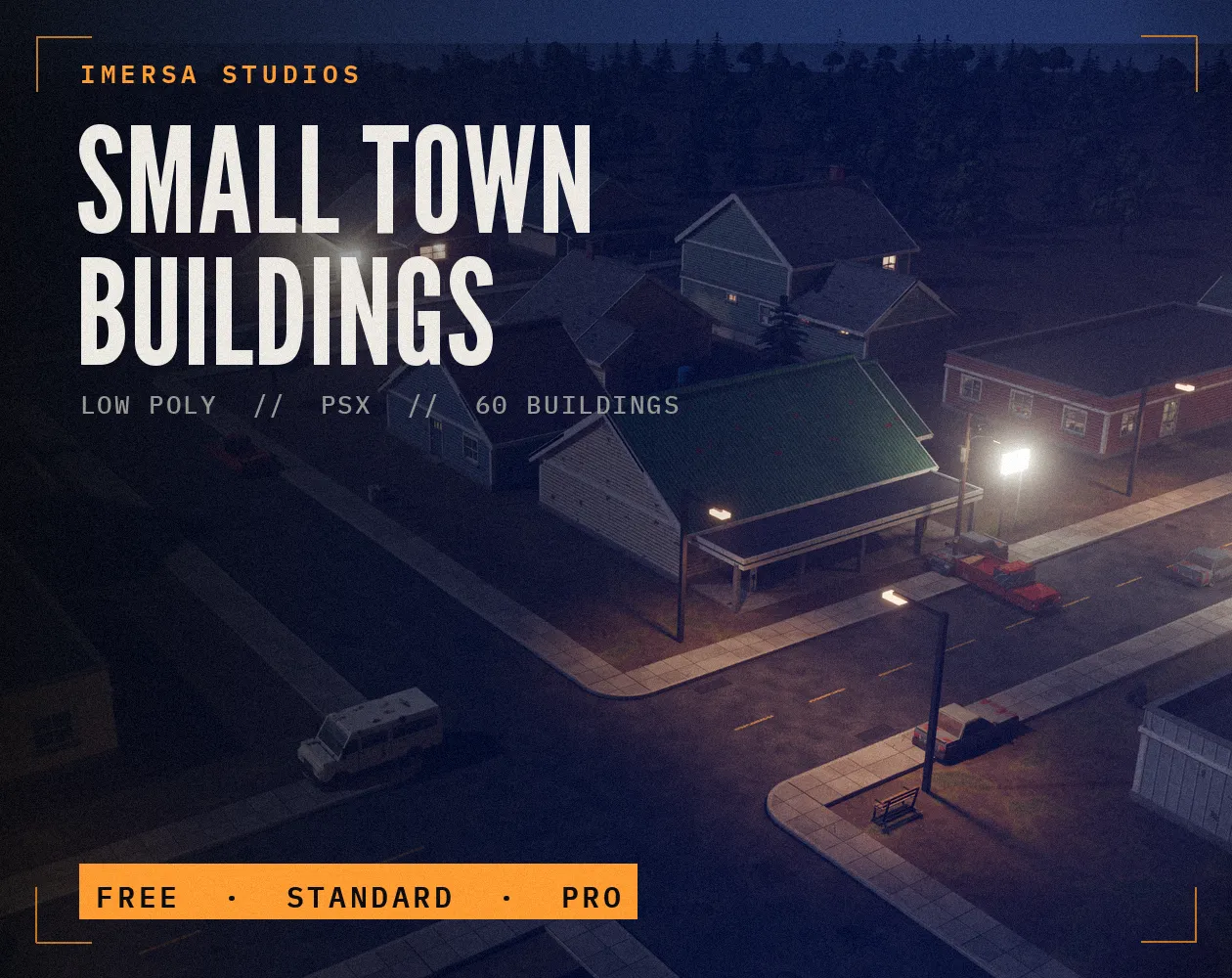
Small Town Buildings: Low Poly PSX Town Kit
Free / Standard / Pro
Questions
In your browser's localStorage on this device. It is not sent anywhere. Export JSON to back it up or move it.
It is a personal board. For teams, export and share the JSON, or use a shared tool such as Trello or GitHub Projects.
The board is erased, so export a backup now and then.
Small enough to finish in one sitting, such as 'add door sound' rather than 'audio'. Big tasks sit in Doing for weeks and hide progress.
One to three for a solo developer. More than that usually means work is started and not finished, which the board makes visible.