Horror Atmosphere Preview: Fog, Vignette, Grain and PSX Look
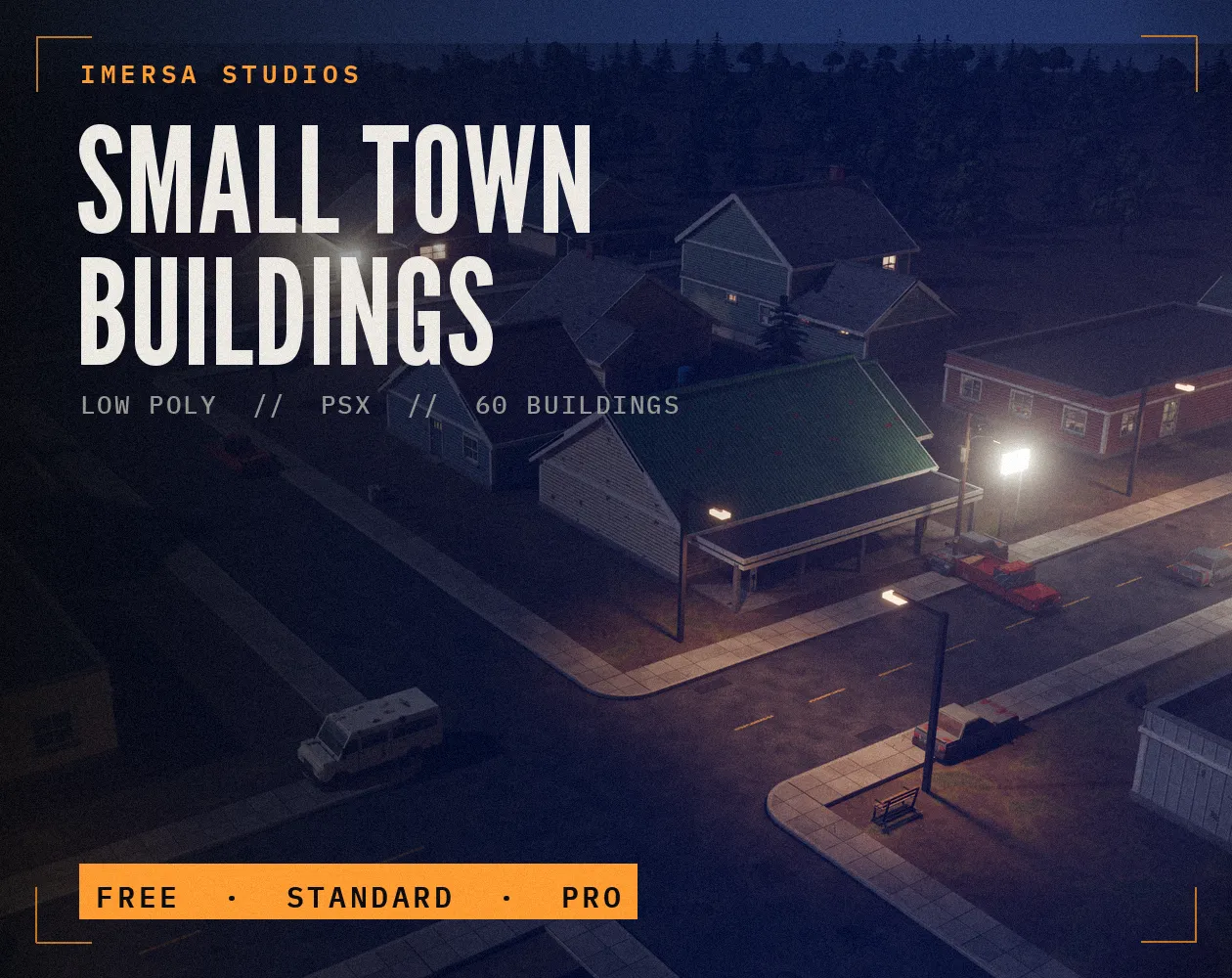
Drop in a screenshot, or use the sample, and push the sliders until it feels uneasy. The values below the image help you set fog, ambient light and post-processing in your engine.
Values to copy
ambient: 0.85 x base
saturation: 0.65
fog colour: #1c2024
fog density (exp2): 0.016
vignette intensity: 0.50
film grain: 0.10
render scale for PSX look: 1/2
Where to start
Less saturation and a dark, cool fog make a scene feel colder. Vignette keeps the eye on the centre. Pixelation and scanlines give the PS1 look, which you can build with our [PSX horror guide](/guides/how-to-make-a-psx-horror-game/).
When to use it
Finding your game's look early
Try fog, grain and the PSX filter on a grey-box screenshot before you spend weeks on lighting.
Making store screenshots match the game
Check that your capsule art and screenshots share the same darkness and grain as the game itself.
Agreeing on a style with a team
Share the copied values so everyone tunes the post-processing to the same numbers.
Go further

Questions
No. It is processed in your browser.
They are starting points. Each engine and render pipeline treats fog and post-processing a little differently.
Dark enough to hide things, bright enough to read the path. Keep the floor and doors visible, and let corners and distance fall into black.
In Unity use a URP Volume with Vignette, Film Grain and Color Adjustments; in Godot use a WorldEnvironment with fog and adjustments, plus a screen shader for pixelation.