Sprite Sheet Animation Previewer: Slice and Play Frames Online
Upload a sprite sheet, tell it how many columns and rows it has and watch the animation play. It shows the frame size so you can match your engine's slice settings.
Equal-size frames, left to right then top to bottom. Your image stays in the browser.
Upload a sprite sheet to preview the animation.
When to use it
Checking a sheet before importing it
See whether a downloaded sheet loops cleanly and how many frames it has before you set up the slicing in the engine.
Choosing the frame rate
Try 8, 12 and 15 frames per second and keep the speed that reads best for walks, attacks and idles.
Spotting jitter
A character that jumps a pixel between frames is easy to see in a loop and hard to see in the editor.
Go further
 FREE EDITION
Game Dev Guides Bundle: 6 PDF Books for Indie Devs
PDF field guide · 12 pages
 FREE EDITION
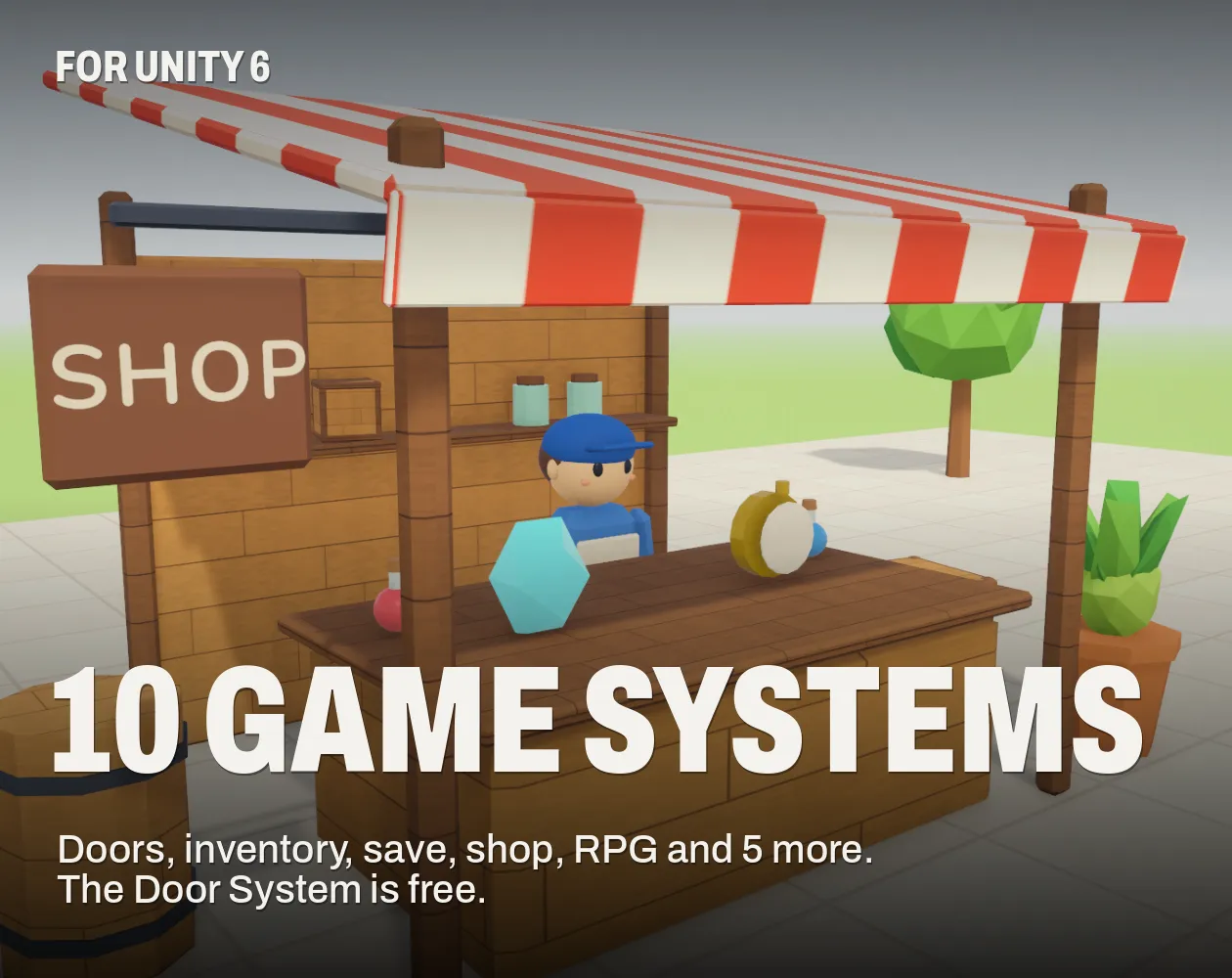
10 Game Systems for Unity: Doors, Inventory, Save, Shop & RPG
Unity 6 · URP · C# source + demo
 FREE EDITION
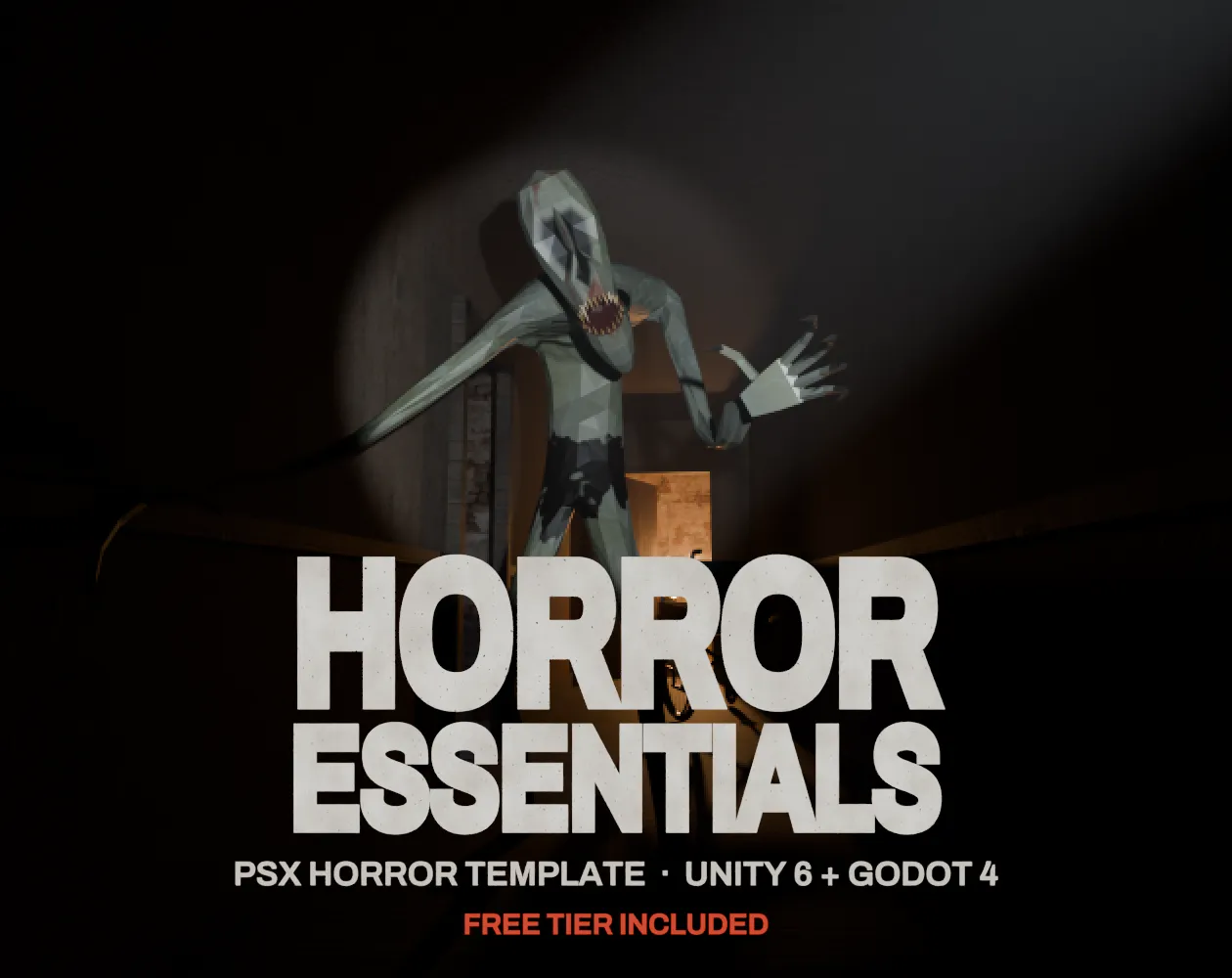
Horror Essentials: PSX Horror Template for Unity 6 & Godot 4
Unity 6 · URP · C# source + demo
Questions
No. The sheet is read in your browser and never leaves your device.
Frames are probably not equal-size or are misaligned. Check that the sheet width and height divide evenly by the columns and rows.
Many use 8 to 12 frames per second, with some frames held longer for weight. The game itself still runs at 60; only the animation steps less often.
Set the texture's Sprite Mode to Multiple, open the Sprite Editor and slice by cell size using the frame size the previewer shows.