Terrain Heightmap Generator (Noise, Seed and Export PNG)
Set a seed, shape the noise and download a greyscale heightmap for Unity, Godot, Unreal or Blender. The colour preview shows sea level, beaches, grass, rock and snow.
256 × 256 value noise. Import the greyscale PNG as a heightmap in Unity, Godot or Unreal terrain tools, or as a displacement map in Blender.
Using the heightmap
In Unity, the terrain tool can import a heightmap file, and in Godot you can feed it to a HeightMapShape3D or a terrain add-on. In Blender, use it as a displacement texture on a subdivided plane.
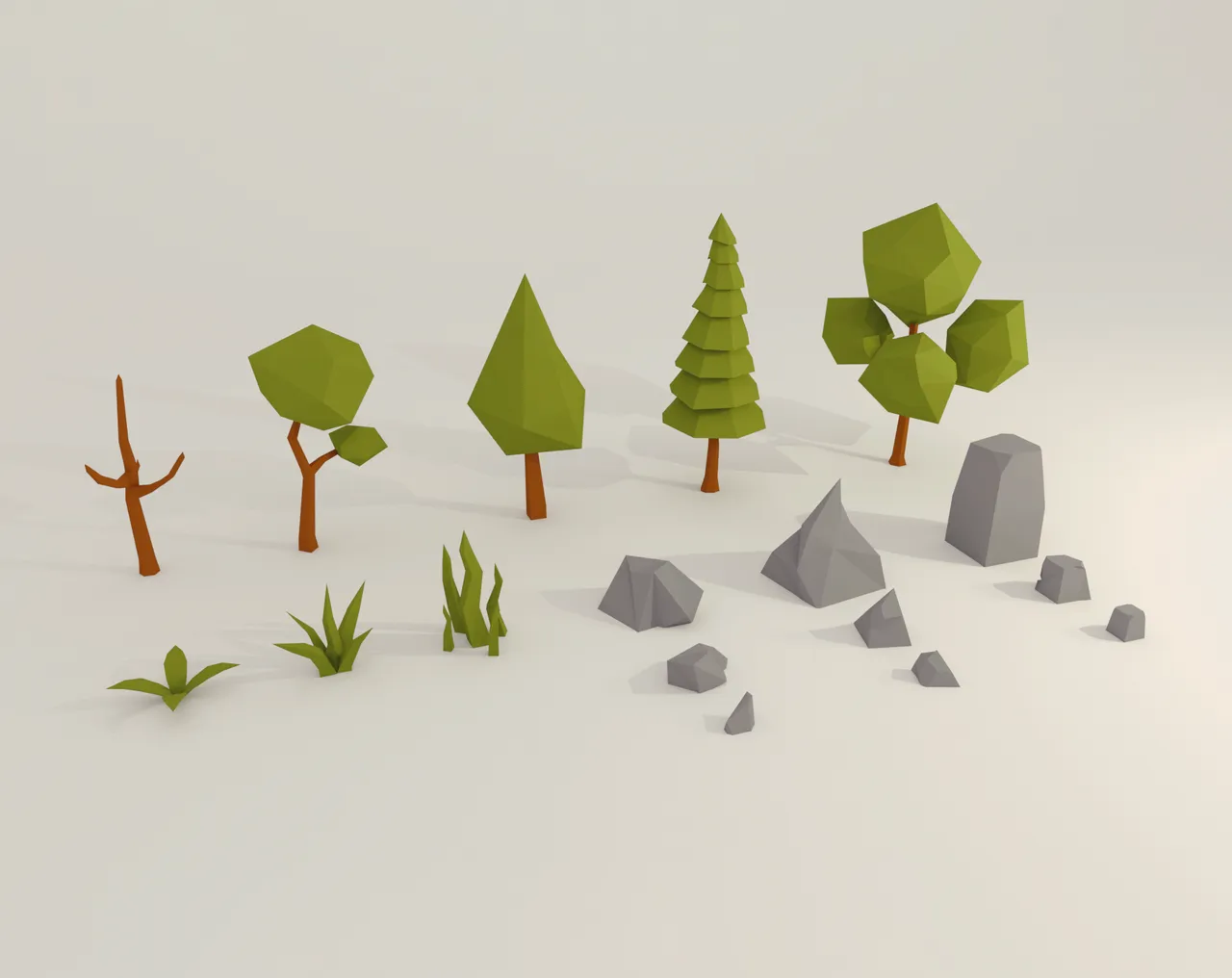
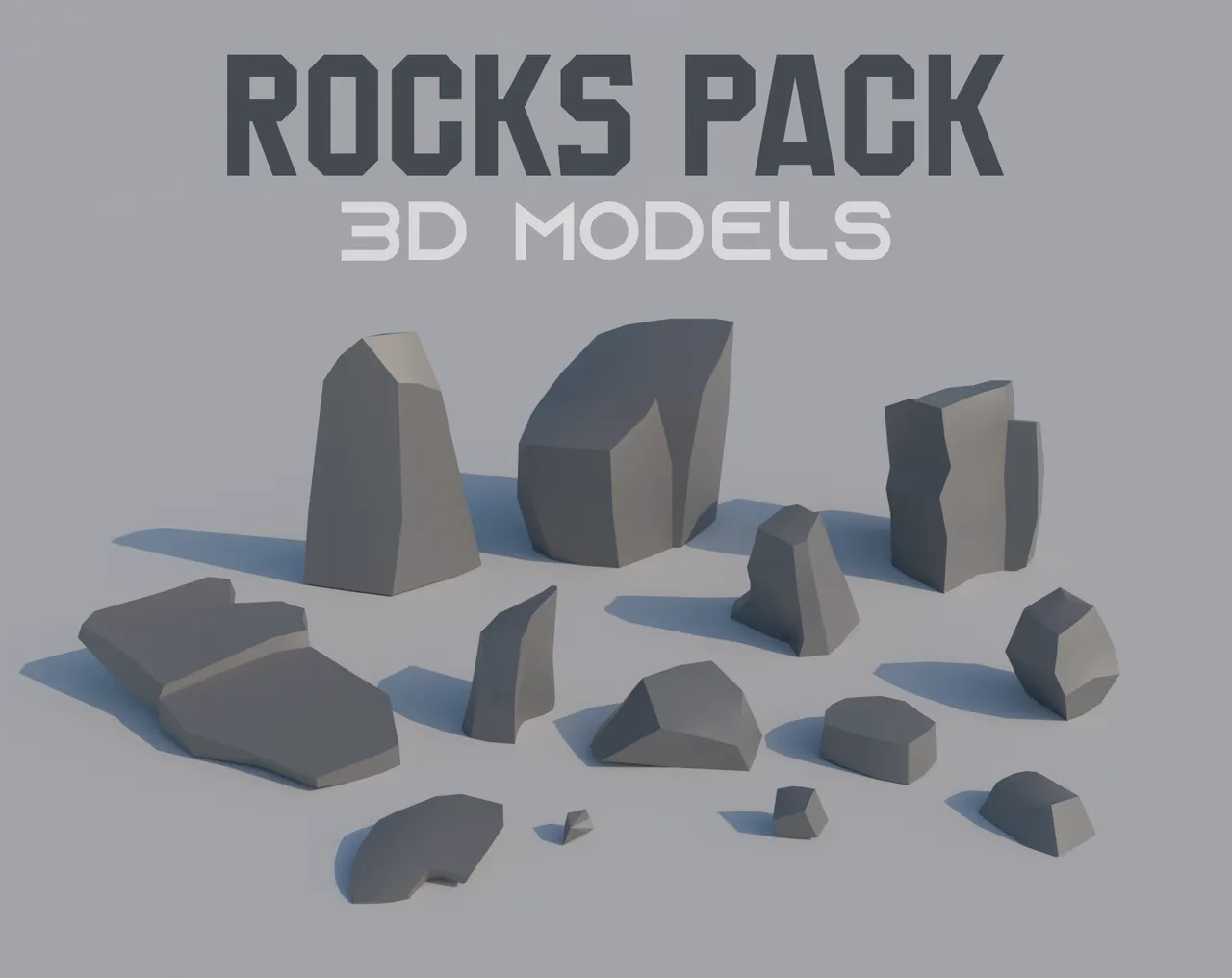
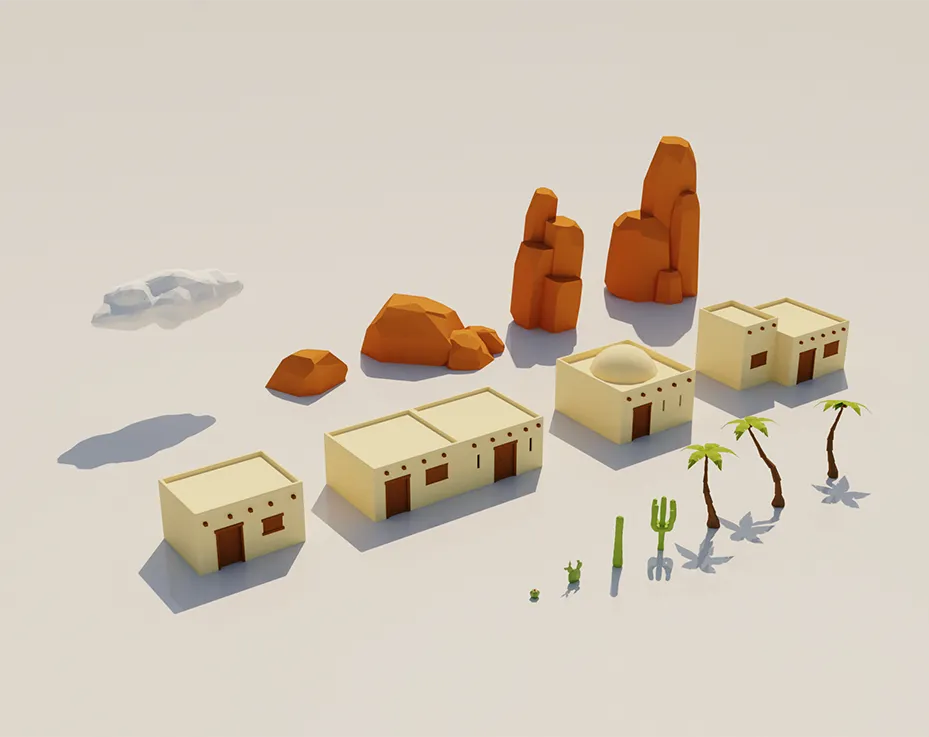
Raw heightmaps are smooth. Place rocks, trees and props on top to break it up; the nature and rocks packs are made for that.
When to use it
Blocking out an open level
Generate a few seeds, pick the one with the best valleys and paths, and import it as the base of your map.
Islands and coastlines
Raise the sea level until the land turns into islands, then download the map for a survival or pirate game.
Backgrounds and distant hills
A low-detail heightmap makes mountains behind the playable area without modelling them.
Go further
Questions
256 × 256 pixels, an 8-bit greyscale PNG. Resize it in an image editor if your engine wants a specific size.
It is layered value noise, a close cousin that looks similar for terrain. Layers (octaves) add fine detail on top of broad shapes.
Yes. The same seed and settings always give the same map.
Create a Terrain, open Terrain Settings and use Import Raw. Save the PNG as 16-bit RAW first, or use a heightmap importer that reads PNG.
Add a subdivided plane, add a Displace modifier and pick the heightmap as its texture. Raise the strength until the hills look right.