
1. Items as resources
A Resource is the Godot way to describe data you edit in the Inspector. One .tres file per item keeps names and icons out of your code:
class_name Item
extends Resource

@export var id := ""
@export var display_name := ""
@export var icon: Texture2D
2. An autoload that holds the slots
Add this script under Project Settings > Globals > Autoload as Inventory. A signal tells the UI to redraw:
extends Node

signal changed
const SIZE := 9
var slots: Array[Item] = []
var selected := 0

func _ready() -> void:
    slots.resize(SIZE)

func add(item: Item) -> bool:
    for i in SIZE:
        if slots[i] == null:
            slots[i] = item
            changed.emit()
            return true
    return false

func drop_selected() -> Item:
    var item := slots[selected]
    slots[selected] = null
    changed.emit()
    return item
3. Pick up what you look at
Put a RayCast3D on the camera, about 2 m long. When the player presses the interact action and the ray hits a pickup, add its item and free the node:
@onready var ray: RayCast3D = $Camera3D/RayCast3D

func _unhandled_input(event: InputEvent) -> void:
    if event.is_action_pressed("interact") and ray.is_colliding():
        var target := ray.get_collider()
        if target is Pickup and Inventory.add(target.item):
            target.queue_free()
    if event is InputEventMouseButton and event.pressed:
        if event.button_index == MOUSE_BUTTON_WHEEL_UP:
            Inventory.selected = posmod(Inventory.selected - 1, Inventory.SIZE)
        elif event.button_index == MOUSE_BUTTON_WHEEL_DOWN:
            Inventory.selected = posmod(Inventory.selected + 1, Inventory.SIZE)
        Inventory.changed.emit()
Pickup is a small script on a StaticBody3D or RigidBody3D with an exported item: Item. For the hotbar, an HBoxContainer of TextureRects that redraws on Inventory.changed is enough.
4. Save the inventory
Save item ids, not the resources themselves, so a save keeps working when you change an icon:
func save_inventory() -> void:
    var ids := Inventory.slots.map(func(i): return i.id if i else "")
    var file := FileAccess.open("user://inventory.json", FileAccess.WRITE)
    file.store_string(JSON.stringify(ids))
On load, read the ids and map each one back to its .tres with a dictionary of items. The same pattern saves doors, coins and checkpoints.
5. Or start from working systems
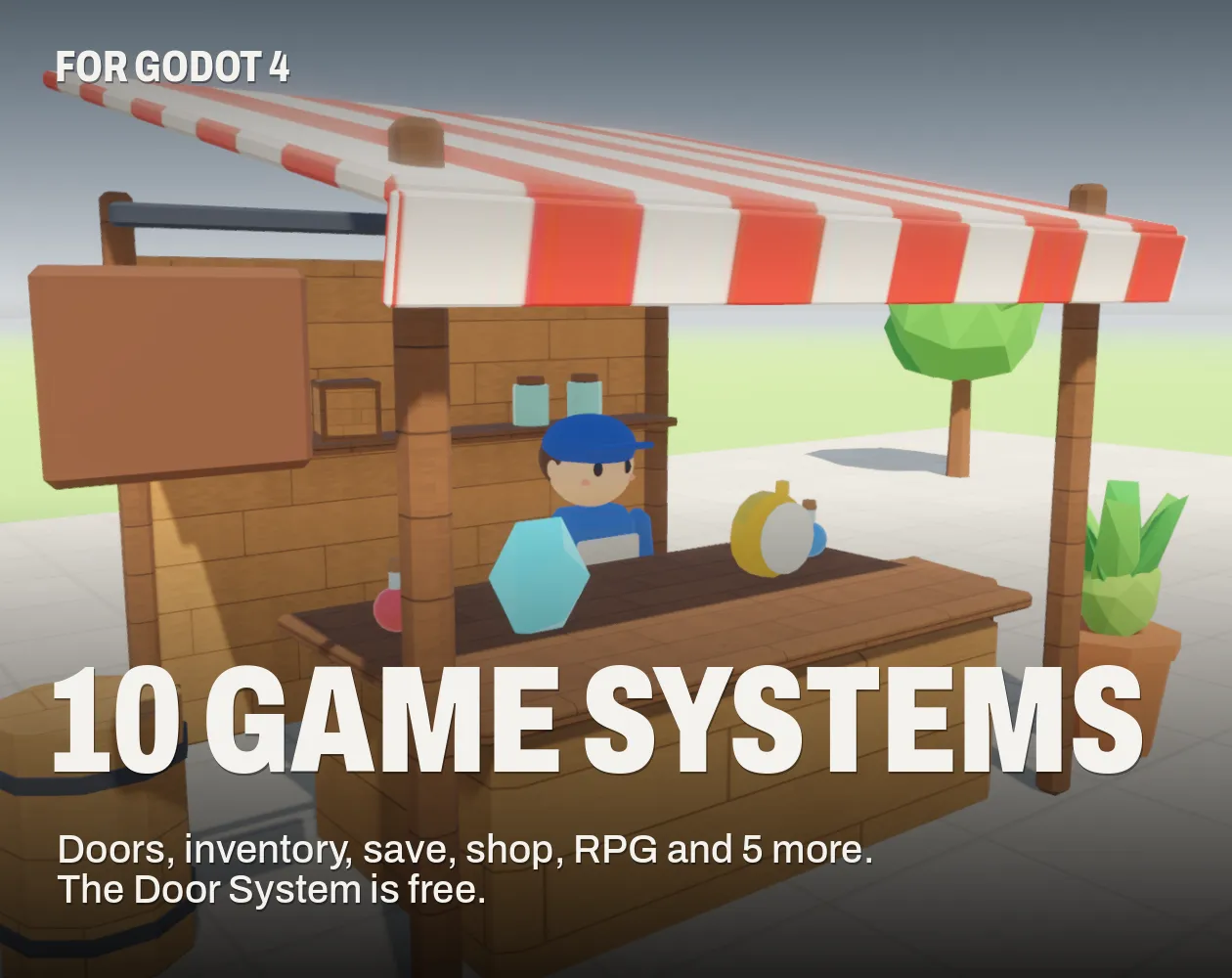
The 10 Game Systems collection for Godot 4 ships this inventory together with save and load, doors with keys and keypads, a shop, a starter RPG and five more, each with a demo scene and typed GDScript. The Door System is free.

Questions
Resources. They hold data, can be edited in the Inspector and shared between scenes; the node in the world only needs a reference to its Item.
Keep the same autoload and slots, and draw them in a GridContainer. Add width and height to Item if items take more than one cell.
Yes: see [how to make an inventory system in Unity](/guides/how-to-make-an-inventory-system-in-unity/).
Who wrote this
Imersa Studios builds the Unity systems, low poly packs and field guides sold on itch.io. The code and techniques here come from shipping those products. More about the studio.