Three ways to break things
| Approach | Runtime cost | Look | Use it for |
|---|---|---|---|
| Swap to pre-fractured pieces | Low | Real pieces, same every time | Crates, vases, statues, walls |
| Slice the mesh at runtime | High | Unique cuts | Sword-slicing as a core mechanic |
| Particles + hide the object | Lowest | No real pieces | Small, distant or fast objects |
For most games, swapping is the answer. The rest of this guide builds it.
1. Make the pieces
Split the mesh into chunks ahead of time. In Blender the Cell Fracture add-on does this; you can also bake pieces inside Unity with an editor tool. Put the pieces under one parent, add a MeshCollider (convex) and a Rigidbody to each, and save it as a prefab.
2. Swap on impact
using UnityEngine;

public class Breakable : MonoBehaviour
{
    public GameObject brokenPrefab;
    public float breakSpeed = 4f;     // impact speed needed to break
    public float force = 300f, radius = 1.5f;
    public float piecesLifetime = 8f;

    void OnCollisionEnter(Collision c)
    {
        if (c.relativeVelocity.magnitude >= breakSpeed)
            Break(c.GetContact(0).point);
    }

    public void Break(Vector3 point)
    {
        var broken = Instantiate(brokenPrefab, transform.position, transform.rotation);
        foreach (var rb in broken.GetComponentsInChildren<Rigidbody>())
            rb.AddExplosionForce(force, point, radius);
        Destroy(broken, piecesLifetime);
        Destroy(gameObject);
    }
}
Call Break from your weapon code too, so bullets and explosions can break objects without a physical collision.
3. Keep it fast
- Remove pieces after a few seconds, or shrink them away, so physics bodies don't pile up.
- Put pieces on a layer that doesn't collide with the player, so debris never blocks movement.
- Pool broken prefabs for objects that break often (bottles in a shooter).
- Fewer, bigger pieces read better in low poly and PSX styles, and cost less.
Done for you: Fracture System
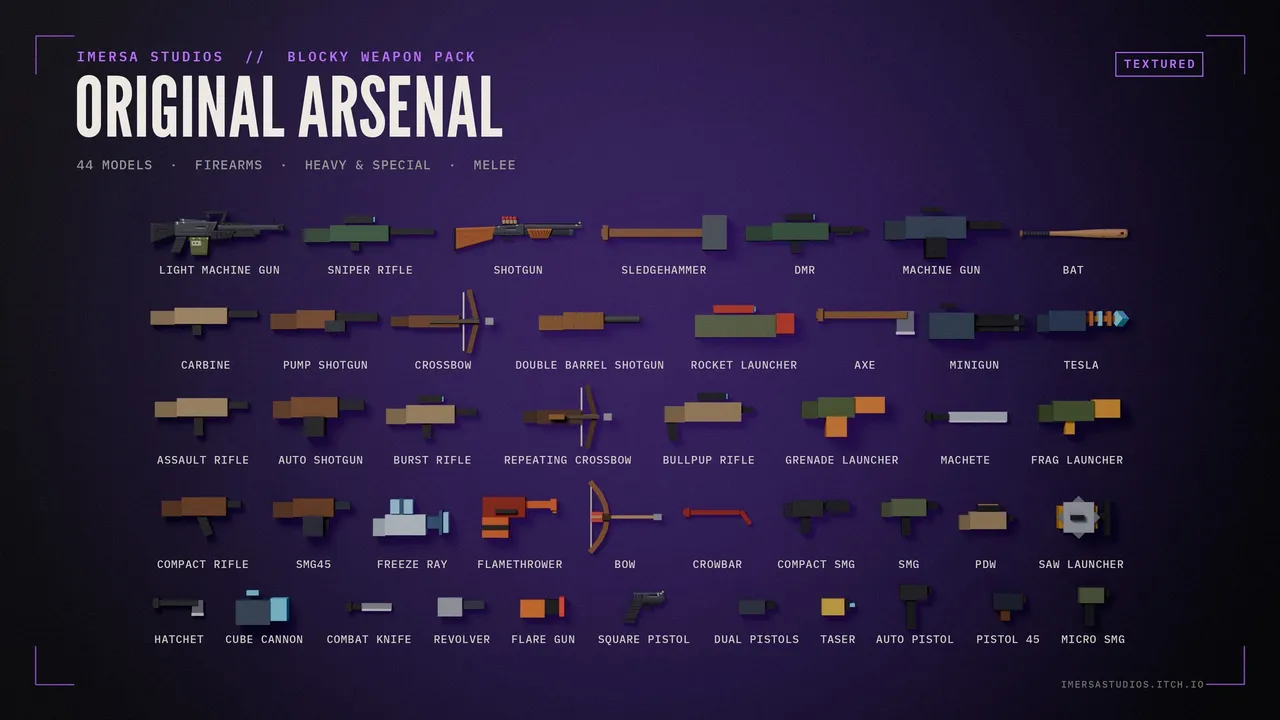
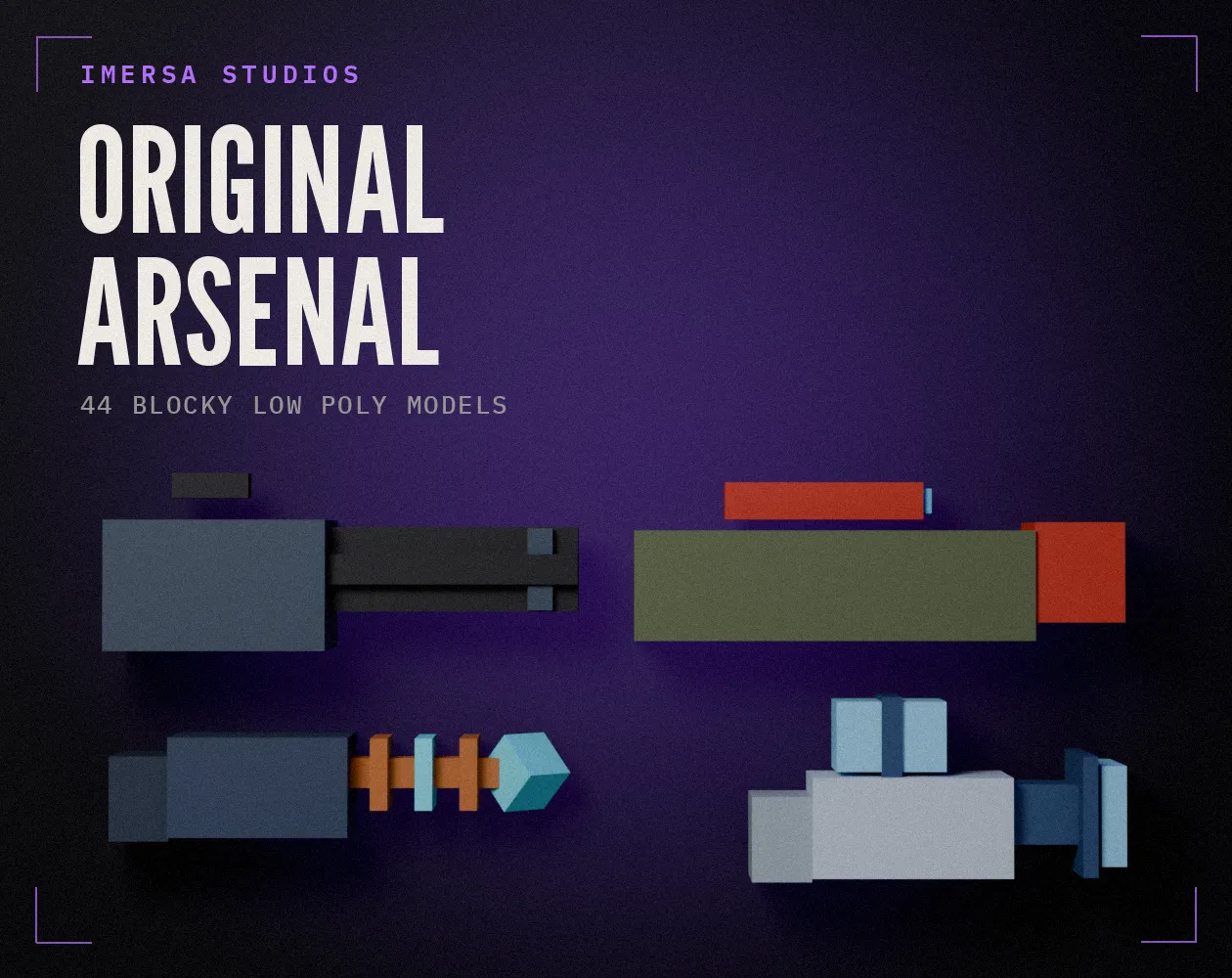
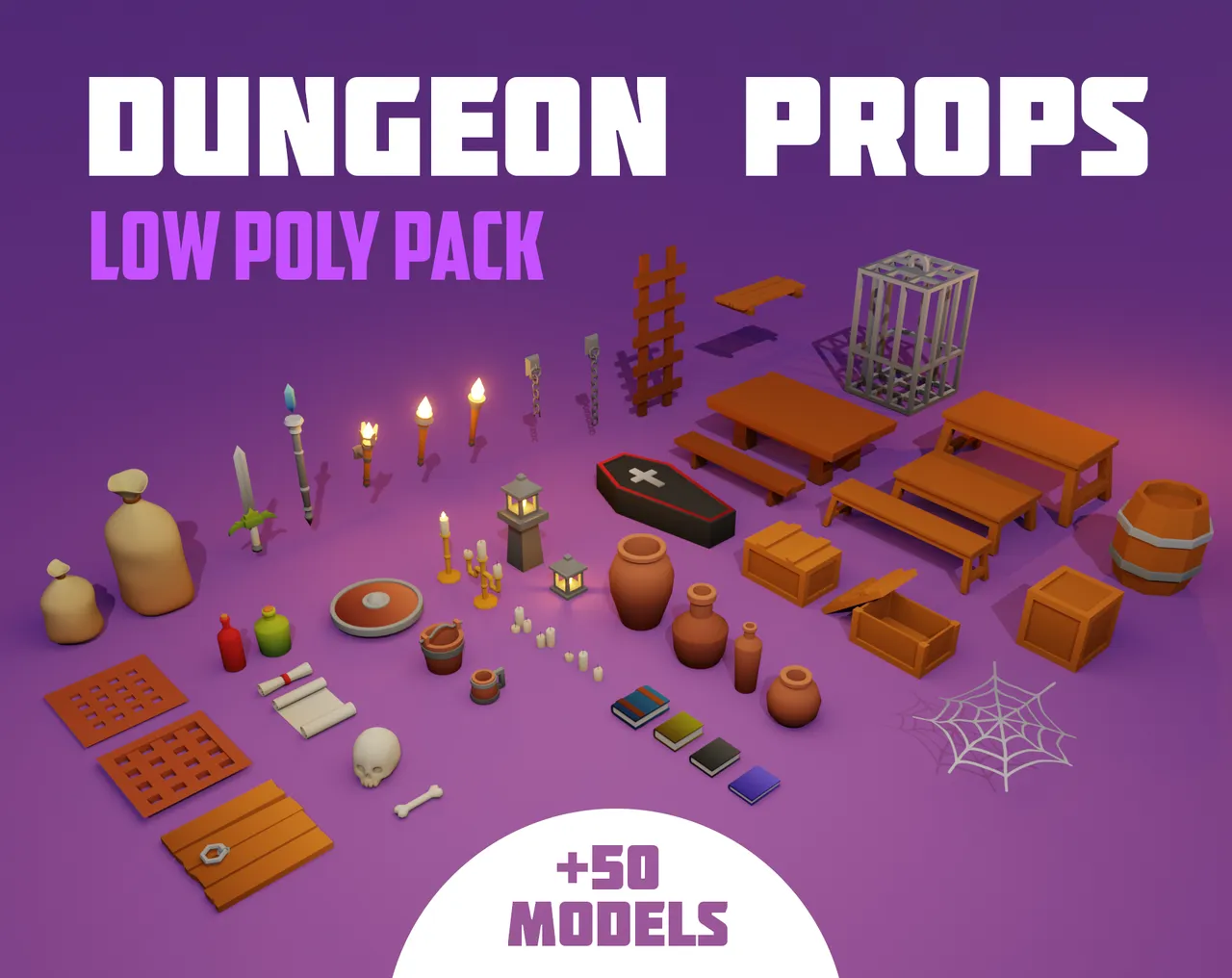
The Fracture System for Unity adds a Bake Fracture button to the Inspector (piece count and seed), breaks on collision or from code, has explosion and directional force settings, and fracture groups to break a multi-part object at once. Pair it with the Blocky Arsenal or the PSX Military pack for something to shoot with, and the Dungeon Props for things worth breaking.
Questions
Swap to pieces at the moment of breaking: bake the current pose with SkinnedMeshRenderer.BakeMesh if you need it, then fracture that. For most props, static meshes are all you need.
Overlapping colliders push each other apart. Shrink the piece colliders slightly or make them convex and non-overlapping, and spawn the pieces with zero initial velocity before adding force.
Who wrote this
Imersa Studios builds the Unity systems, low poly packs and field guides sold on itch.io. The code and techniques here come from shipping those products. More about the studio.