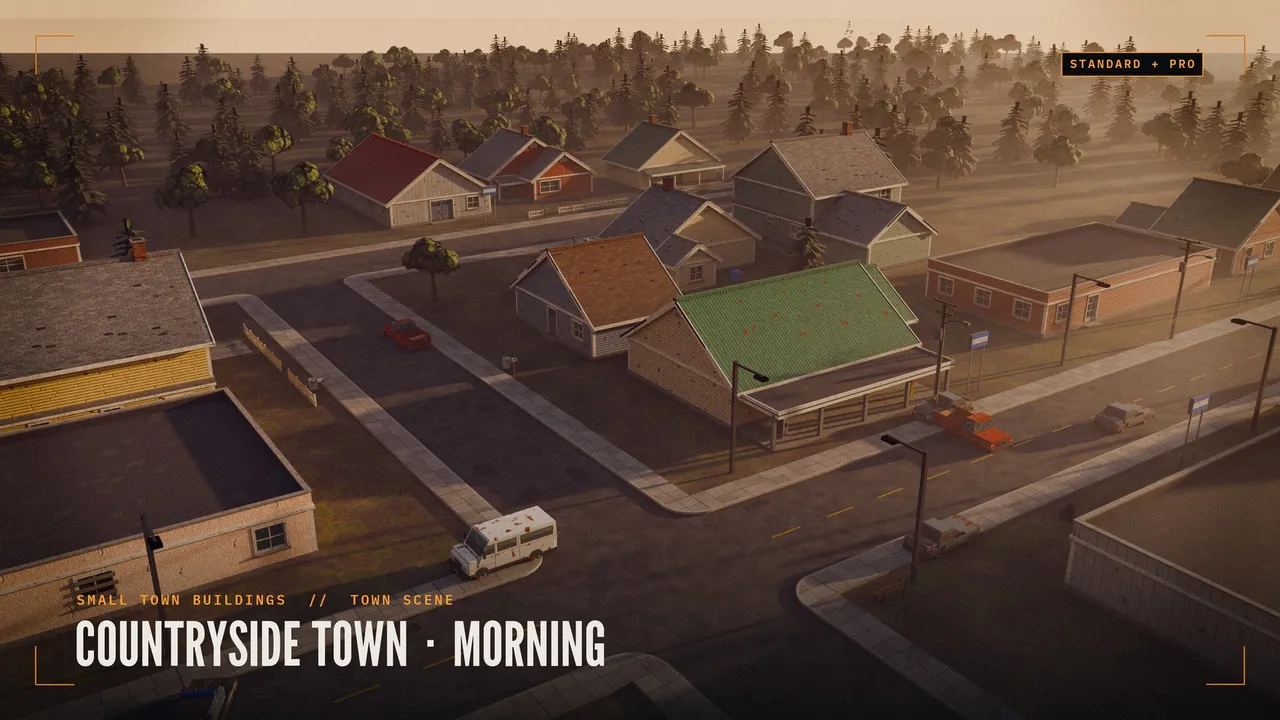
1. Unity
Drop the .blend file into your Assets folder. Unity runs Blender in the background and converts the file to FBX, so Blender must be installed. Anyone on your team who opens the project needs Blender too.
For a project you share, export FBX once and commit that instead: in Blender, File > Export > FBX, set Apply Scalings to FBX All, Forward to -Z Forward, Up to Y Up, and tick Apply Transform. That removes the 90-degree rotation and the 100x scale most people hit on their first import.
2. Godot 4
Godot 4 imports .blend files when you point it at Blender: Editor Settings > FileSystem > Import > Blender > Blender Path. After that, .blend files in the project import like any scene, through glTF.
Without Blender installed, export glTF 2.0 (.glb) from Blender instead. glTF keeps materials and is Godot's preferred format.
3. Unreal Engine
Unreal does not read .blend files, so export FBX. Unreal works in centimetres and Blender in metres. Either set Blender's Unit Scale to 0.01 before you export, or set Import Uniform Scale to 100 in Unreal's import dialog.
4. Quick reference
| Engine | Opens .blend directly | Best export | Pixel texture setting |
|---|---|---|---|
| Unity | Yes, with Blender installed | FBX | Filter Mode: Point |
| Godot 4 | Yes, with Blender path set | glTF 2.0 (.glb) | Filter: Nearest |
| Unreal | No | FBX | Texture group: 2D Pixels (unfiltered) |
These packs ship as .blend files and work with every step above:
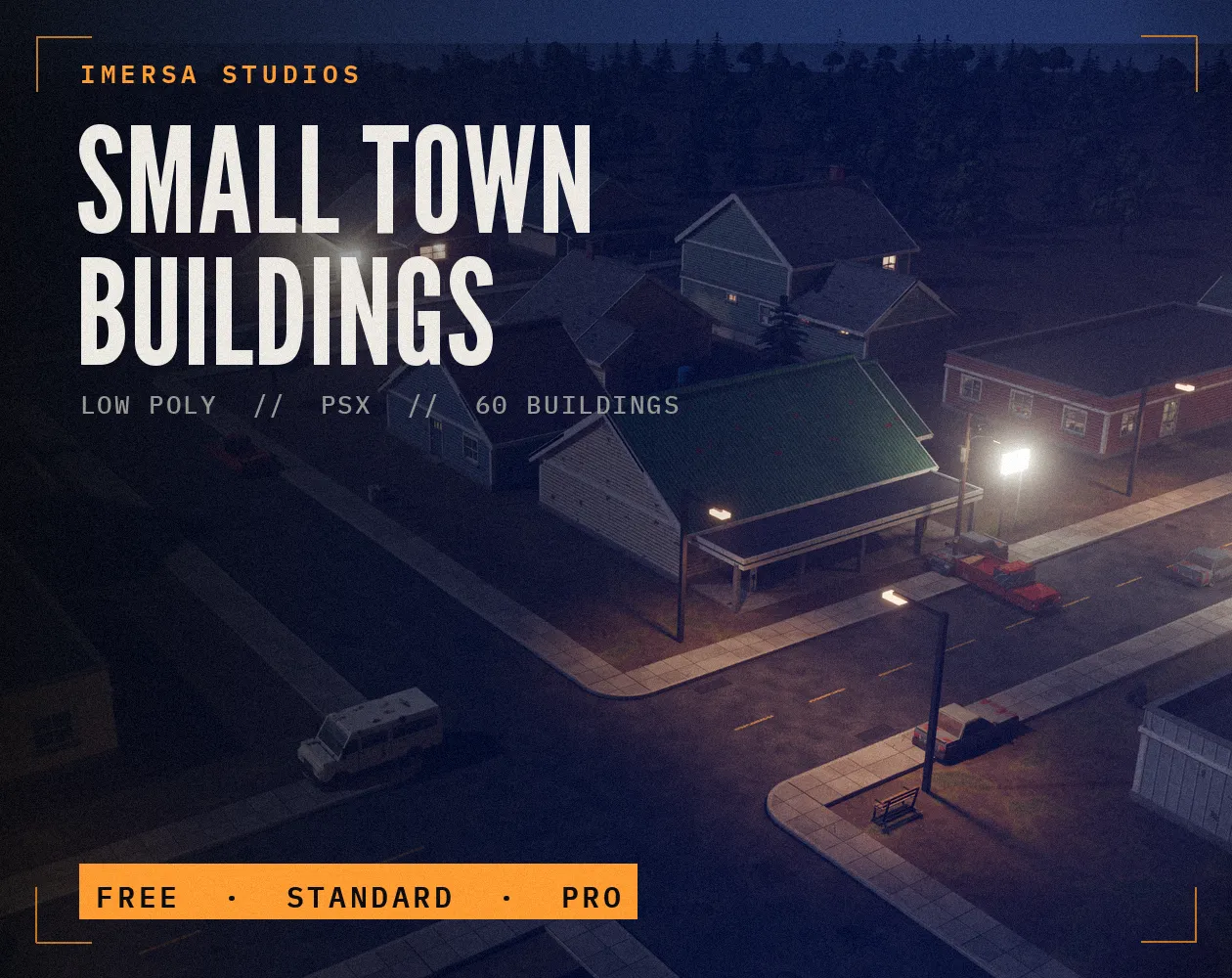 FREE EDITION
Small Town Buildings: Low Poly PSX Town Kit
Free / Standard / Pro
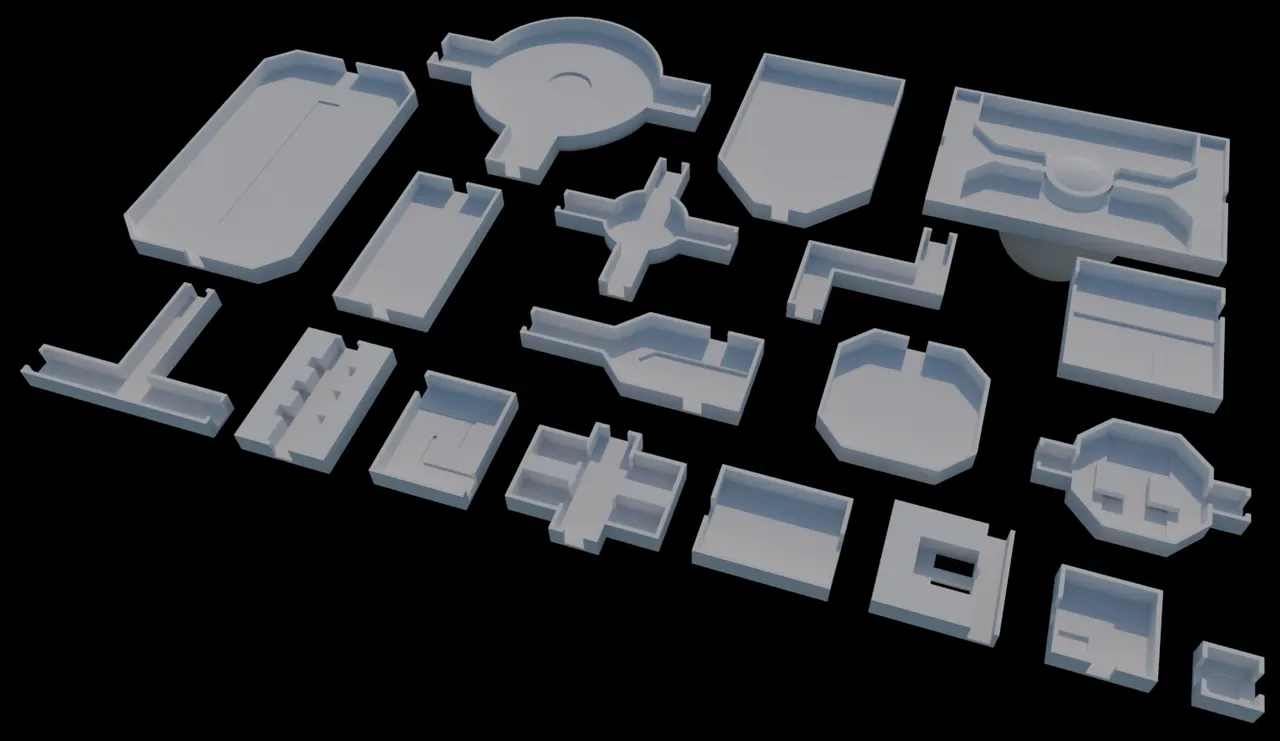 BEST SELLER
Dungeon Rooms Low Poly Pack
19 rooms · .blend
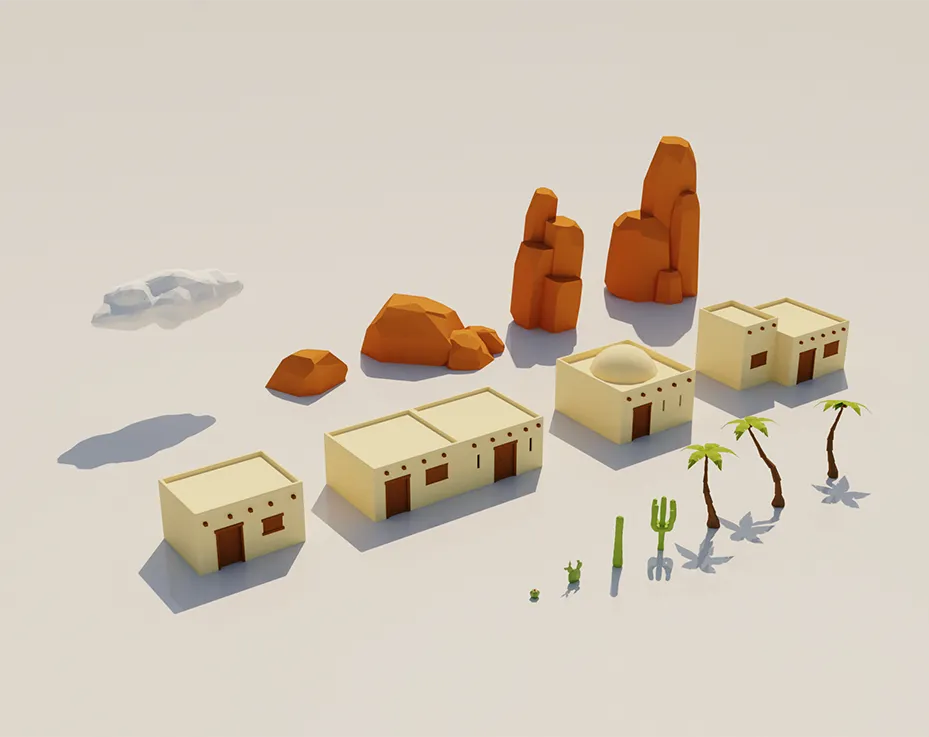 FREE EDITION
Desert Low Poly Pack
.blend
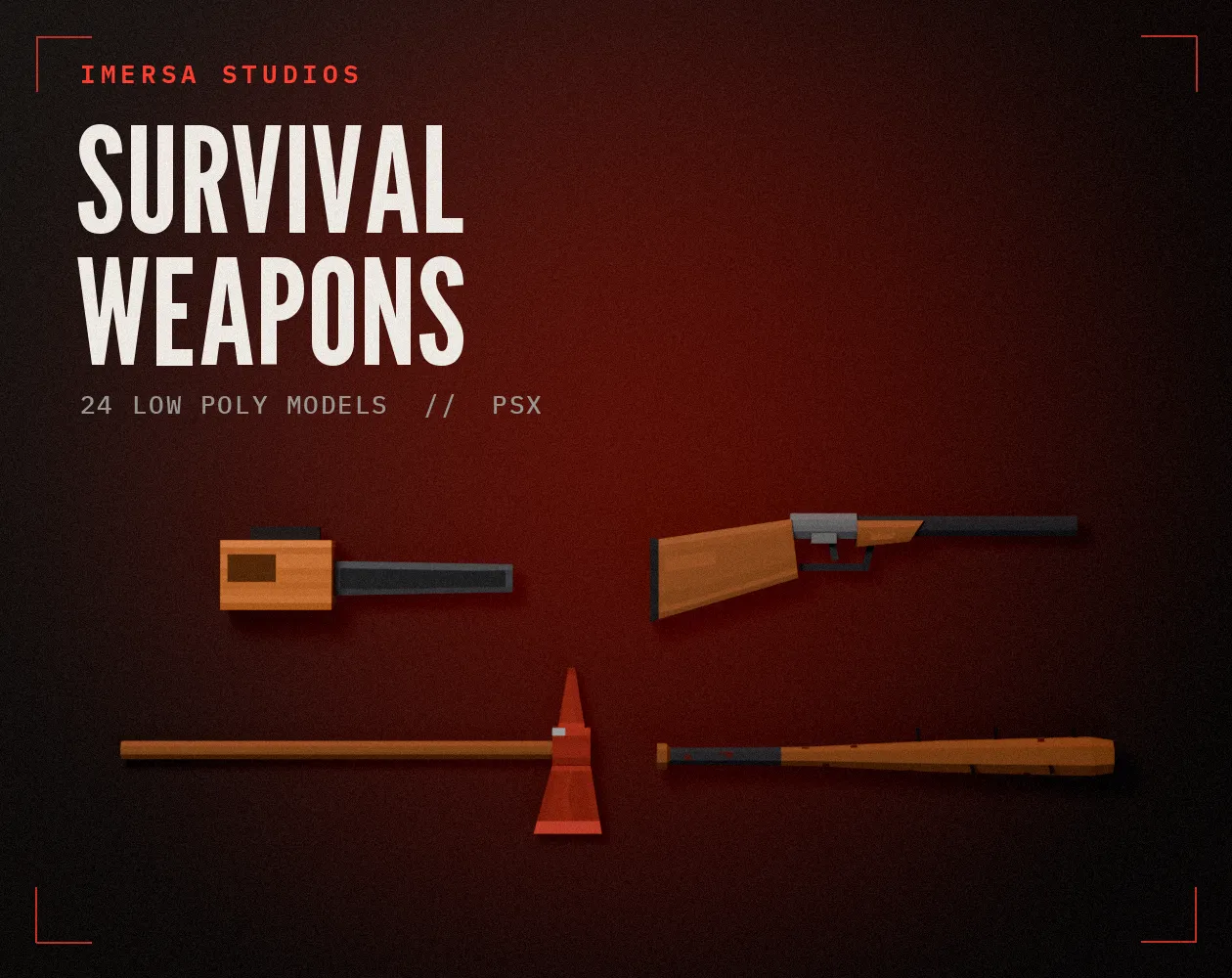
Survival Weapons: Low Poly PSX Scavenger Pack
24 models · .blend · pixel textures
Questions
Blender uses Z as up and Unity uses Y. Export FBX with Apply Transform ticked, or apply rotation in Blender (Ctrl+A > Rotation) before export.
The engine filters small textures by default. Switch the texture or material to point or nearest filtering, as shown for each engine above.
Keep it outside the engine project as the source, and import the exported FBX or glTF. Builds stay smaller and teammates don't need Blender.
Who wrote this
Imersa Studios builds the Unity systems, low poly packs and field guides sold on itch.io. The code and techniques here come from shipping those products. More about the studio.