Game Colour Palette Creator: Harmonies, Shades and Export
Pick a base hue and a colour harmony. You get hue-shifted ramps from dark to light for each colour, ready to export for your engine or pixel art editor.
#371010
#871f29
#da2b4e
#e2819e
#f1d0dd
#372410
#87491f
#da5f2b
#e29481
#f1d3d0
#373710
#877c1f
#dab72b
#e2c581
#f1e4d0
Click a swatch to copy its hex code. Lightness runs from dark to light in every row; hue shifting keeps shadows and highlights from looking flat.
How to choose a palette that holds together
Fewer colours look more intentional. Start with one base, add one accent from a harmony and keep the rest as shades of those. Check readability: the player should tell the ground, the danger and the goal apart at a glance.
Hue shifting, shadows leaning cool and lights leaning warm, is what makes ramps feel painted instead of just darker and lighter.
When to use it
Pixel art from the first sprite
Start with ramps that already shift hue, so shading looks alive instead of just darker.
Giving each area its own mood
Make one palette per zone (a cold forest, a warm town) from the same harmony so the game still feels unified.
Telling players what matters
Use the accent colour of the harmony only for pickups, doors and enemies so they stand out.
Go further
 FREE EDITION
Game Dev Guides Bundle: 6 PDF Books for Indie Devs
PDF field guide · 12 pages
 FREE EDITION
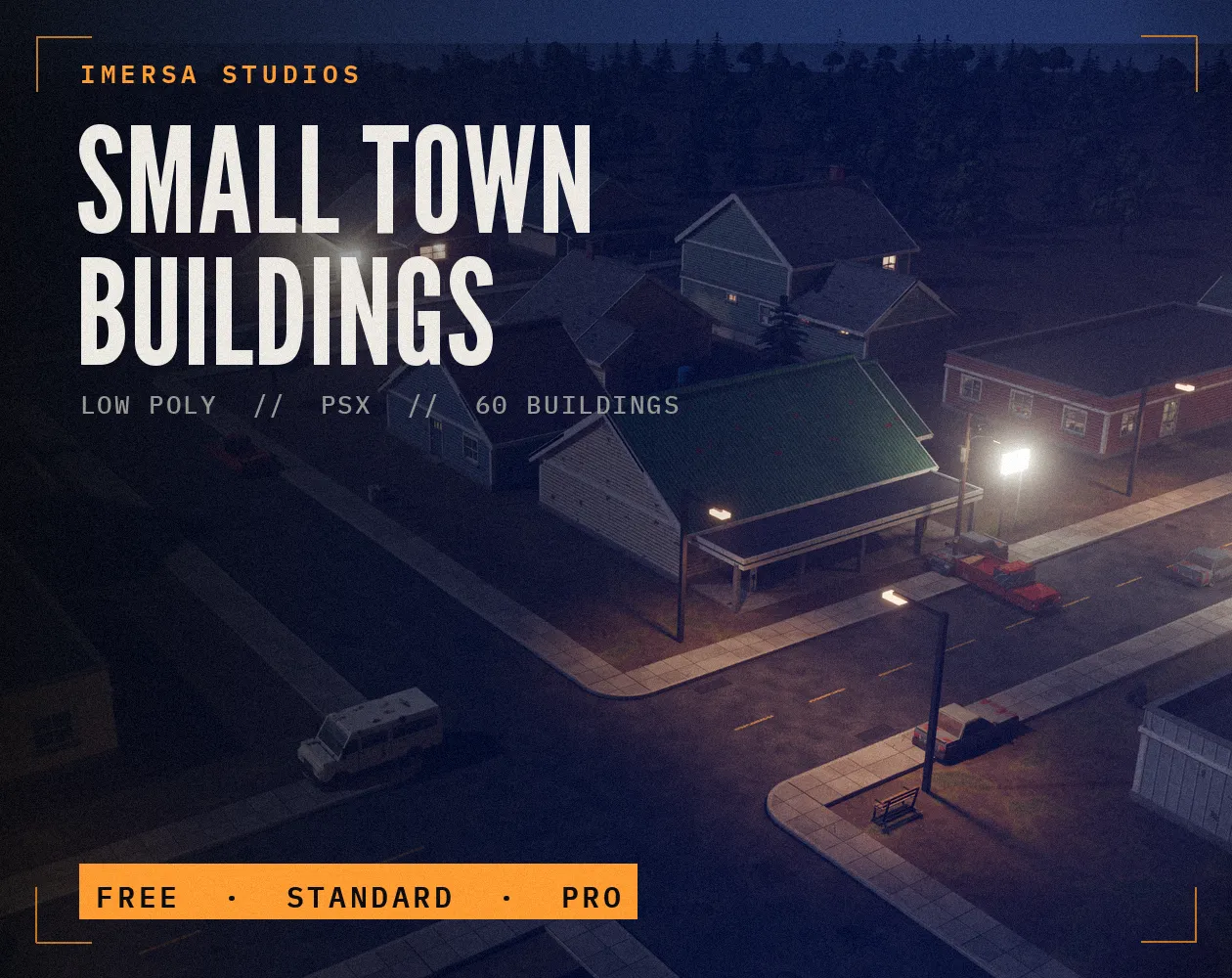
Small Town Buildings: Low Poly PSX Town Kit
Free / Standard / Pro
 FREE EDITION
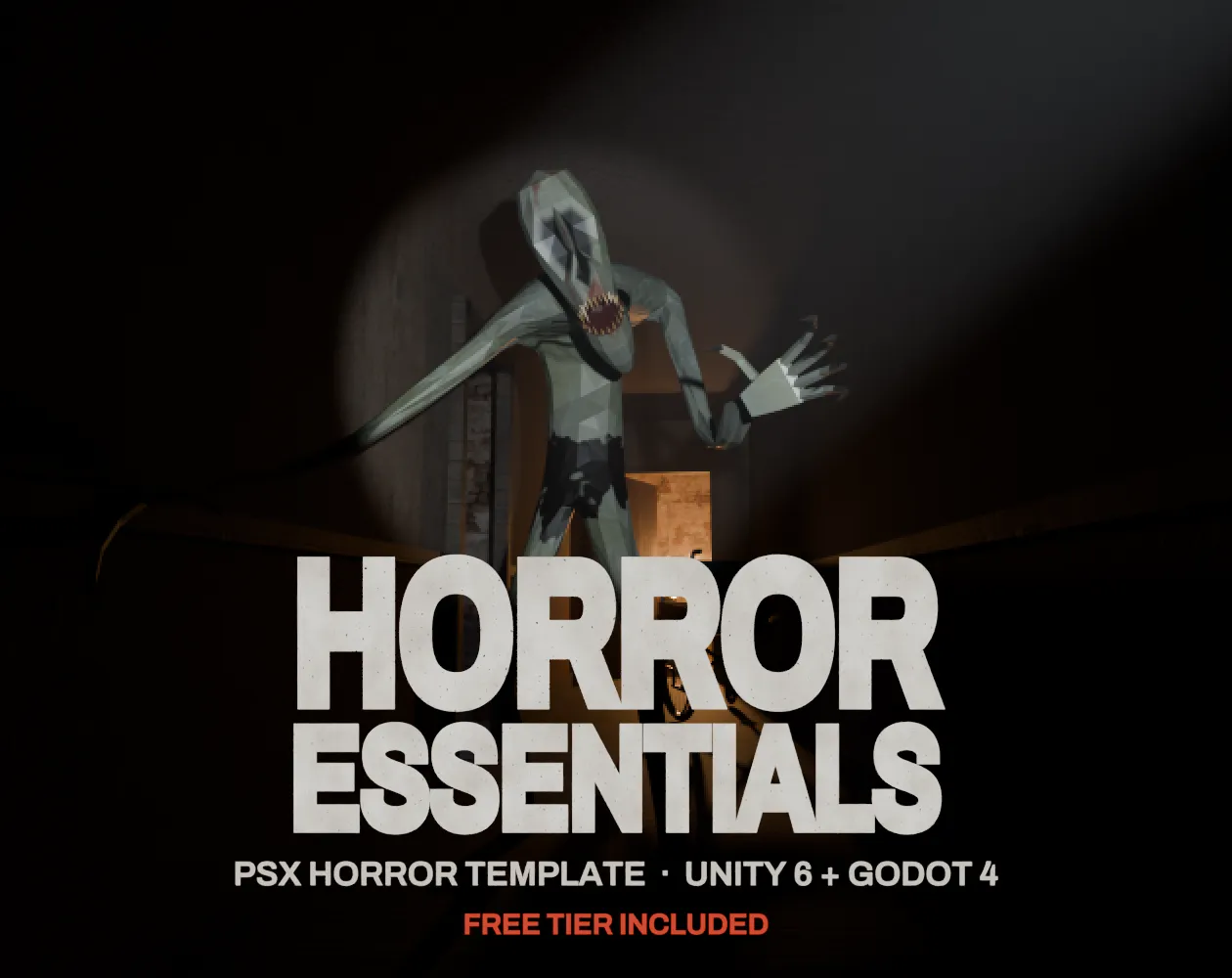
Horror Essentials: PSX Horror Template for Unity 6 & Godot 4
Unity 6 · URP · C# source + demo
Questions
Analogous is calm and safe, complementary gives strong contrast, triadic is lively. For a first game, analogous plus one accent works well.
Yes. Export the .gpl format and load it as a palette in either editor.
Pixel art games often use 16 to 32. Low poly games can use more, but a limited palette gives a consistent look.
Real shadows pick up the colour of the sky and bounce light, and highlights pick up the light's colour. Shifting hue copies that, and plain dark shades look muddy.
Paste the hex codes into your materials or a palette texture. For pixel art, keep the PNG next to your sprites so everyone draws from the same colours.