Texel Density Calculator
Texel density is how many texture pixels cover one metre of your model. Keep it consistent and objects look like they belong in the same world. Measure an object on the left and size a new texture on the right.
Texel density and the PSX look
Low density with nearest-neighbour filtering gives the crunchy PS1 look: you see individual texture pixels on walls and weapons. High density gives crisp detail. Mixing both in one scene makes the low-density objects stand out.
Pick one density for the world and a higher one for things close to the camera, such as first-person weapons.
When to use it
Mixing assets from several packs
Measure each pack and rescale the textures that are much sharper or blurrier than the rest.
Choosing a texture size for a new model
Enter the size of the object and your target density to get the texture resolution to export.
Keeping a first-person weapon sharp
Objects close to the camera need a higher density than the walls; the calculator shows how much higher.
Go further
 FREE EDITION
Game Dev Guides Bundle: 6 PDF Books for Indie Devs
PDF field guide · 12 pages
 FREE EDITION
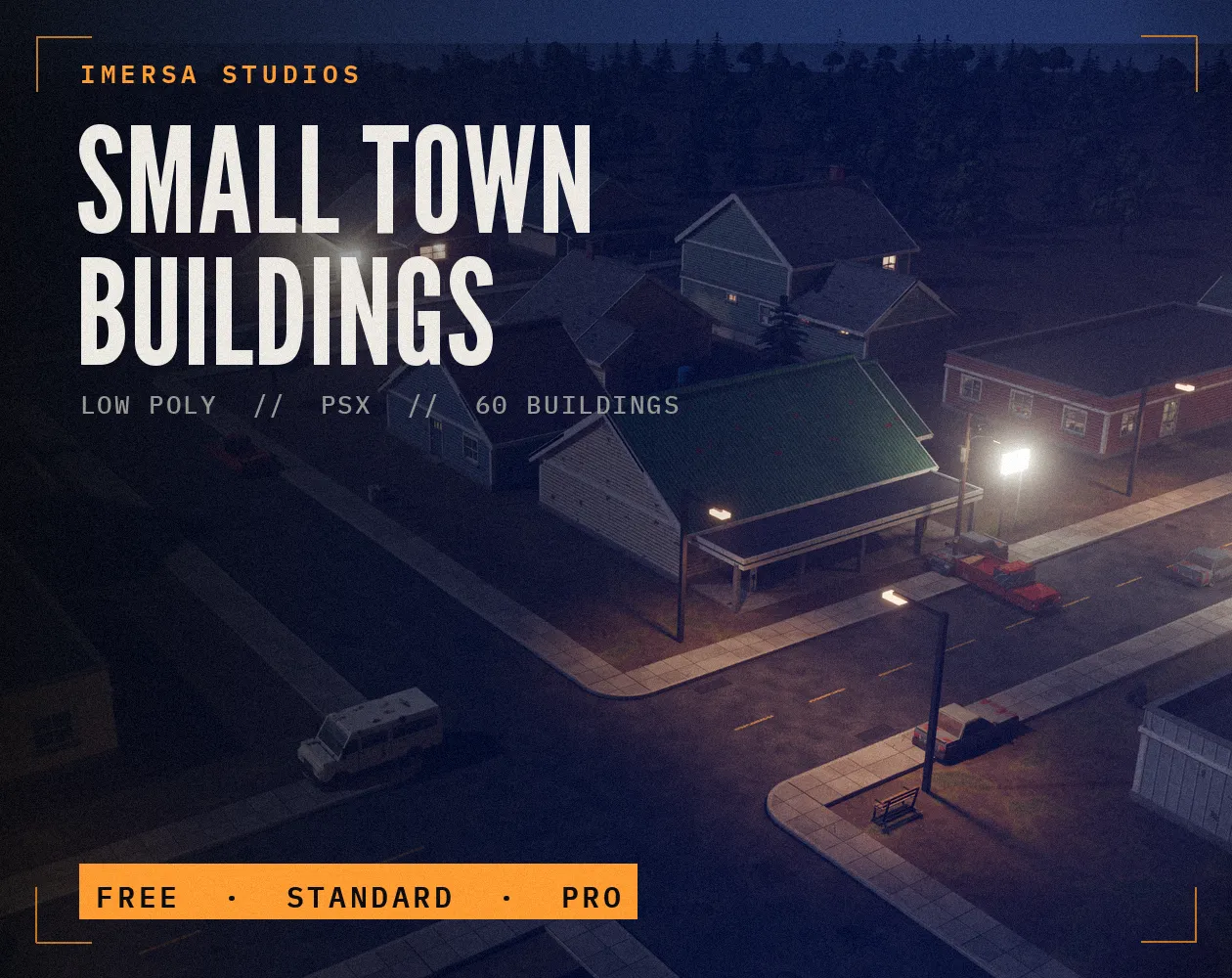
Small Town Buildings: Low Poly PSX Town Kit
Free / Standard / Pro
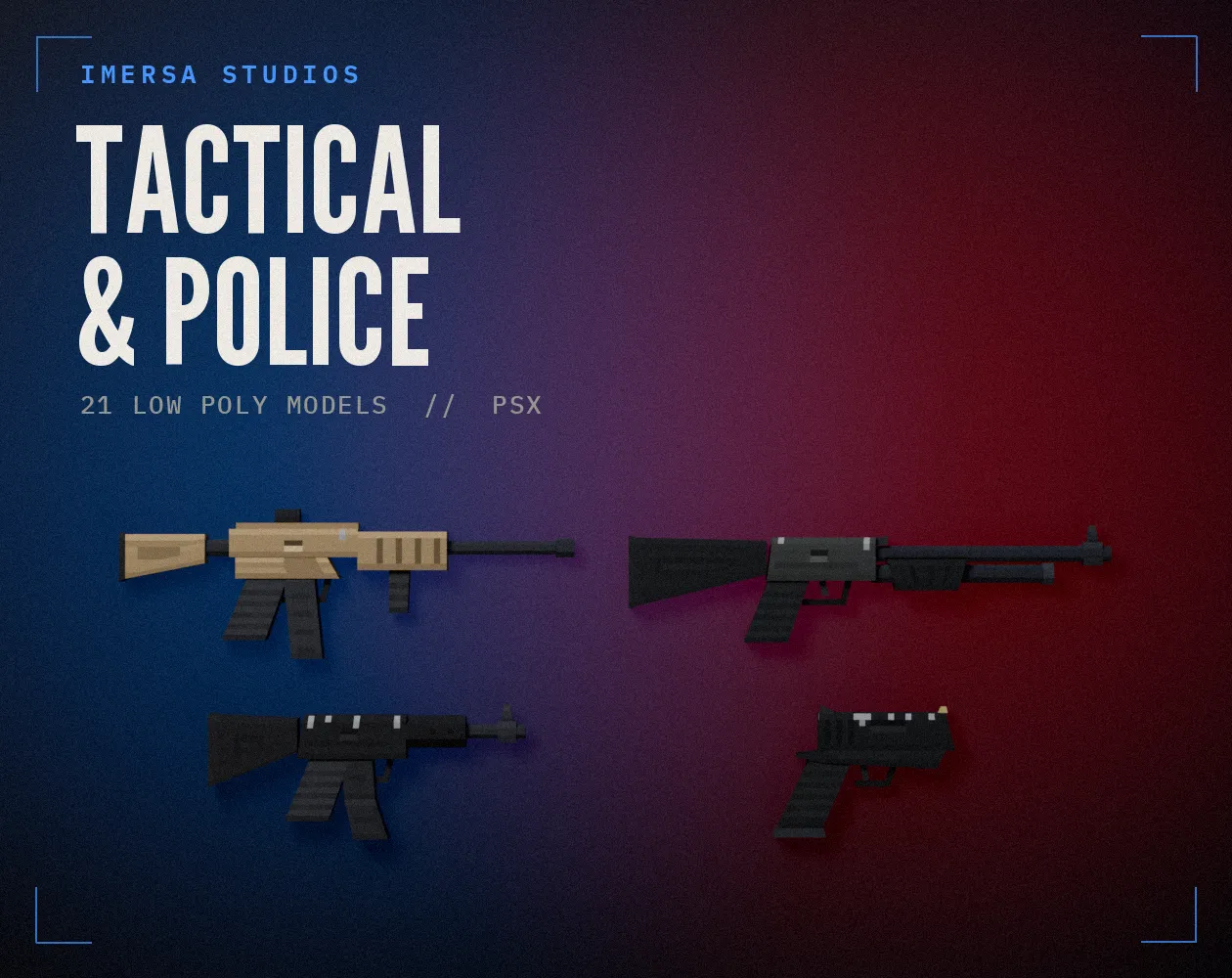
Tactical & Police Weapons: Low Poly PSX Pack
21 models · .blend · pixel textures
Questions
Coverage is a share of the texture's area. Density is measured along an edge, so the edge length scales with the square root of the area.
Yes for most engines: 64, 128, 256, 512. Power-of-two textures compress and mipmap cleanly, so the calculator rounds up to one.
Many modern 3D games use about 512 to 1024 pixels per metre. PSX-style games go much lower, often 64 to 128, which is part of the look.
Yes, even more: if one wall has pixels twice the size of the next, the mismatch is obvious. Keep pixel textures at the same density.