Low Poly Triangle Budget Calculator
Set how many triangles you want on screen per frame, then split them between environment, props, characters and the first-person weapon. The calculator gives a triangle budget per object.
About the presets
The presets are our starting points for planning, not hardware limits. A PSX-look game keeps counts low on purpose, because the style depends on chunky silhouettes. A PC game can draw far more, and draw calls, materials and lighting usually cost you frames before triangles do.
Profile on your slowest target device and adjust. A budget keeps you from spending detail where the player never looks.
When to use it
Before modelling a level
Decide how detailed a building or a prop can be before you open Blender, so you don't have to retopologise later.
Targeting low-end PCs or the Steam Deck
Lower the frame total and see which category has to give up detail first.
Getting a PSX look on purpose
PS1 scenes held a few thousand triangles. A small budget forces the chunky shapes that define the style.
Go further
 FREE EDITION
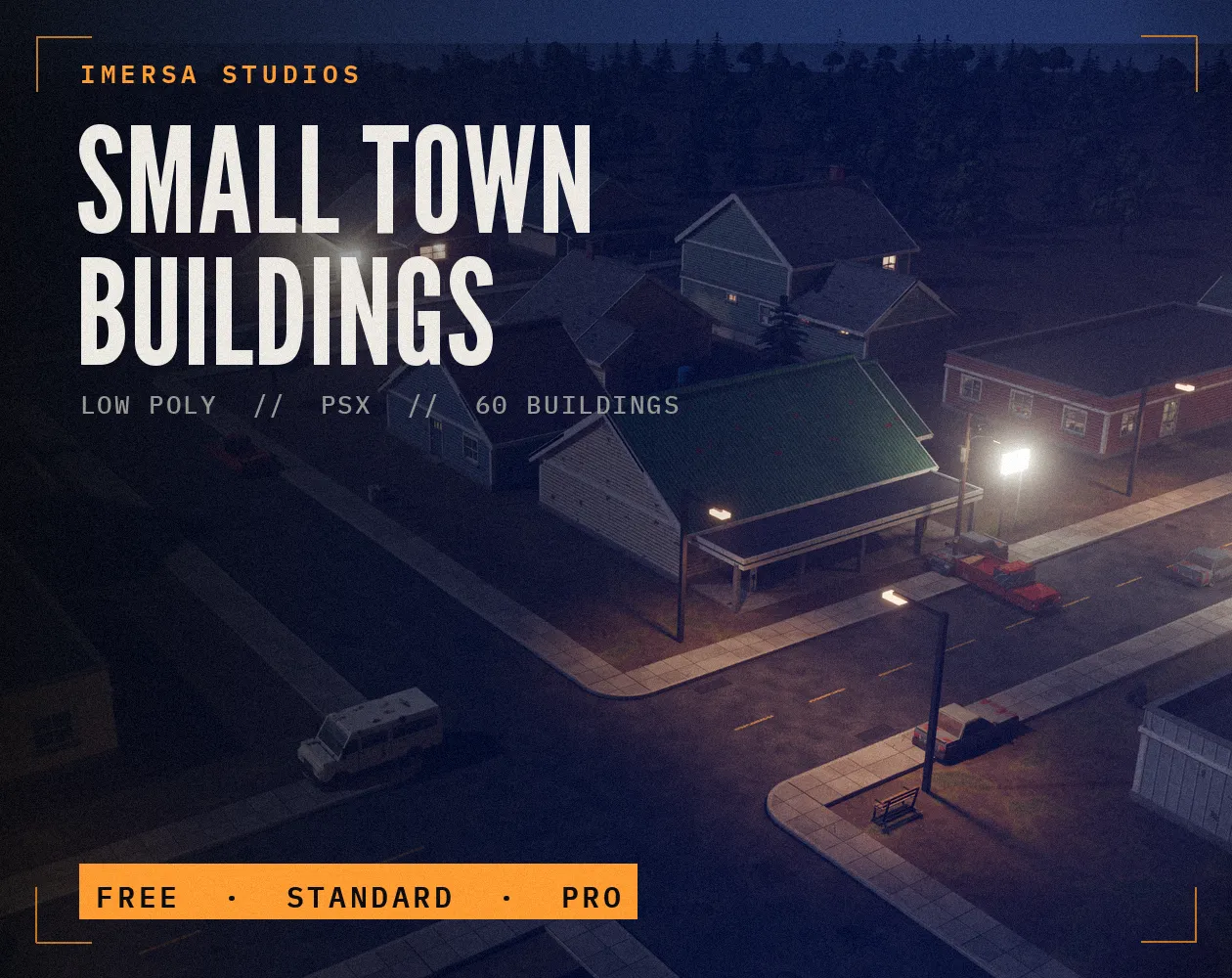
Small Town Buildings: Low Poly PSX Town Kit
Free / Standard / Pro
 BEST SELLER
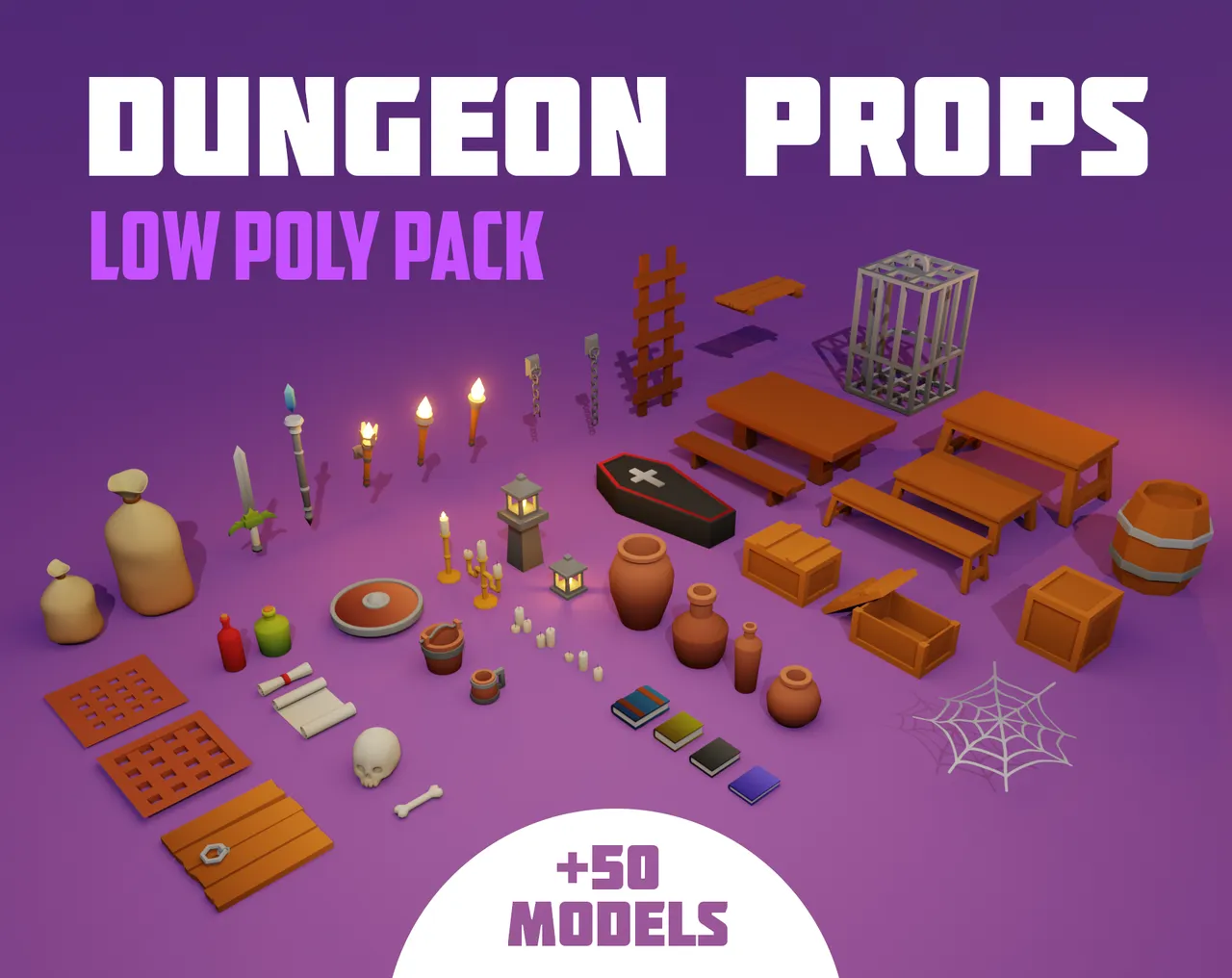
Dungeon Props Low Poly Pack
50+ models · .blend
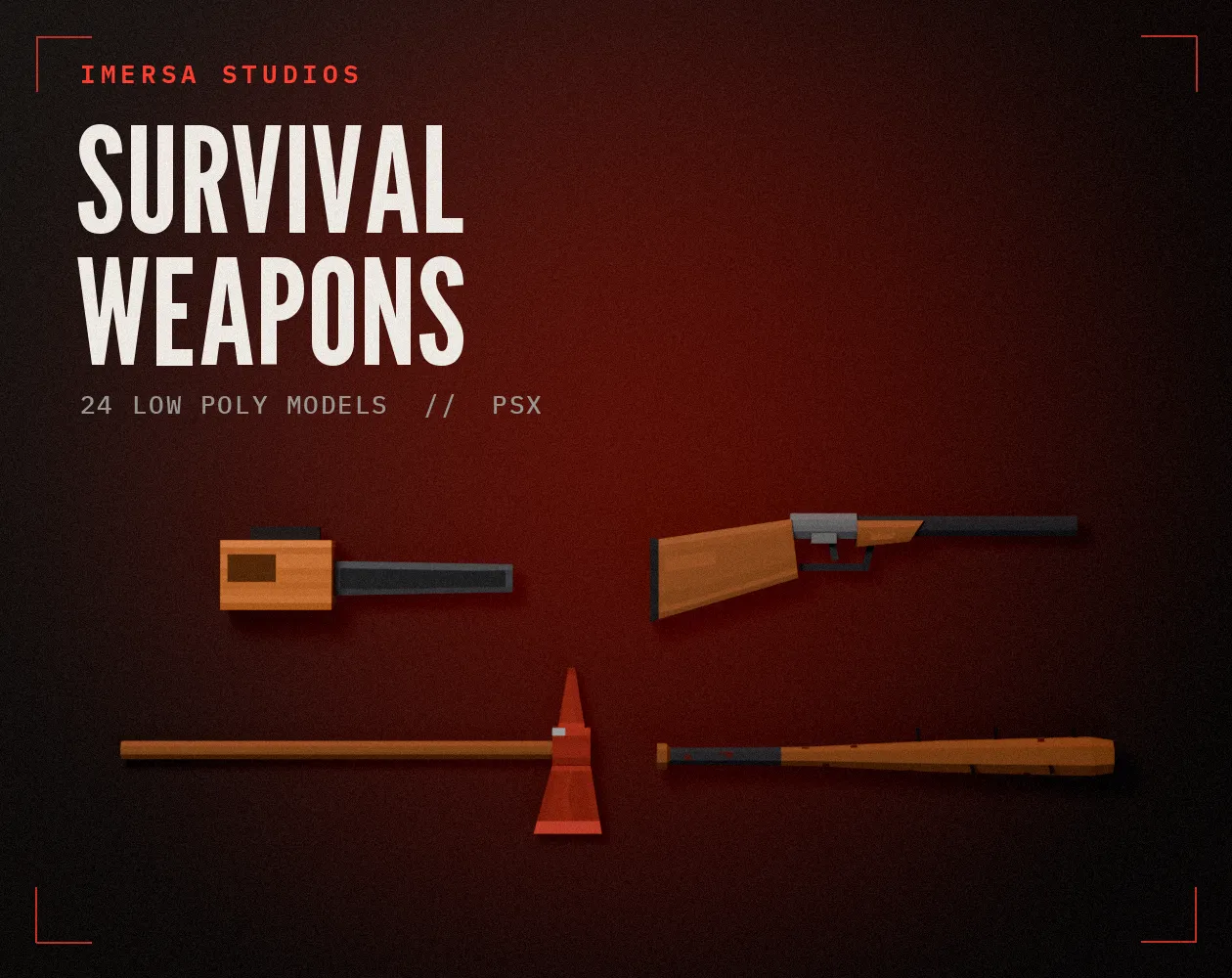
Survival Weapons: Low Poly PSX Scavenger Pack
24 models · .blend · pixel textures
 FREE EDITION
Game Dev Guides Bundle: 6 PDF Books for Indie Devs
PDF field guide · 12 pages
Questions
On most modern hardware, draw calls and material count hurt first. Packs that share one texture, such as the Dungeon Props pack, help because many objects can batch together.
Turn on Statistics in the viewport overlays. Blender shows triangles for the scene and for the selection.
Small props are often 50 to 500 triangles and buildings a few thousand. Our PSX weapons sit around a few hundred each.
Every object that casts real-time shadows is drawn again for each shadow pass, so shadows can double the triangles drawn. Keep that headroom.