1. What assistants are good at
- Boilerplate: serialization classes, input handling, UI wiring.
- Explaining code: paste a script you do not understand and ask for a walkthrough.
- Editor tools: small scripts that rename assets or fix imports.
- Refactors and tests: renaming, splitting classes and writing simple tests.
- Shader drafts: a starting point you then check and tune.
Tools such as GitHub Copilot, Cursor and Claude Code can all do this inside your editor or terminal. The details change quickly, so use whichever fits your workflow.
2. Where they go wrong
- Invented or outdated APIs, especially after big engine changes. Always say your engine version, such as Unity 6.
- Subtle bugs in physics and timing that only show at runtime.
- Overbuilt solutions for a simple problem.
- Code you do not understand and cannot debug later.
3. A safe workflow
| Step | Why |
|---|---|
| Commit before you start | You can undo any change |
| State engine and render pipeline | Fewer wrong APIs |
| Ask for one change at a time | Easier to review and test |
| Run and test in the editor | Catches runtime bugs |
| Read the diff | You stay the owner of your code |
Never paste API keys, signing certificates or private assets into a prompt.
4. Learn the pattern, then ask better
Assistants work best when you know what good code looks like. Study a clean example first, such as the pattern in how to make a save system in Unity or an inventory in Unity, then ask the assistant to adapt it to your game.
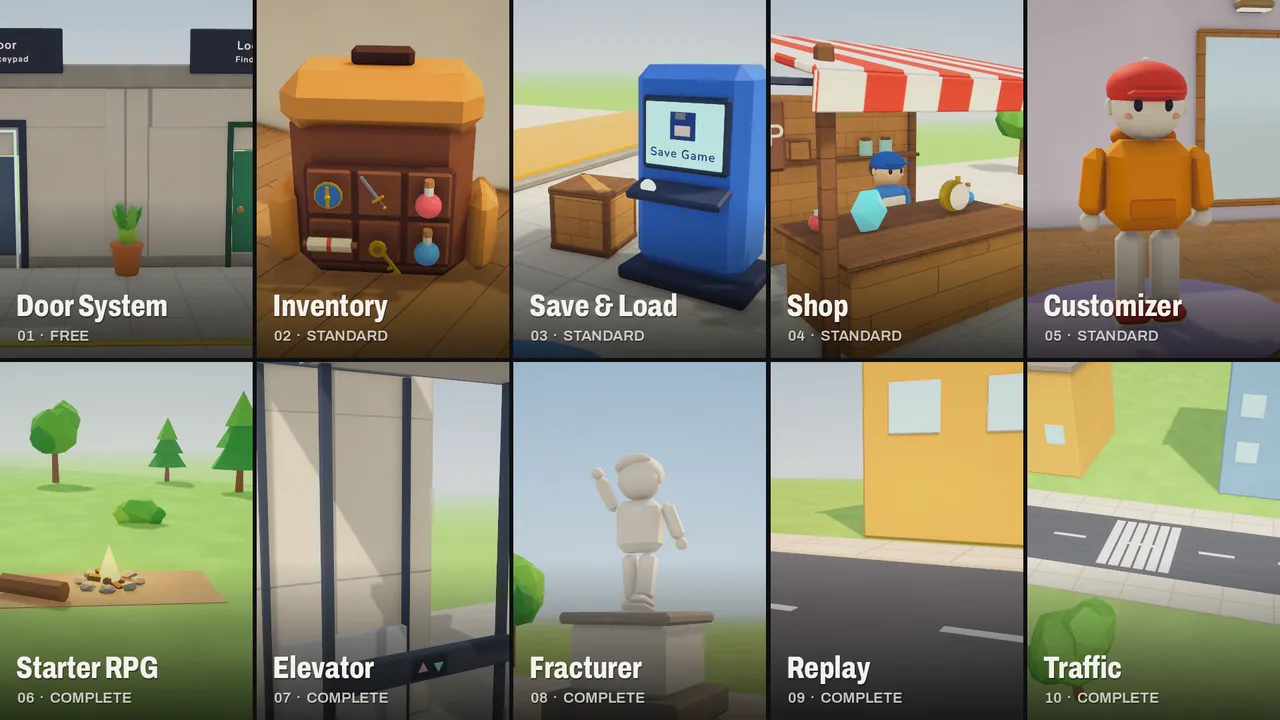
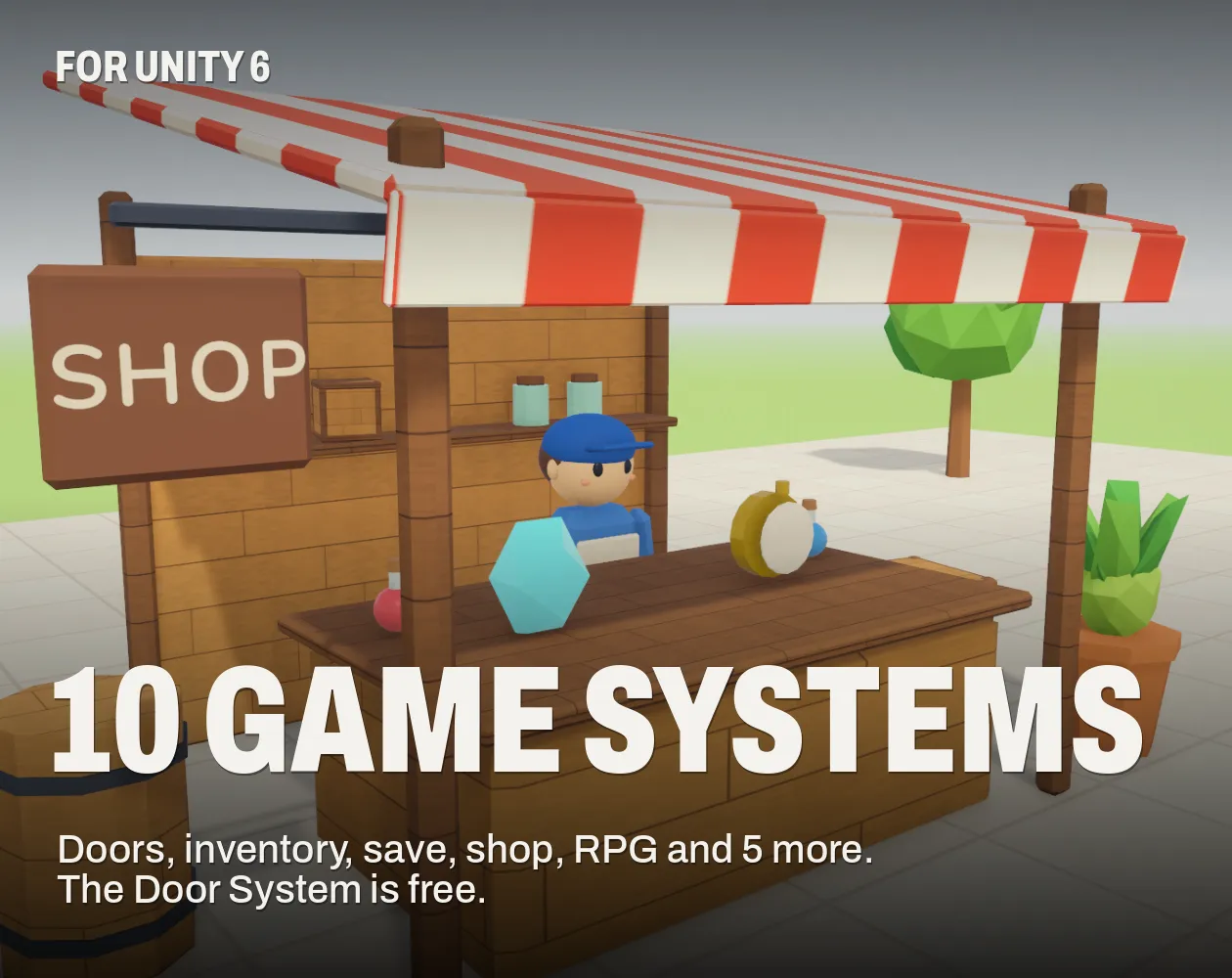
For common systems, finished code with source can be faster and easier to trust than a generated version. Our Unity systems ship with commented C# and a demo scene, so you can read and change them. Their itch.io pages carry the "No generative AI was used" label.
5. Check licences and rules
Read the terms of any assistant you use, especially around code you paste in and what it may train on. Some stores ask you to disclose AI use. See AI-generated art and Steam's rules.
Questions
Assistants can draft many parts, but a finished, fun game still needs your design, testing and judgment.
Read your tool's terms and test the code. Check any licence concerns for your region before you ship.
Several work. Try one on a small script and see which gives code you can read and trust.
State your engine version, ask for sources in the official docs and run the code to check.
Who wrote this
Imersa Studios builds the Unity systems, low poly packs and field guides sold on itch.io. The code and techniques here come from shipping those products. More about the studio.