1. The four engines side by side
| Engine | Best for | Language | Watch out |
|---|---|---|---|
| Godot | 2D, small 3D, open source | GDScript, C# | Smaller 3D ecosystem; consoles need third-party help |
| Unity | 2D, 3D, mobile, VR, big asset store | C# | Pricing and terms have changed before; heavier editor |
| Unreal Engine | High-end 3D, large teams | C++ and Blueprints | Big install; steep for small 2D games |
| GameMaker | Fast 2D, pixel art | GML | 2D only |
Licences and prices change, so read the current terms on each engine's own site before you commit. For example, Unity announced a per-install fee in 2023 and cancelled it in 2024, which is a good reminder to check the terms again before you ship.
2. Five questions that decide it
- 2D or 3D? Godot, GameMaker and Unity are all strong in 2D. For 3D, Unity and Unreal have the largest toolsets, and Godot 4 handles small 3D well.
- Which platforms? Mobile and web favour Unity and Godot. PC-only high-end visuals favour Unreal.
- How much do you want to code? Unreal's Blueprints let you build without writing C++. GameMaker and Godot's GDScript read like simple scripts. Unity expects C#.
- What is your budget and risk tolerance? Godot's licence is permissive and free. For the others, check the revenue thresholds and fees on their pricing pages.
- Who will help you? Unity has the most tutorials and assets. Pick the engine with an answer to the question you will ask next week.
3. Pros and cons of each engine
| Engine | Strengths | Catches |
|---|---|---|
| Godot 4 | Free and open source (MIT licence), no royalties; Light enough to run on an old laptop; GDScript is easy to learn; C# is supported too; Exports to the web with one click | Fewer ready-made assets and plugins than Unity; Console export needs a third-party publisher or porting service; 3D is good but less polished than Unreal at the high end |
| Unity 6 | Huge Asset Store and a lot of tutorials; C# is a common, employable skill; Ships to PC, web, mobile and consoles; Works for 2D and 3D | Licence terms have changed before; read the current ones; Heavier editor than Godot; Package and render pipeline choices can overwhelm beginners |
| Unreal Engine 5 | Best-in-class realistic 3D out of the box; Blueprints let you build logic without typing code; Free to start; check the current royalty terms; Large sample projects and Fab marketplace | Heavy: needs a strong PC and lots of disk space; Overkill for simple 2D games; C++ has a steep learning curve |
| GameMaker | Very quick to get a 2D game running; GML is friendly for beginners; Large 2D community and tutorials; Exports to PC, web, mobile and consoles on paid tiers | 2D only in practice; Commercial export needs a paid licence; Closed source |
Engine licences and pricing change. Check the engine’s own site before you commit.
4. The engine does not decide your art
Models you make in Blender work in every engine. Unity and Godot 4 open .blend files directly when Blender is installed, and Unreal takes FBX. The import guide covers scale, rotation and crisp pixel textures for each one.
That also means asset packs are not tied to an engine. Our low poly packs and PSX weapon packs ship as .blend or FBX, so a switch later does not throw away your art.
5. Run a one-day test
Do not pick from reviews alone. Build the same tiny scene in your top two engines: move a character, pick up an item and save. At the end of the day you will know which editor you enjoy and which docs you could follow.
- Hour 1-2: install, follow the official beginner tutorial.
- Hour 3-5: movement and a pickup.
- Hour 6-8: a save and a build for your target platform.
If you choose Unity, the Inventory System and Save & Load System are good test subjects because they cover those exact steps.
6. Then scope the game
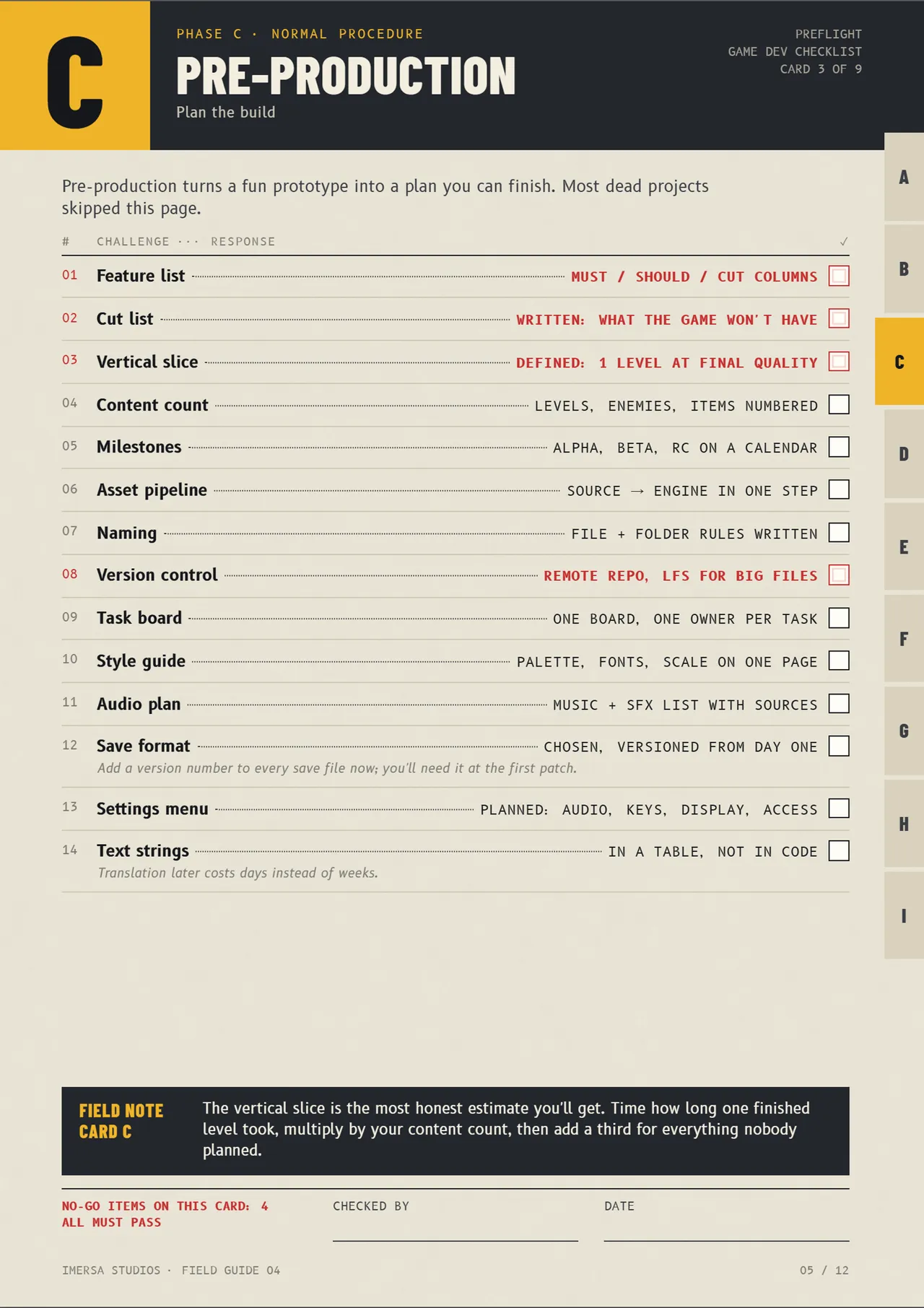
The engine is one decision of many. How to scope your first indie game covers the next one, and Preflight lists every step through launch.
Questions
Godot and GameMaker are the friendliest for 2D, and Unity has the most tutorials. Choose the one whose beginner tutorial you will finish.
Yes. Godot is open source under the MIT licence, so you can ship commercial games without royalties. Check platform-specific export requirements first.
Unity is usually gentler for small games and mobile, and Unreal suits high-end 3D. If your game is small, start with Unity or Godot.
Code and scenes do not carry over, but models, textures and audio do. That is why art in .blend, FBX or glTF stays useful.
Who wrote this
Imersa Studios builds the Unity systems, low poly packs and field guides sold on itch.io. The code and techniques here come from shipping those products. More about the studio.