1. Set up before you model
- Work in metres and model at real-world scale (a door is about 2 m). Engines expect this.
- Turn on Statistics in the viewport overlays so you can see the triangle count.
- Decide a triangle budget first. The triangle budget calculator splits a frame budget between scenery, props, characters and weapons.
2. Block out with simple operations
Most low poly assets use a handful of tools:
| Key (Edit mode) | What it does | Use it for |
|---|---|---|
| E | Extrude | Pulling out arms, legs, towers |
| I | Inset | Panels and window frames |
| Ctrl+R | Loop cut | Adding an edge loop where you need detail |
| Ctrl+B | Bevel | Catching light on edges |
| M | Merge | Cleaning up vertices |
Start with a cube or cylinder, block the big shapes, then add detail only where the camera will see it.
3. Keep the mesh clean
- Prefer quads. Engines triangulate on export, and clean quads triangulate predictably.
- Delete faces the player never sees, such as the underside of a floor prop.
- Check face orientation (the blue and red overlay) so normals point outward.
- Apply scale and rotation with Ctrl+A before export.
- Set the origin where you want the object to pivot, often at the base.
4. Unwrap and texture
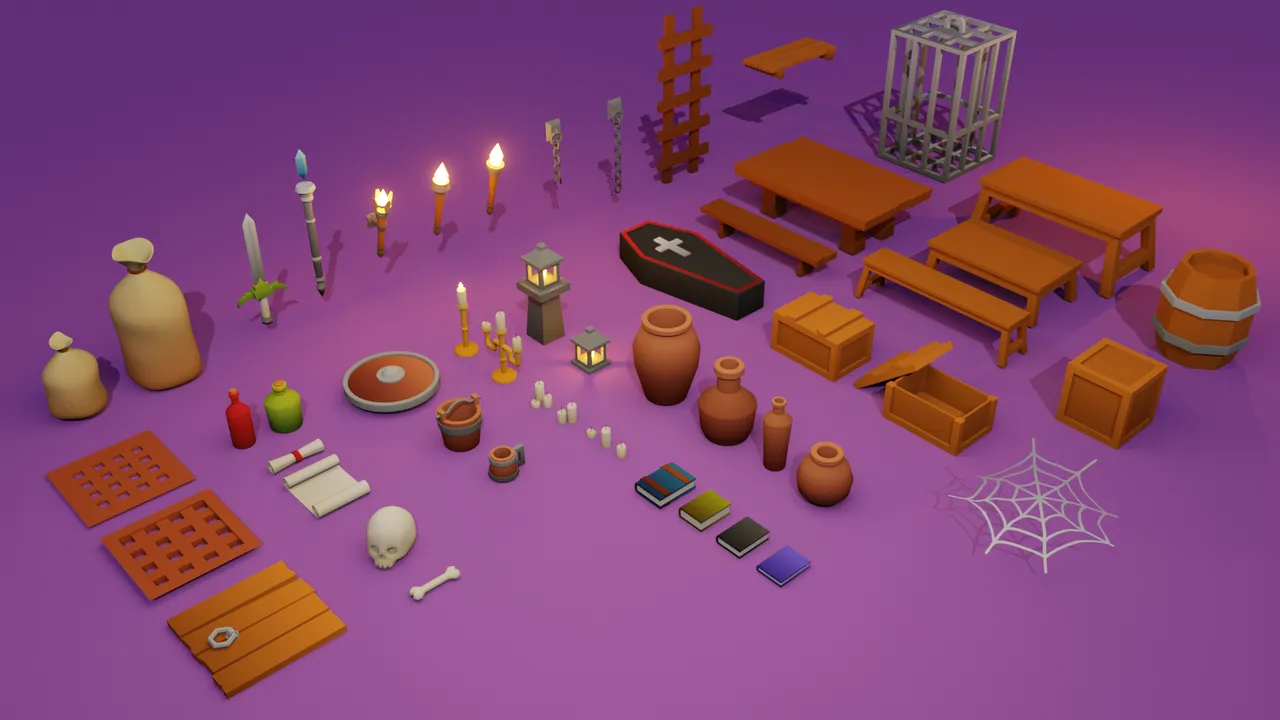
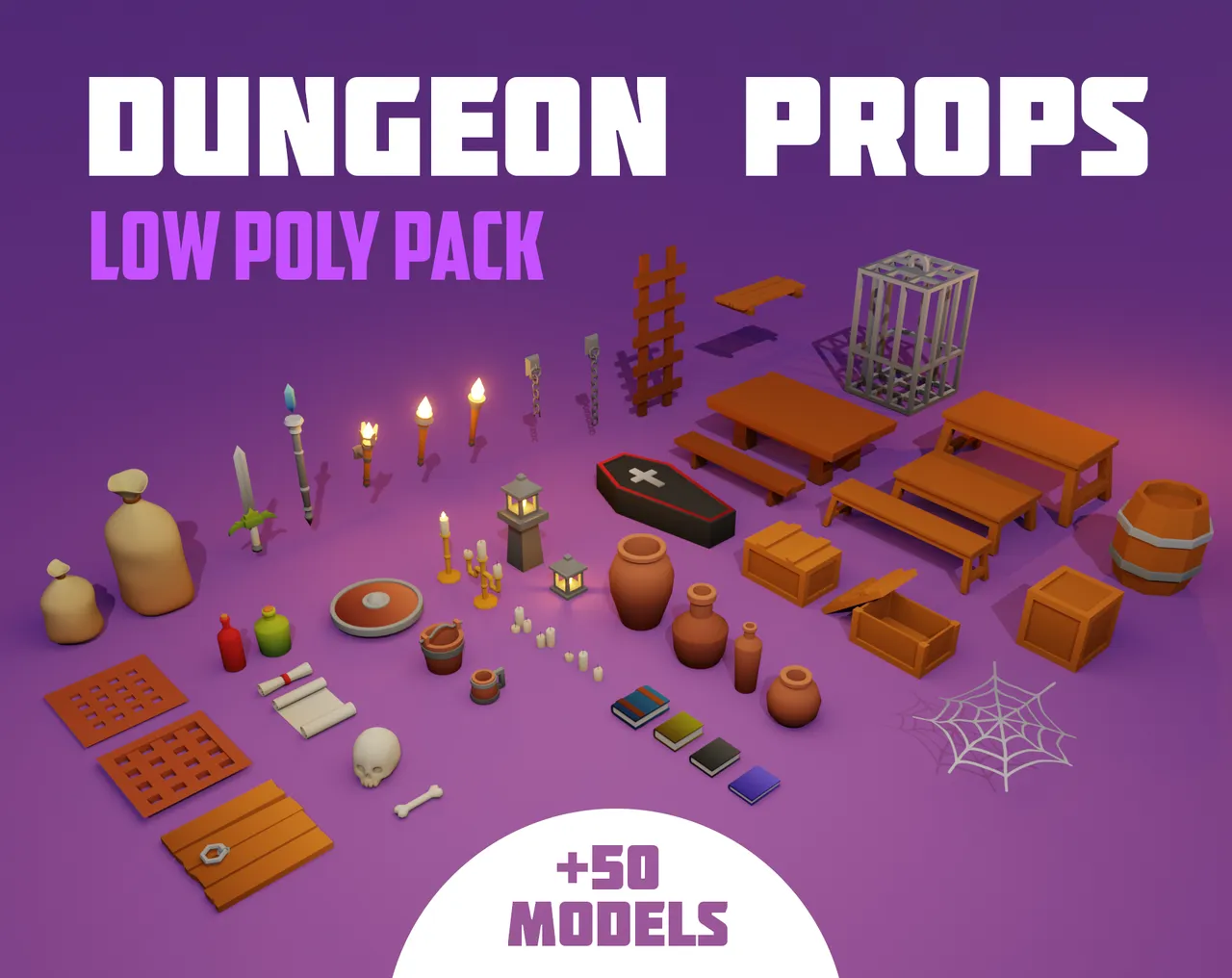
In Edit mode press U and choose Smart UV Project for simple props, or mark seams and use Unwrap for cleaner results. Pack UVs tightly. For flat colours, a shared gradient texture lets many props share one material, which is how Dungeon Props keeps draw calls low.
See how to make game textures for styles and settings.
5. Export
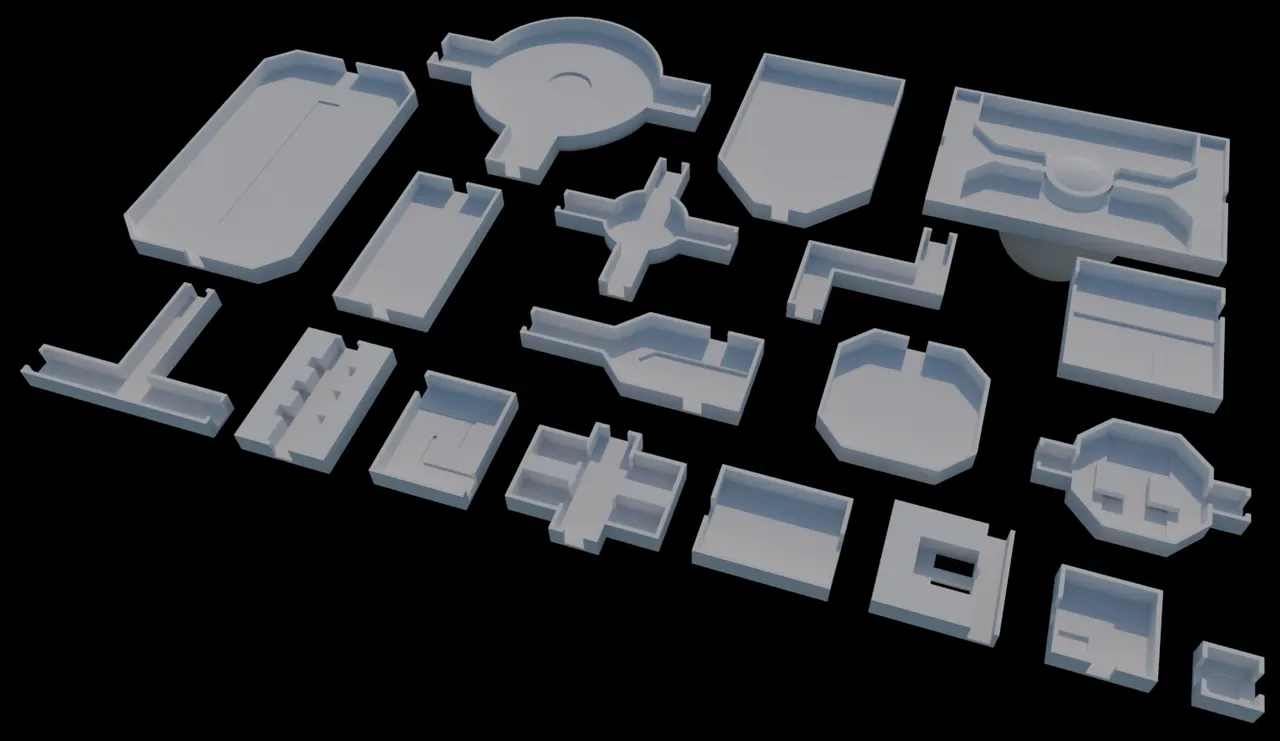
Export FBX (Apply Transform on, Forward -Z, Up Y) or glTF. Importing .blend files into Unity, Godot and Unreal covers the engine side. If you would rather start from finished models and edit them, the Dungeon Rooms pack is built to be re-modelled.
Questions
It depends on the platform and style. PSX-style props can be a few hundred triangles. Set a budget per asset type before modelling.
Model in quads for clean editing. The engine triangulates them on import or export.
Follow one small project to the end, such as a crate or a house, and export it to your engine. Finishing teaches more than watching tutorials.
Scale mismatch. Model in metres, apply scale and use the export settings in our import guide.
Who wrote this
Imersa Studios builds the Unity systems, low poly packs and field guides sold on itch.io. The code and techniques here come from shipping those products. More about the studio.