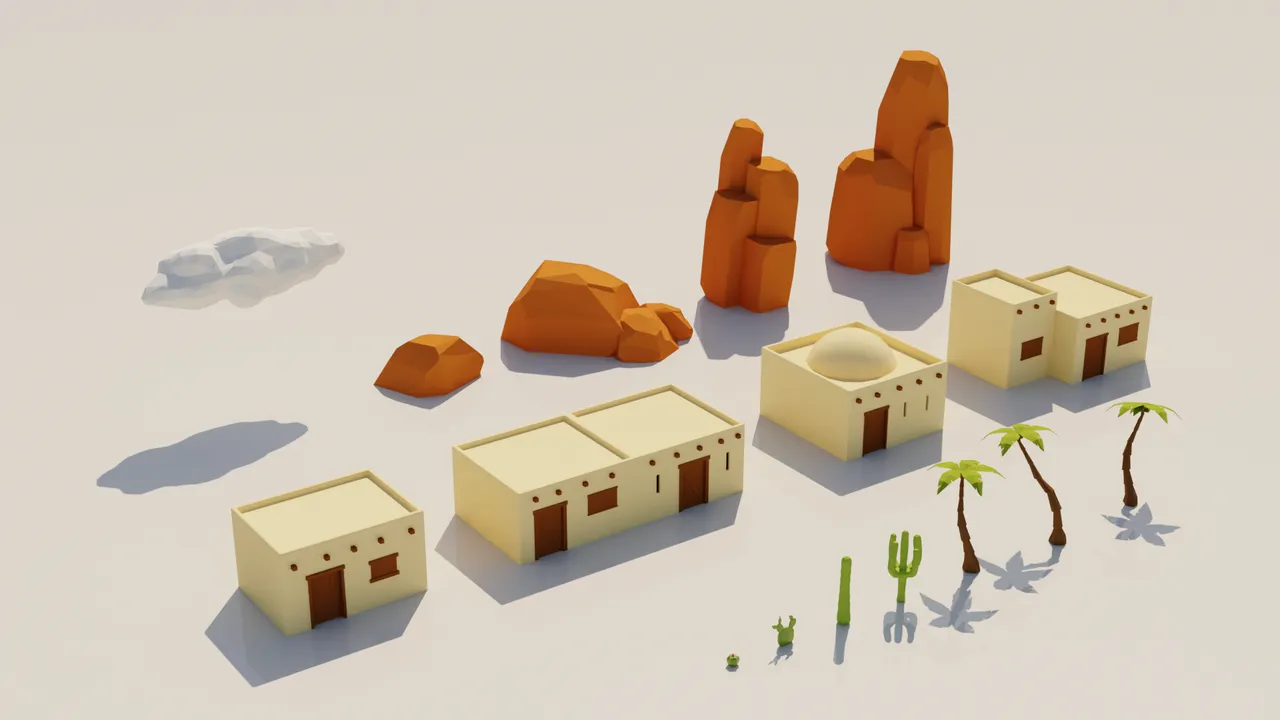
1. Size the map to your team
A bigger map means more to fill. A rule of thumb: something interesting every 30 to 60 seconds of travel keeps players moving. If you cannot fill the space, shrink it. A dense small map beats an empty big one.
2. Make terrain
Generate a base with noise, then sculpt by hand. The terrain heightmap generator makes a greyscale heightmap you can import into Unity, Godot or Unreal.
3. Place content with rules
- Landmarks first: tall or unique shapes players can navigate by.
- Points of interest in clusters with empty space between them.
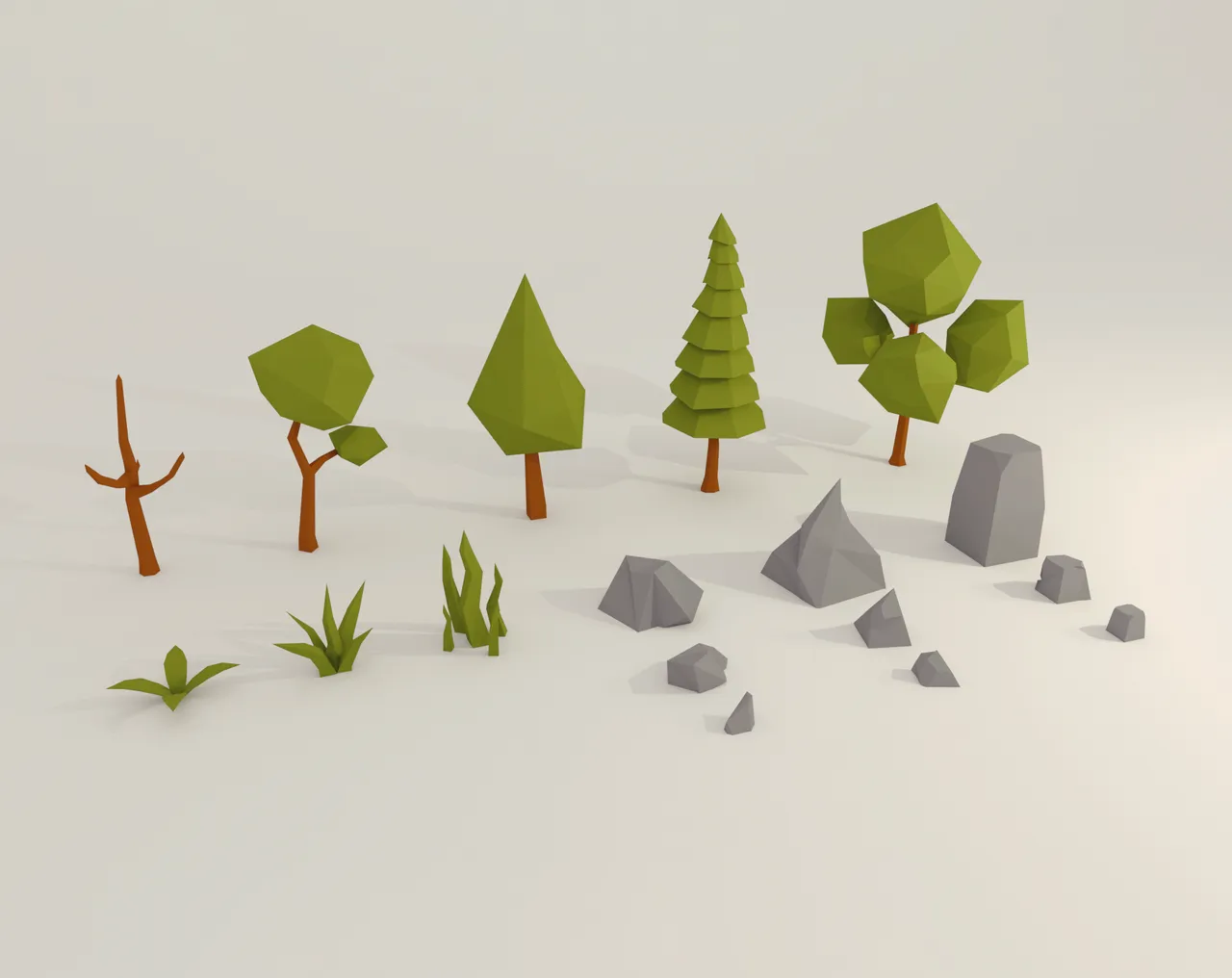
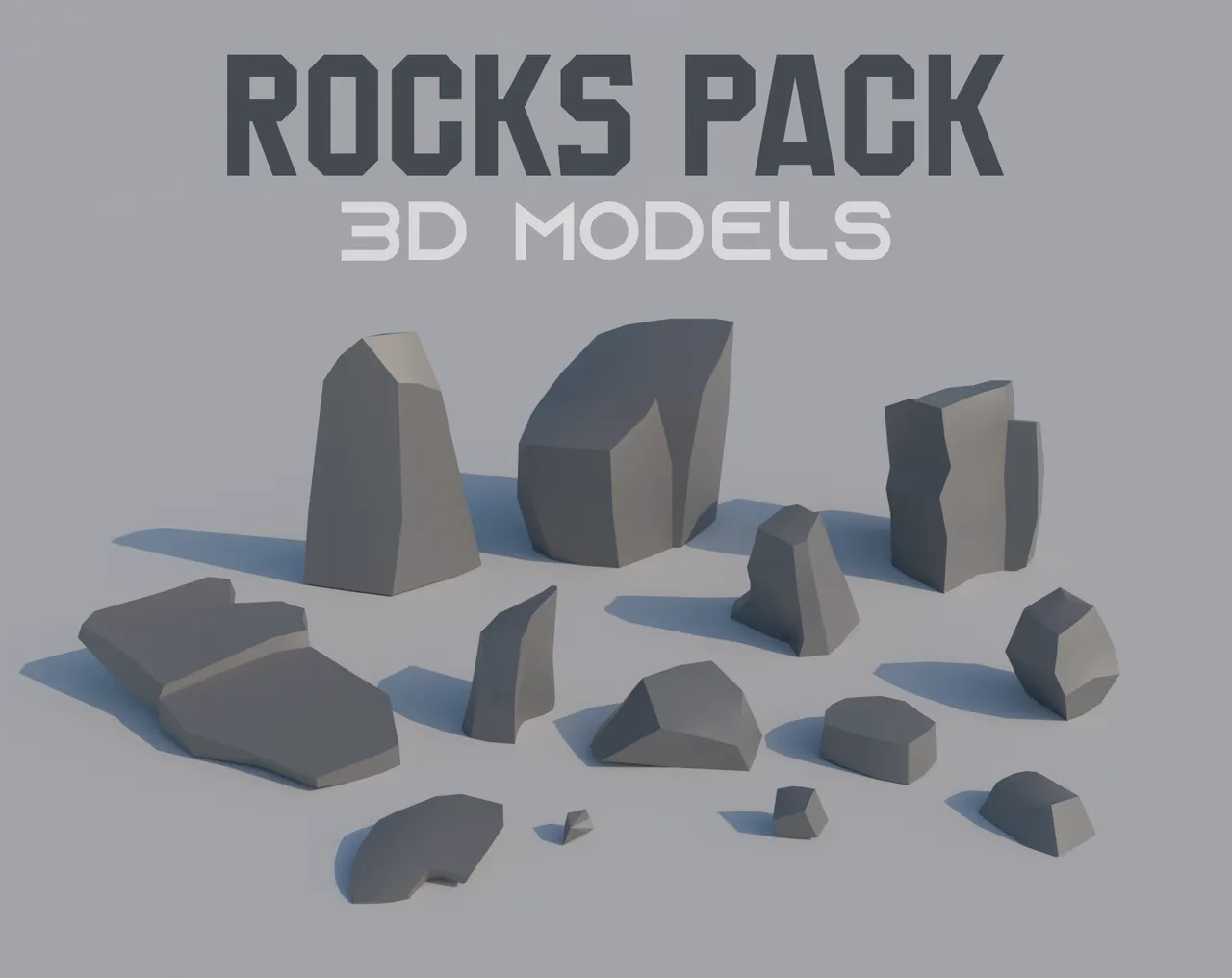
- Scatter nature props (trees, rocks, grass) with density maps, not by hand.
Low Poly Nature and Low Poly Rocks share a style, so scatters look coherent from the first minute.
4. Streaming and performance
Split the world into chunks and load those near the player. Unity, Unreal and Godot have different tools for this, so start with the manual or sample projects for your engine. Fix the budget first: the frame time budget calculator and triangle budget calculator help you set limits.
For web and mobile, read how to optimize low poly games.
5. Give the player a reason to explore
Rewards, secrets and a loop of travel, discover and upgrade matter more than size. Save progress with a robust save system.
Questions
As big as you can fill with interesting content. For small teams, a map crossable in a few minutes is plenty.
Only when the world does not fit in memory or frame budget. Small maps can load at once.
Unreal has strong built-in world tools, and Unity and Godot work for smaller worlds. Pick by scope and experience.
Space landmarks and points of interest closely, vary terrain and put something to discover every minute or so.
Who wrote this
Imersa Studios builds the Unity systems, low poly packs and field guides sold on itch.io. The code and techniques here come from shipping those products. More about the studio.